Bluurb is a Word application developed by Wanderword, but with the best Android emulator-LDPlayer, you can download and play Bluurb on your computer.
Running Bluurb on your computer allows you to browse clearly on a large screen, and controlling the application with a mouse and keyboard is much faster than using touchscreen, all while never having to worry about device battery issues.
With multi-instance and synchronization features, you can even run multiple applications and accounts on your PC.
And file sharing makes sharing images, videos, and files incredibly easy.
Download Bluurb and run it on your PC. Enjoy the large screen and high-definition quality on your PC!
Bluurb is a hilarious and easy-to-learn interactive word-game that lets you create your own unique short story.Maybe you want to create a story about aliens visiting earth? Or write a letter home from your crazy summer camp? Or how about the legendary tale about a pirate captain and a cursed treasure? They’re all here, and you get to decide what happens. Whether you’re stuck indoors on a rainy day, on a long car ride, or at the park on a sunny day, Bluurb is an engaging and inclusive activity for all ages!
To make the best story possible, you'll have to use your imagination, verbalize your ideas, and choose your words carefully. Fill in the blanks, make up words, and create whacky characters to create countless stories from the many options available.
How To Play Bluurb!
• Pick a story that looks fun to you!
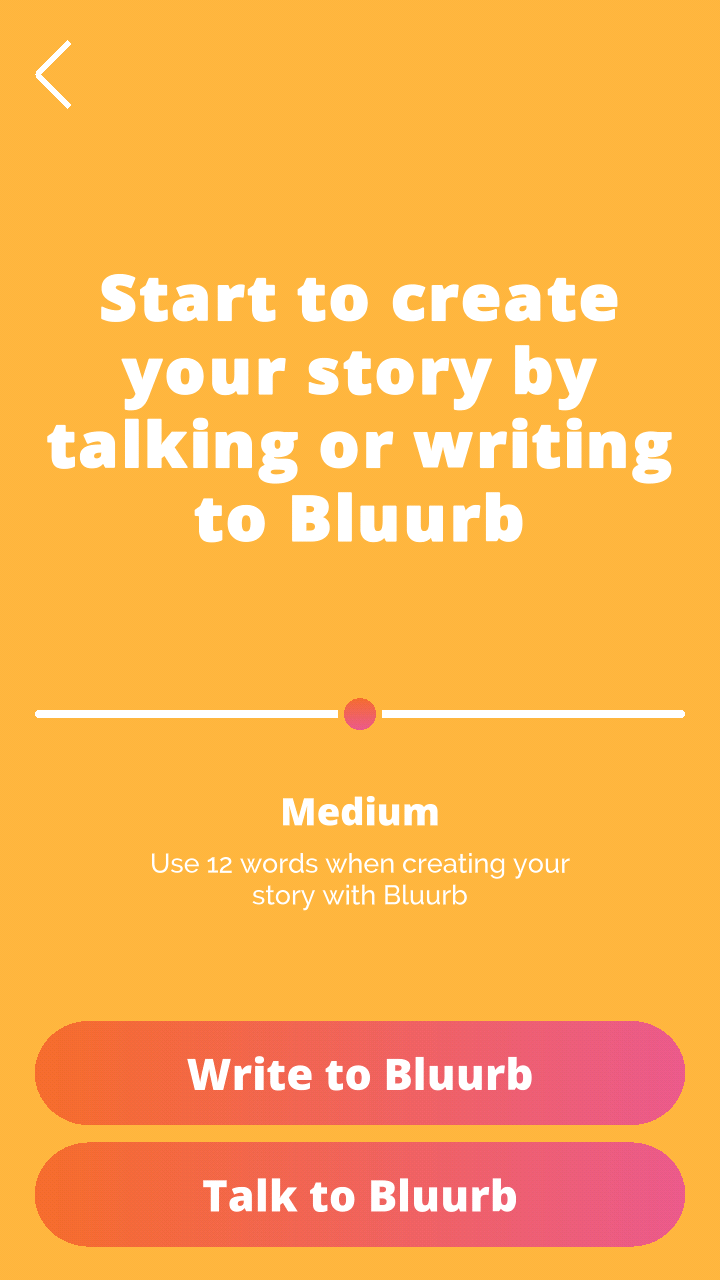
• Speak or text with Bluurb as it helps you create your own unique story using word choices!
• Have fun and make sure to come up with as many crazy and silly words you can!
Speak or write words of your choice to create Bluurbs and laugh your way through countless fun stories in this new fill in the blank story game!
What makes Bluurb special?
Wholesome family content!
Bluurb allows your children to interact and have fun while staying sharp and engaged. Most apps aim to suck you into the screen for as long as possible, often by using shady manipulation tactics. Bluurb however, is focused on drawing your attention away from the screen and up towards your friends and family as you all share a fun and interactive experience.
Interactive smart content!
Bluurb listens to your commands! You can talk to Bluurb and tell it how to make your story. You don’t need your hands to play Bluurb – you can play while cooking, cleaning, running, in the car or at the park.
Diligent Privacy!
You and your children’s privacy is our top priority. Are you tired of wondering what smart-apps and smart-devices are doing with your voice and face data? Not here! Unlike other interactive smart-tech companies, we do not record any user voice or face data.
Bluurb comes with four free premium stories that you can play over and over again!
If you create an account you will receive an additional six stories!
We do now also have a Stardoll pack featuring five stories created by the fantastic users of Stardoll!