bOing bOing Animals is a Casual game developed by 구름고래 게임연구소. LDPlayer is the best platform for playing bOing bOing Animals on Windows PC, offering powerful features to enhance your immersive experience in bOing bOing Animals.
When playing bOing bOing Animals on your computer, if you find repetitive actions or tasks tedious and time-consuming, fret not! Macro can alleviate your concerns. Simply record your actions with a click of the screen recording feature and let macros take care of the rest. Macros automate your operations, allowing you to effortlessly conquer the game with minimal effort! Start downloading and playing bOing bOing Animals on your computer now!
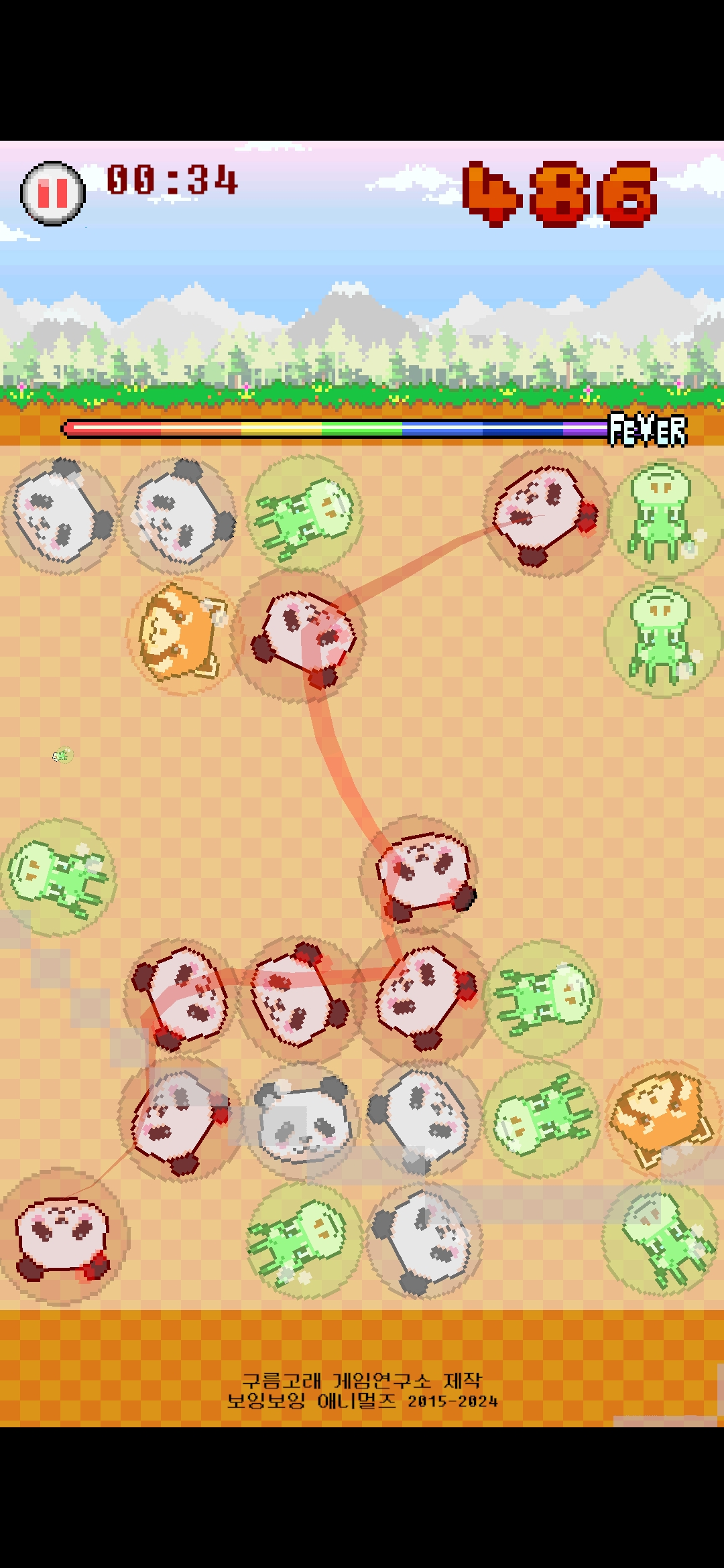
[bOing bOing Animals] is a game you enjoy by connecting animals trapped in soap bubbles.Use your fingers to [connect 3 or more animal bubbles of the same type] to get points.
The more bubbles you hit in a row, the more points you get.
If you connect a different type of animal bubble while connecting, it will [fail].
-------------------------------------------------------------------------------------------------------------------------
[Ink] covers the screen when it explodes. If you connect it with a bomb item, no ink will come out.
[Rocks] cannot be selected or exploded. However, it disappears when [Fever Mode] starts.
-------------------------------------------------------------------------------------------------------------------------
[Bomb item] must be connected to an animal bubble, and has the effect of making all animal bubbles of the same type disappear.
[Double Item] doubles the points of missing bubbles.
-------------------------------------------------------------------------------------------------------------------------
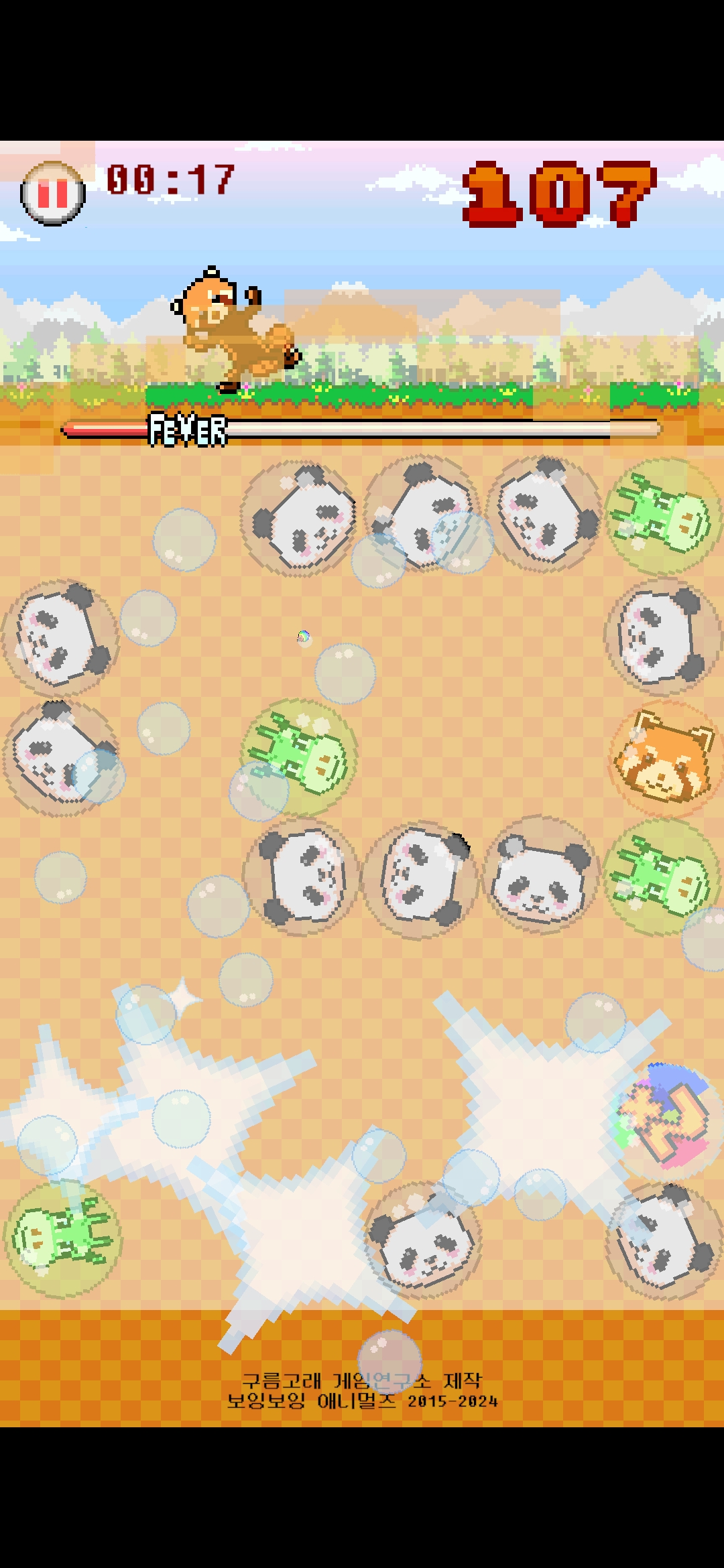
As you remove bubbles, the [Fever Gauge] fills up. When the fever gauge is full, [Fever Mode] begins and all bubbles disappear.
In Fever Mode, you can relax and enjoy [mini-games] that allow you to earn a lot of points at once.
-------------------------------------------------------------------------------------------------------------------------
When the screen becomes full of soap bubbles, [Game Over].
Save your animal friends before the screen is covered with bubbles.