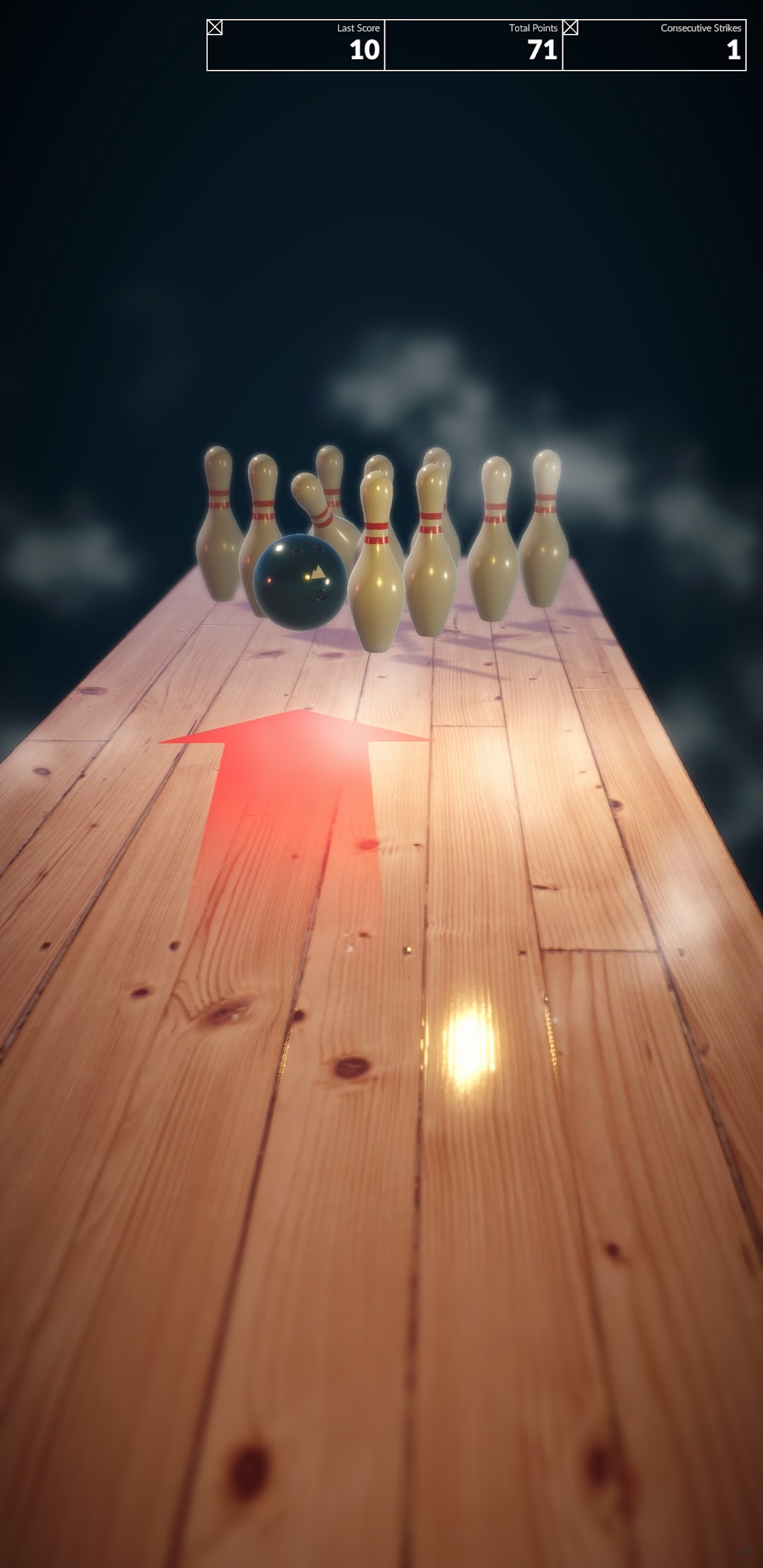
Bowl Harder is a Arcade application developed by S3ANSGAM3S, but with the best Android emulator-LDPlayer, you can download and play Bowl Harder on your computer.
Running Bowl Harder on your computer allows you to browse clearly on a large screen, and controlling the application with a mouse and keyboard is much faster than using touchscreen, all while never having to worry about device battery issues.
With multi-instance and synchronization features, you can even run multiple applications and accounts on your PC.
And file sharing makes sharing images, videos, and files incredibly easy.
Download Bowl Harder and run it on your PC. Enjoy the large screen and high-definition quality on your PC!
Bowl Harder - An Exciting Arcade Bowling Experience!Introduction
Welcome to Bowl Harder! The most exciting arcade bowling game designed for mobile play! Whether you’re a seasoned pro or a casual player, this game offers a fun and immersive bowling experience right at your fingertips. Enjoy the thrill of striking down pins, competing against friends, and unlocking new challenges in an animated bowling alley that’s always brimming with excitement!
Gameplay Overview
Simple and Fun Mechanics
Master the art of bowling with our easy-to-learn controls! Swipe, flick, and spin your way to a perfect strike. The intuitive gameplay is designed for players of all ages, making it a fun activity for family and friends. Hone your skills in practice mode or jump right into competitive matches. Every roll is a chance for a memorable strike!
Welcome to the ultimate bowling experience in our exciting new mobile game! Step into a vibrant arcade atmosphere where you can show off your bowling skills and have endless fun! Perfect your technique with easy-to-learn controls. With stunning graphics and realistic physics, each game promises a thrilling challenge that keeps you coming back for more. Unlock unique bowling balls and striking lanes as you progress through different levels, making every roll an exhilarating adventure! Download now and immerse yourself in the fun of bowling like never before!
Stunning Graphics and Sound
Visuals
Bowl Harder boasts high-definition graphics that are visually stunning and top-notch animation that brings the bowling experience to life. The excitement of bowling is amplified with smooth gameplay and captivating visuals, making it easy to lose track of time while having fun.
Sound Effects
Immerse yourself in an exhilarating arcade atmosphere with dynamic sound effects. Feel the impact of strikes, the cheers of the crowd, and the engaging background music that keeps your adrenaline pumping. It’s not just a game; it’s a complete sensory experience!
achievements to your friends as a testament to your bowling journey!
Conclusion
Bowl Harder redefines mobile gaming with a perfect blend of excitement, fun, and competitive gameplay! Dive into our captivating bowling lanes, meet friends, and challenge your skills in a dynamic arcade environment that always has something new to offer. Download now and experience the thrill of bowling like never before—it's time to roll into action!