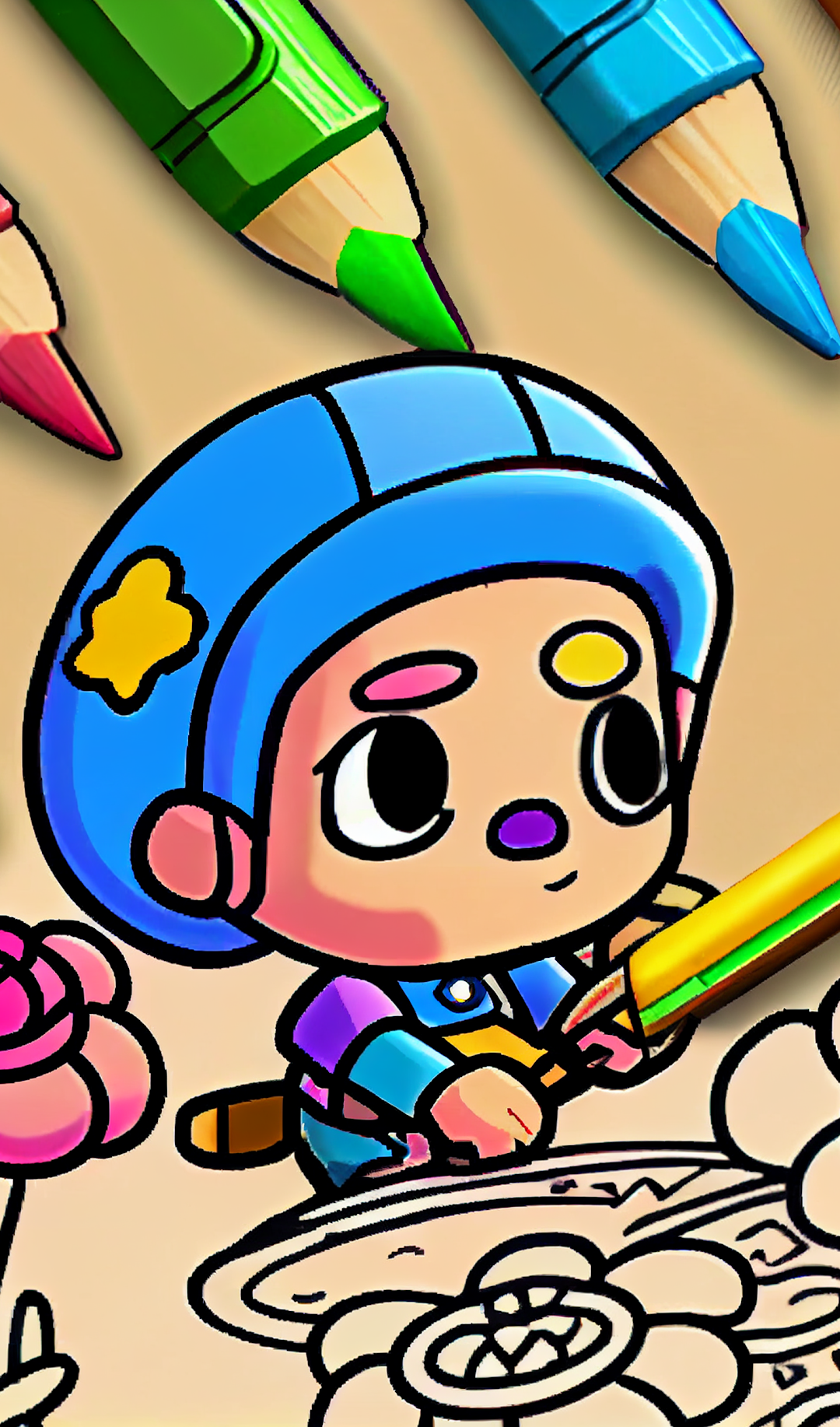
Brawl Stars Coloring Book is a Arcade application developed by X Store Inc., but with the best Android emulator-LDPlayer, you can download and play Brawl Stars Coloring Book on your computer.
Running Brawl Stars Coloring Book on your computer allows you to browse clearly on a large screen, and controlling the application with a mouse and keyboard is much faster than using touchscreen, all while never having to worry about device battery issues.
With multi-instance and synchronization features, you can even run multiple applications and accounts on your PC.
And file sharing makes sharing images, videos, and files incredibly easy.
Download Brawl Stars Coloring Book and run it on your PC. Enjoy the large screen and high-definition quality on your PC!
Brawl Stars Coloring book & Paint is a fun and easy Simulator of Boxes coloring book and painting book, give your the full experience of coloring your favorite "BRAWL STARS" using color and glitter paint with one touch screen.You can choose a nice picture from our colouring games to start your cartoon coloring page journey.
They have a lot of choice from our gallery Coloring book and drawing is the best free offline simple coloring book cartoon game for drawing and painting lovers .
The application of fun coloring pages compose many cute cartoons such as Simulator of Boxes coloring book and drawing pages with many modes like Brawl Stars mode And free painting mode with Brawl Stars.
Game Features:
1) Heroes, Icons, and Skins are available for coloring;
2) More than 130 (one hundred and thirty) coloring layouts;
3) In-game monetary system;
4) Pleasant accompanying music;
5) Everyone can find their favorite character;
6) All coloring patterns are saved in the "MyWorks" section;
7) Absolutely clear and intuitive interface;
8) All kinds of coloring templates are categorized, which allows the player to quickly find what he wants.
9) Full variety of colors.
The app is in the HyperCasual genre, which allows even children (both boys and girls) to figure it out. Many adults also love to relax after a hard day and color their favorite characters and objects.
This application (fan content) is NOT a commercial project and is NOT sponsored or endorsed in any way by the Supercell team. The Supercell team is also NOT involved in creating or moderating this Fan Content and is not responsible for it, but reserves the right to use and edit it in its sole discretion and without compensation in accordance with the Fan Content policy.