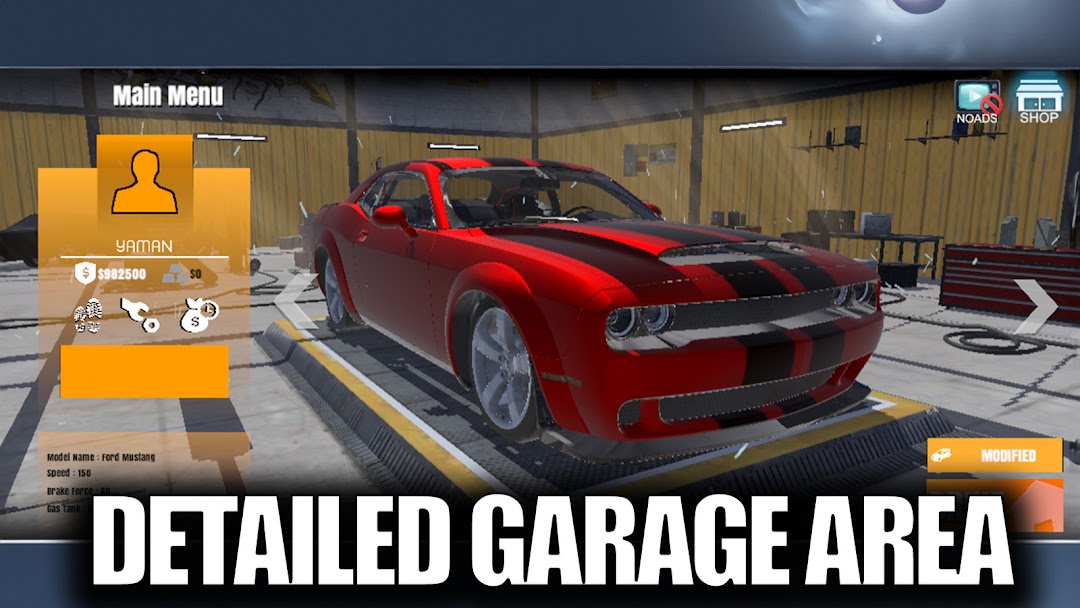
Burn Rubber Drift Game is a Simulation application developed by EUN Productions, but with the best Android emulator-LDPlayer, you can download and play Burn Rubber Drift Game on your computer.
Running Burn Rubber Drift Game on your computer allows you to browse clearly on a large screen, and controlling the application with a mouse and keyboard is much faster than using touchscreen, all while never having to worry about device battery issues.
With multi-instance and synchronization features, you can even run multiple applications and accounts on your PC.
And file sharing makes sharing images, videos, and files incredibly easy.
Download Burn Rubber Drift Game and run it on your PC. Enjoy the large screen and high-definition quality on your PC!
In today's fast-paced world, mobile games continue to evolve, offering thrilling experiences to users. Car driving-themed games, specifically those involving drift, customization, and parkour modes, provide players with unique and immersive gameplay. In this article, we will delve into these features found in mobile games.Drift mode has become an integral part of car driving games, captivating players with its adrenaline-pumping appeal. This mode allows gamers to showcase their driving skills and perform impressive drift maneuvers. During drift mode, players skillfully maneuver their vehicles, executing rapid turns and sliding the rear wheels. Mastering these moves requires precision and expertise. Mobile games with drift modes offer a safe environment for players to explore and improve their drifting techniques, ultimately becoming drift masters.
Another popular feature in car driving games is the customization option. Players can personalize their vehicles according to their preferences. Customization allows them to enhance performance, alter appearances, and add various parts to their cars. By modifying elements such as engines, tires, and suspensions, players can shape their vehicles to suit their style. Customization options empower players to create unique cars while gaining a competitive edge against rivals.
Moreover, parkour modes that involve airborne stunts take the excitement in car driving games to new heights. These modes transcend traditional race tracks, enabling players to defy gravity and soar through the air. Challenging ramps, aerial acrobatics, and mind-bending twists form the core of parkour modes. Players can experience an adrenaline rush, pushing the boundaries of physics, and showcasing their acrobatic skills on extraordinary tracks.
Mobile games with car driving, drift, and parkour elements provide players with an unparalleled gaming experience. These games offer an avenue for players to engage in activities that are otherwise impossible in real life. Whether it's perfecting drift techniques, personalizing vehicles, or defying gravity on daring parkour tracks, mobile games cater to car enthusiasts seeking high-octane thrills.
So, buckle up, hit the road, and embark on a thrilling journey through the fast and exhilarating world of mobile car games!