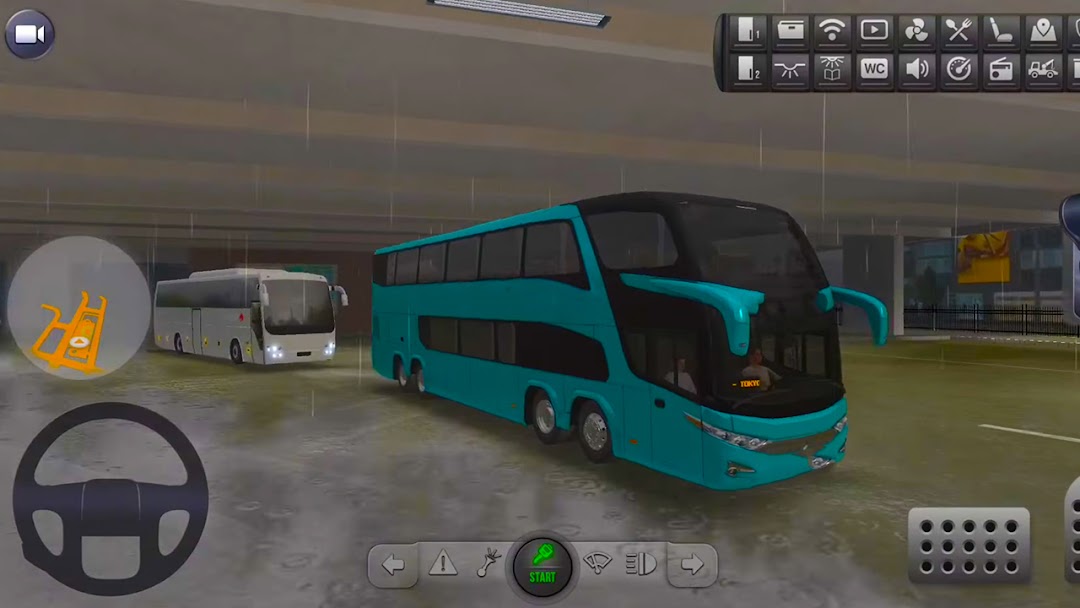
Bus Simulator: Crazy Drive is a Simulation application developed by tiger game, but with the best Android emulator-LDPlayer, you can download and play Bus Simulator: Crazy Drive on your computer.
Running Bus Simulator: Crazy Drive on your computer allows you to browse clearly on a large screen, and controlling the application with a mouse and keyboard is much faster than using touchscreen, all while never having to worry about device battery issues.
With multi-instance and synchronization features, you can even run multiple applications and accounts on your PC.
And file sharing makes sharing images, videos, and files incredibly easy.
Download Bus Simulator: Crazy Drive and run it on your PC. Enjoy the large screen and high-definition quality on your PC!
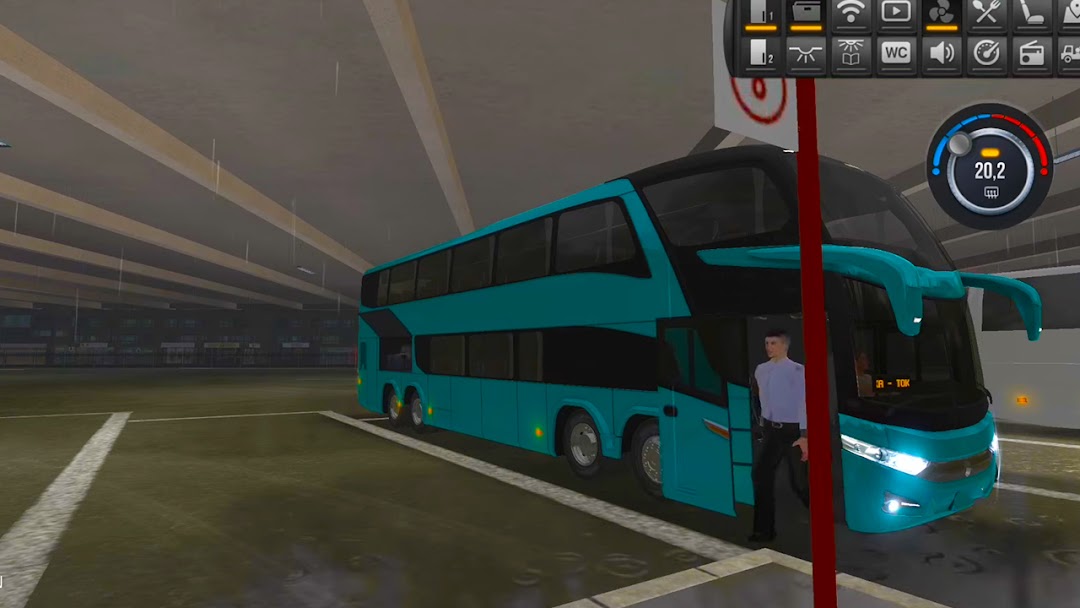
Bus Simulator: Crazy Drive game permit you chance to drive euro bus and city buss through city and unpleasant territory mountain conditions. In game and Bus Simulator: Crazy Drive game, Select your bus and start the bus engine to show your city bus driving capacities in bus simulator game. In Bus Simulator: Crazy Drive, your crucial task is to drive city coach endlessly bus voyagers beginning with one city bus terminal then onto the following bus terminal with faultlessness.Significantly quick and dirty roads across the world, a reasonable environment and an exchanging continually cycle cast a spell on the player in Bus Simulator: Crazy Drive and Current bus Driving game.
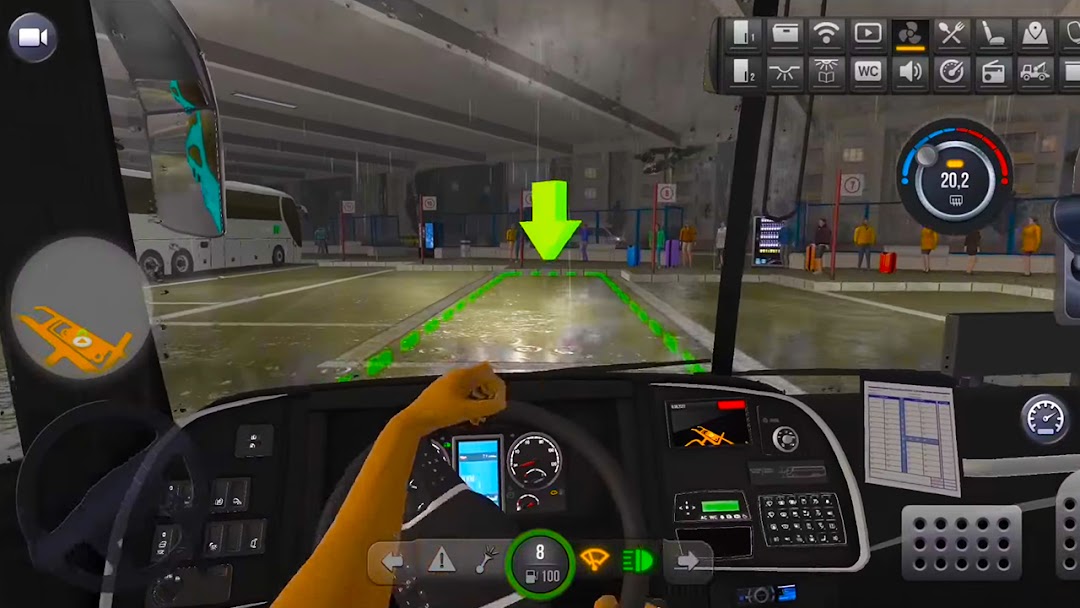
Bus Simulator: Crazy Drive 3d has various camera focuses in the bus driving game when you drive the Bus Simulator: Crazy Drive you see all that in the camera sees. Steep ways, perilous turns, mountain edges, problematic weather conditions, positive buss, sensible internal parts and a brilliant slanting environment will make you feel like you are driving a certified bus on an incline. Plan for unpleasant territory slant driving in this Bus Simulator: Crazy Drive and veritable bus driver in the bus Test system: The bus game.
Bus Simulator: Crazy Drive game buss and wind them in totally open world city. You can play it detached likewise; rather you can say it is the best disengaged Bus Simulator: Crazy Drive. A ton of different empowering courses in game, gigantic massive sections, steep platforms, sharp turns, tight Bus Simulator: Crazy Drive games circumstances, high gridlocks, vehicle crashes, a work in progress locale, over the top banter cases and fundamentally more.
Highlights of Bus Simulator: Crazy Drive
- Helping neighborhood individuals with getting lawbreakers, or building a house and Ferris wheel.
- best leaving bus generation bus with prohibitive thought euros games
- City bus driving and bus leaving experience with volvo bus
- Smooth coordinating control and sensible environment 3d euro
- Loads of traveler fernbus bus new bus game 2021 fernbus test framework
- bus association the chiefs system with utilized drivers for your buss and custom course reserving.
- Different camera focuses (Interior cam, Front cam, outer cam from that point, anything is possible)
- Lots of bus customization decisions including paint, decoration, body parts, cooling, pennants, decals and some more
- totally traffic rules organized game
- Different Models of development game Excellent Arrangement buss
Challenge your mates with the online multiplayer mode, display your adjusted bus! Transform into the Leader of The Road by playing Bus Simulator: Crazy Drive!