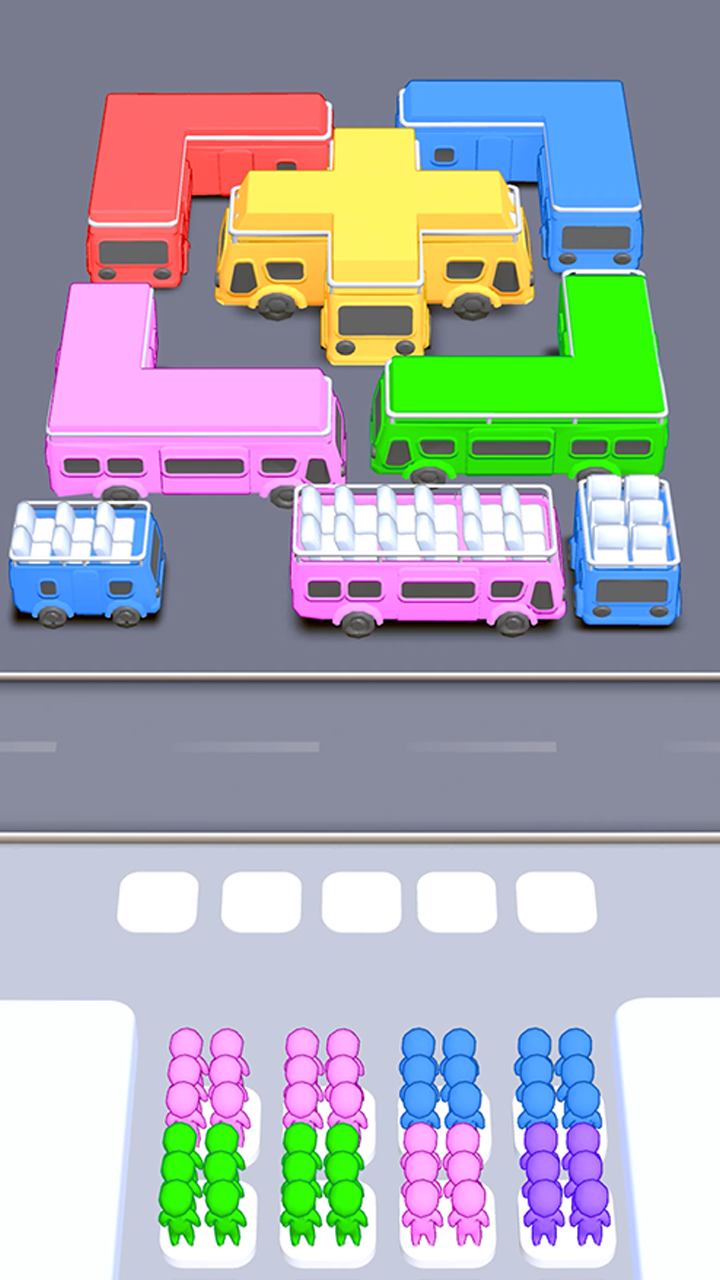
Bus Stop Puzzle is a Puzzle application developed by Younick Games, but with the best Android emulator-LDPlayer, you can download and play Bus Stop Puzzle on your computer.
Running Bus Stop Puzzle on your computer allows you to browse clearly on a large screen, and controlling the application with a mouse and keyboard is much faster than using touchscreen, all while never having to worry about device battery issues.
With multi-instance and synchronization features, you can even run multiple applications and accounts on your PC.
And file sharing makes sharing images, videos, and files incredibly easy.
Download Bus Stop Puzzle and run it on your PC. Enjoy the large screen and high-definition quality on your PC!
Get ready for a fun and brain-teasing challenge in Bus Stop Puzzle! In this game, your mission is to sort colorful stickmen into their matching buses. Each bus can hold only 24 stickmen of the same color, and you’ll need sharp eyes and quick taps to ensure the colors match perfectly. The grid is filled with stickmen in vibrant hues, and you must strategize carefully to avoid overfilling the waiting slots.How to Play:
Tap to Sort: Tap on stickmen to send them to the corresponding bus. Only buses in the first row can be filled at a time. Once a bus is full, it leaves, making room for the next one.
Match the Colors: Ensure that stickmen of the same color are grouped together in multiples of 24 (e.g., 24, 48, or 72).
Think Ahead: Plan your moves strategically to prevent the grid from filling up and blocking your progress.
Complete the Grid: Fill every bus with matching stickmen to clear the level and move on to more challenging puzzles.
Features:
Colorful stickmen in 7-8 vibrant hues.
Dynamic gameplay with increasing difficulty as you progress.
Strategic puzzle mechanics that test your sorting and planning skills.
Relaxing yet engaging experience suitable for all ages.
Can you master the art of color sorting and clear every level? Jump into Stickman Sort: Color Match and prove your skills!