Bussid Simulator - Telolet is a Simulation application developed by ars tec deve, but with the best Android emulator-LDPlayer, you can download and play Bussid Simulator - Telolet on your computer.
Running Bussid Simulator - Telolet on your computer allows you to browse clearly on a large screen, and controlling the application with a mouse and keyboard is much faster than using touchscreen, all while never having to worry about device battery issues.
With multi-instance and synchronization features, you can even run multiple applications and accounts on your PC.
And file sharing makes sharing images, videos, and files incredibly easy.
Download Bussid Simulator - Telolet and run it on your PC. Enjoy the large screen and high-definition quality on your PC!
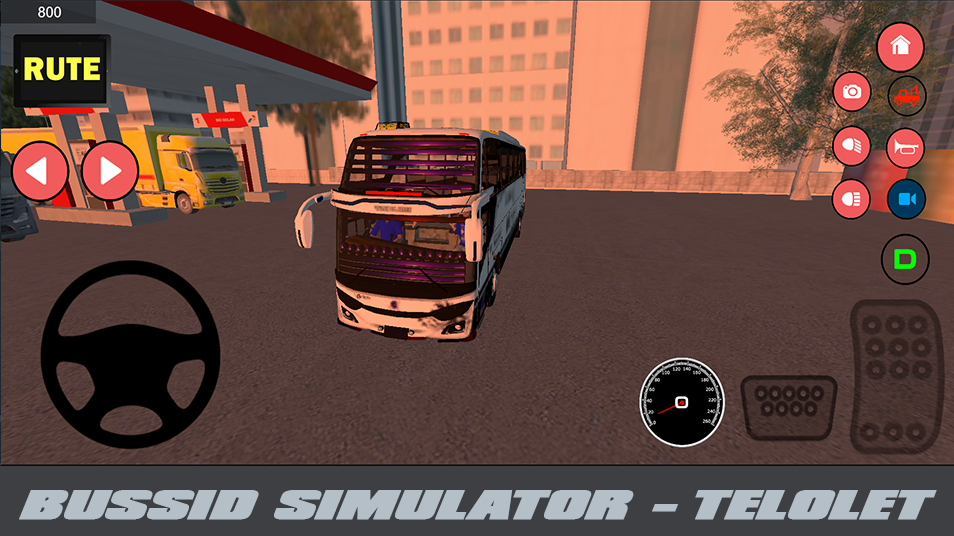
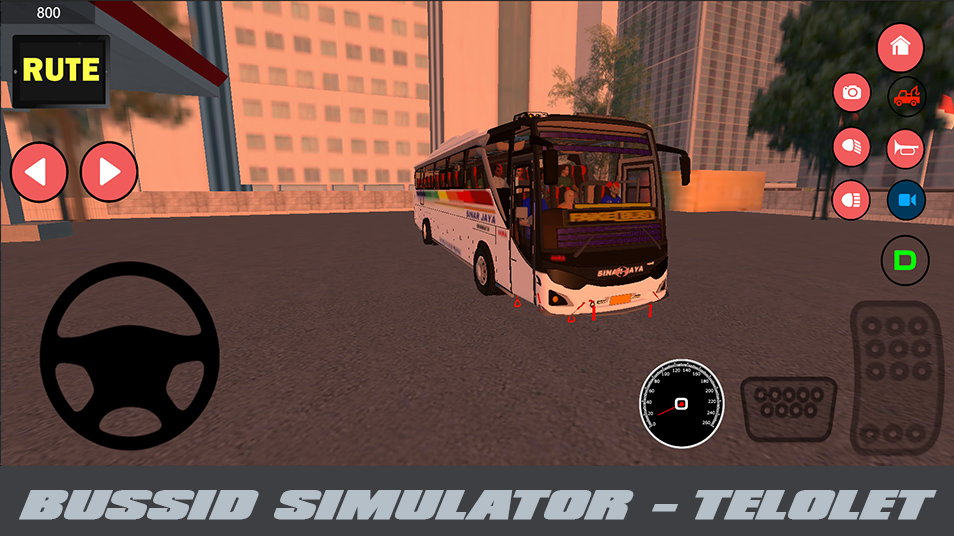
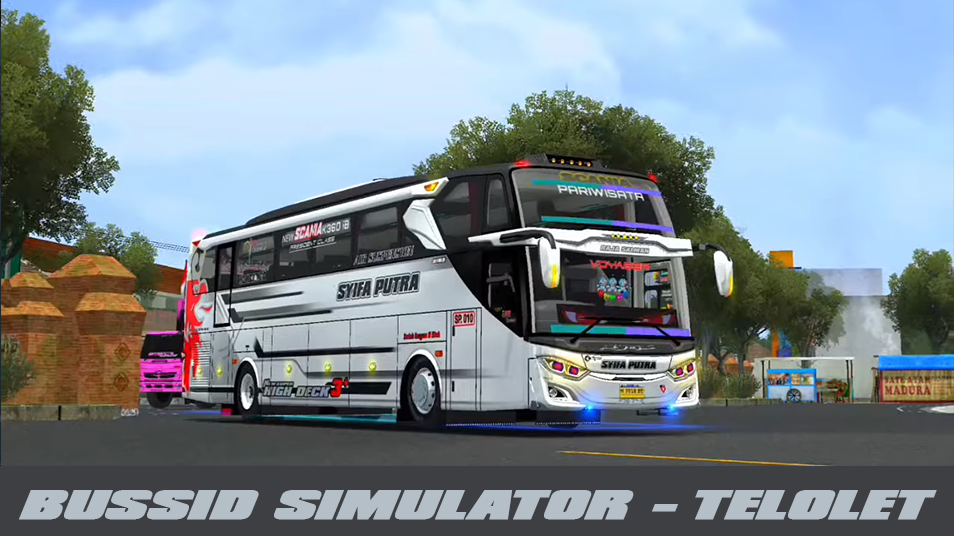
Bussid Simulator - Telolet is a bus simulation game that presents an exciting experience driving a Basuri swerving bus with a cool model and interesting features. In this game, players can feel the sensation of driving a stylish and challenging bus, crossing various routes from urban to challenging rural areas.Features:
Cool Basuri Swerving Bus Choices: This game offers a variety of swerving buses with modern designs and superior performance that are ready to explore various routes.
Basuri Air Horn Bus: Enjoy the sound of the Basuri bus's distinctive air horn which is magnificent and echoing, adding to the excitement of driving on the road.
Snaking Bus: Feel the challenge of driving a swerving bus with a snaking technique that requires high skills on narrow and winding roads.
Upper Funnel Bus: The bus is equipped with an iconic upper funnel horn, creating a distinctive sound sensation on the highway.
Viral Telolet 2025: Enjoy the telolet horn feature that is trending in 2025, bringing a distinctive experience that is very popular among bus enthusiasts.
Full Strobe Bus: Modify the bus with striking strobe lights, creating a stunning visual effect especially when driving at night.
Travel Across Urban and Rural Areas: Explore various views from dense urban areas to quiet rural areas, with challenging and diverse routes.
Dynamic Weather: Face the challenges of changing weather such as rain, fog, and sunshine, which add to the difficulty and variety of the game.
Exciting Gameplay:
Extreme Swerving Mode: Challenge your skills in controlling the bus in road conditions full of sharp turns and obstacles.
Offline Mode: Play this game anytime and anywhere without the need to be connected to the internet, so you can enjoy the game freely.
Passenger Delivery Mission: Complete various exciting missions in delivering passengers through challenging routes.
Bussid Simulator - Telolet provides an exciting and realistic bus simulation experience with modern features such as bus air horns, strobes, viral telolet 2025, and dynamic weather. For fans of swerving buses and lovers of the world of transportation, this game offers unforgettable excitement.