C64 H.E.R.O. is a Arcade application developed by C64 Arcade Games, but with the best Android emulator-LDPlayer, you can download and play C64 H.E.R.O. on your computer.
Running C64 H.E.R.O. on your computer allows you to browse clearly on a large screen, and controlling the application with a mouse and keyboard is much faster than using touchscreen, all while never having to worry about device battery issues.
With multi-instance and synchronization features, you can even run multiple applications and accounts on your PC.
And file sharing makes sharing images, videos, and files incredibly easy.
Download C64 H.E.R.O. and run it on your PC. Enjoy the large screen and high-definition quality on your PC!
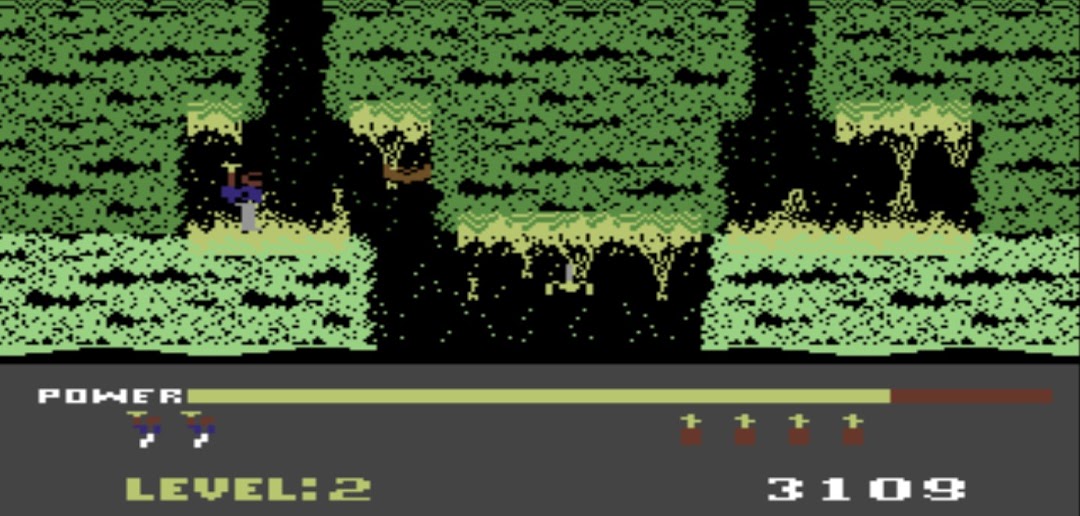
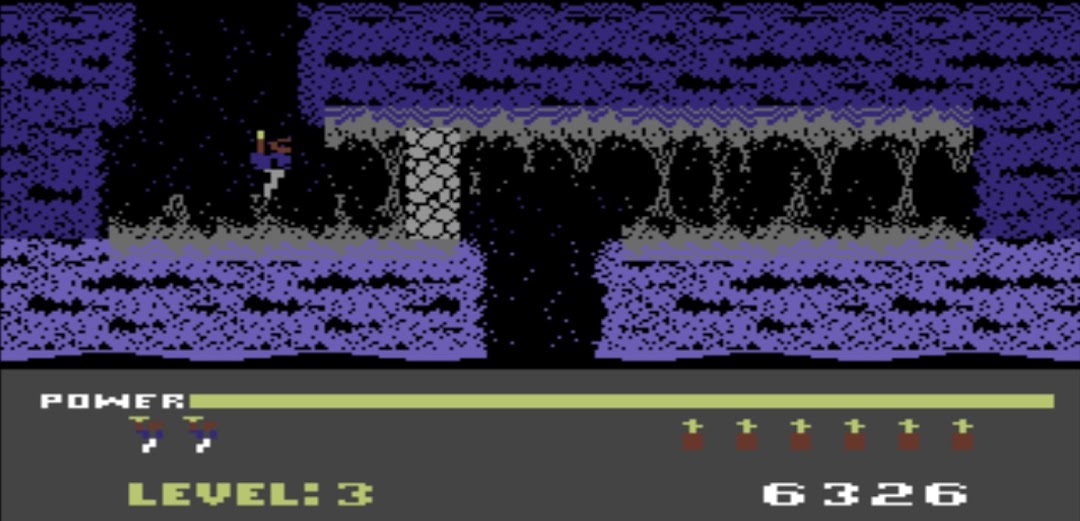
H.E.R.O. One of the best arcade games ever.You assume control of Roderick Hero, a one-man rescue team.
Miners working in Mount Leone are trapped, and it's up to you to reach them.
You are equipped with a backpack-mounted helicopter unit, which allows him to hover and fly, along with a helmet-mounted laser and a limited supply of dynamite.
Each level consists of a maze of mine shafts that Roderick must safely navigate in order to reach the miner trapped at the bottom.
The backpack has a limited amount of power, so the player must reach the miner before the power supply is exhausted, in which the player restarts the level from the beginning if that happens. The player only needs enough power to reach the trapped miner - not to return with him as well.
Mine shafts may be blocked by cave-ins or magma, which require dynamite to clear.
The helmet laser can also destroy cave-ins, but far more slowly than dynamite. Unlike a cave-in, magma is lethal when touched.
Later levels include walls of magma with openings that alternate between open and closed requiring skillful navigation.
The mine shafts are populated by spiders, bats and other unknown creatures that are deadly to the touch; these creatures can be destroyed using the laser or dynamite.
Some deep mines are flooded, forcing players to hover safely above the water. In later levels, monsters strike out from below the water. Some mine sections are illuminated by lanterns. If the lantern is somehow destroyed, the layout of that section becomes invisible. Exploding dynamite lights up the mine for a brief time.
For everyone who likes or used to play the C64 / ZX Spectrum / Atari / Apple II / MSX / BBC Micro / Acorn Electron games.
This game brings back old times, is completely off-line playable and is lot's of fun.
Enjoy it as much as we do!