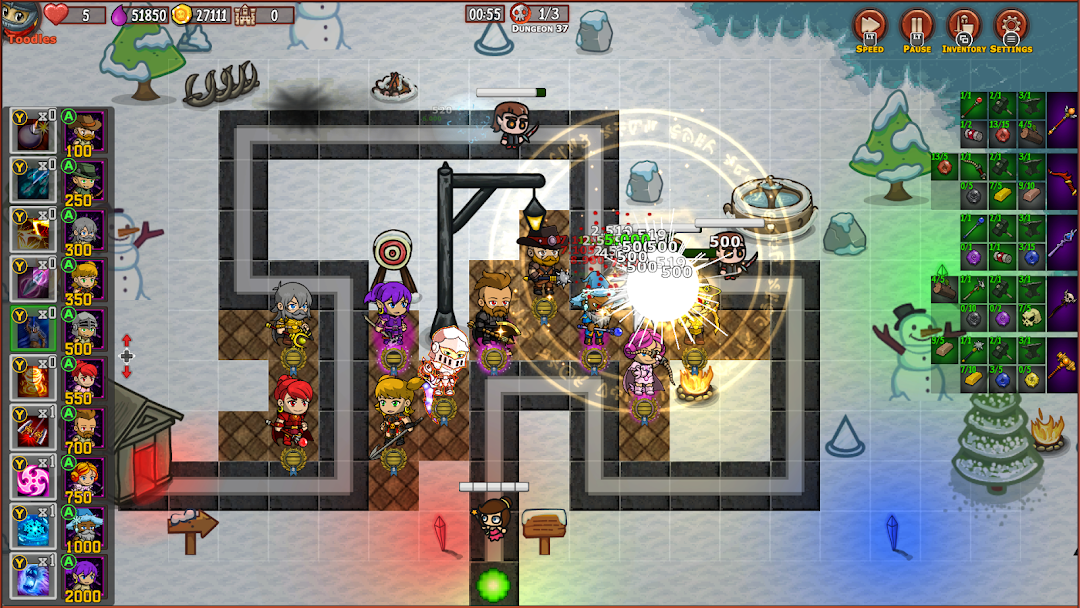
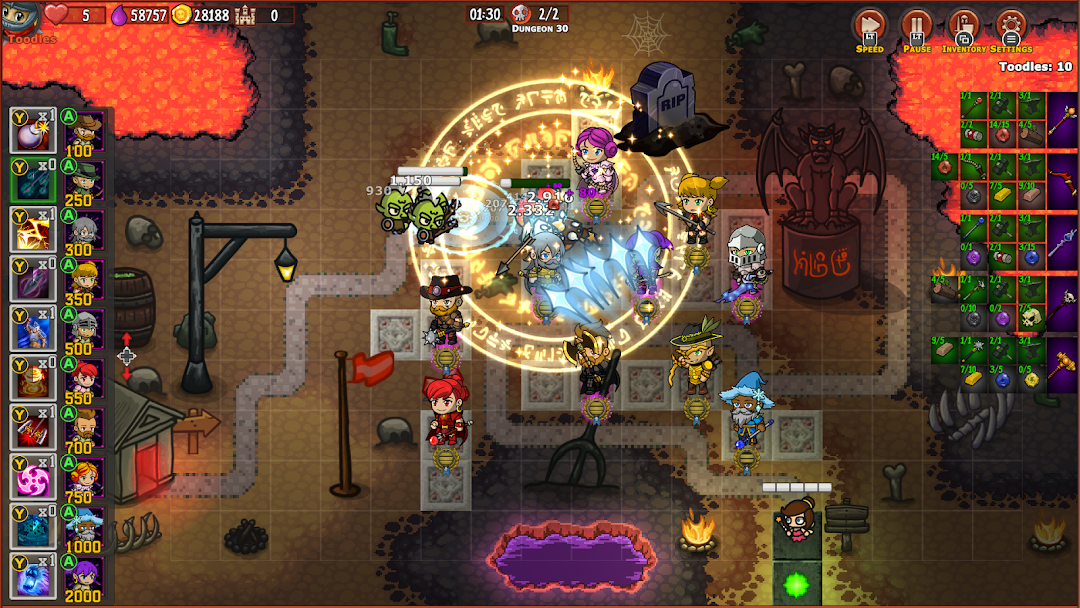
Call of Heroes: Tower Defense is a Strategy game developed by Bakart Games, and LDPlayer is the best platform for playing Call of Heroes: Tower Defense on Windows PC, offering powerful features for an immersive experience.
When playing Call of Heroes: Tower Defense on your computer, you can enjoy long game sessions using the operation recording feature to record repetitive operations to complete the same tasks automatically. It allows you to level up faster and makes resource grinding much more efficient.
In addition, if you want to execute combo moves or the game requires repeated skill actions, the macro feature is your best helper. It enables you to complete kills with just one click!
If you want to manage multiple accounts, LDMultiplayer and Synchronizer will assist you. You can run multiple alternative accounts at the same time to assist the leveling of your main account. Download and play Call of Heroes: Tower Defense on PC with LDPlayer now!
Embark on a magical and thrilling journey to protect the fairy kingdom in this epic TD game, a 2D strategic Tower Defense inspired by classic TD games.Terrible creatures attempt to invade the enchanted fairy kingdom, marching toward the magical portal that grants access to the fairy realm. In this moment of crisis, the fairies have summoned a team of heroes to face this monstrous invasion. Your mission is to recruit heroes and strategically position them across the scenario to intercept the creatures and prevent them from reaching the portal, stopping them from entering the fairy realm.
Explore an arsenal of unique heroes, each endowed with magical spells and exclusive abilities. Customize your heroes with numerous upgrades that enhance their strength and unlock new magical powers.
And that's not all! Your heroes can be equipped with an impressive selection of weapons, such as swords, axes, hammers, magic wands, and bows.
With each defended wave of attacks, you accumulate gold and precious items, crucial to enhancing your defense and unlocking incredible powers for your heroes.
Let's not forget the additional features that make the game even more captivating:
• Immersive Soundtrack: Enjoy various background music tracks that immerse you in the magical world of the game.
• Detailed Encyclopedia: Refer to the encyclopedia for information on heroes, monsters, and items.
• Comprehensive Tutorial: Master the game mechanics with a complete teaching section.
• Variety of Maps: Confront a range of challenging maps, each with its unique terrain and obstacles. Adapt your strategy to each scenario.
• Classic Tower Defense System: Enjoy the classic Tower Defense system, enhanced with new magical elements.
Prepare for a magical and strategic experience like no other in Call of Heroes. You are the last line of defense and the only hope to defend the magical fairy kingdom.
What are you waiting for? The fate of the kingdom is in your hands!
Features:
• Recruit and Evolve Heroes: Recruit legendary heroes to lead your defenses, each with unique abilities. Strategically plan your defense and choose the right heroes for each situation.
• Item Crafting: Enhance and customize your heroes with a variety of weapons that can be crafted with resources collected in the game.
• Incredible Enemies: Battle increasingly powerful enemies, from seemingly harmless creatures to formidable and overwhelming forces.