Caps Slam is a Board application developed by CapsStudios, but with the best Android emulator-LDPlayer, you can download and play Caps Slam on your computer.
Running Caps Slam on your computer allows you to browse clearly on a large screen, and controlling the application with a mouse and keyboard is much faster than using touchscreen, all while never having to worry about device battery issues.
With multi-instance and synchronization features, you can even run multiple applications and accounts on your PC.
And file sharing makes sharing images, videos, and files incredibly easy.
Download Caps Slam and run it on your PC. Enjoy the large screen and high-definition quality on your PC!
Caps Slam is a fast-paced, collectible, physics-driven PvP game inspired by classic slammer games, rebuilt for mobile with modern mechanics, progression, and multiplayer features.Collect Caps, battle other players, trade strategically, and build your collection.
Core Gameplay:
* Slam-based PvP battles where every flip matters
* Physics-driven chaos: one wrong move can change the outcome
* Multiple game modes designed for quick sessions or longer play
Collect & Progress:
* Collect Common, Rare, and Legendary consumable Caps
* Earn consumable Caps through gameplay, events, and challenges
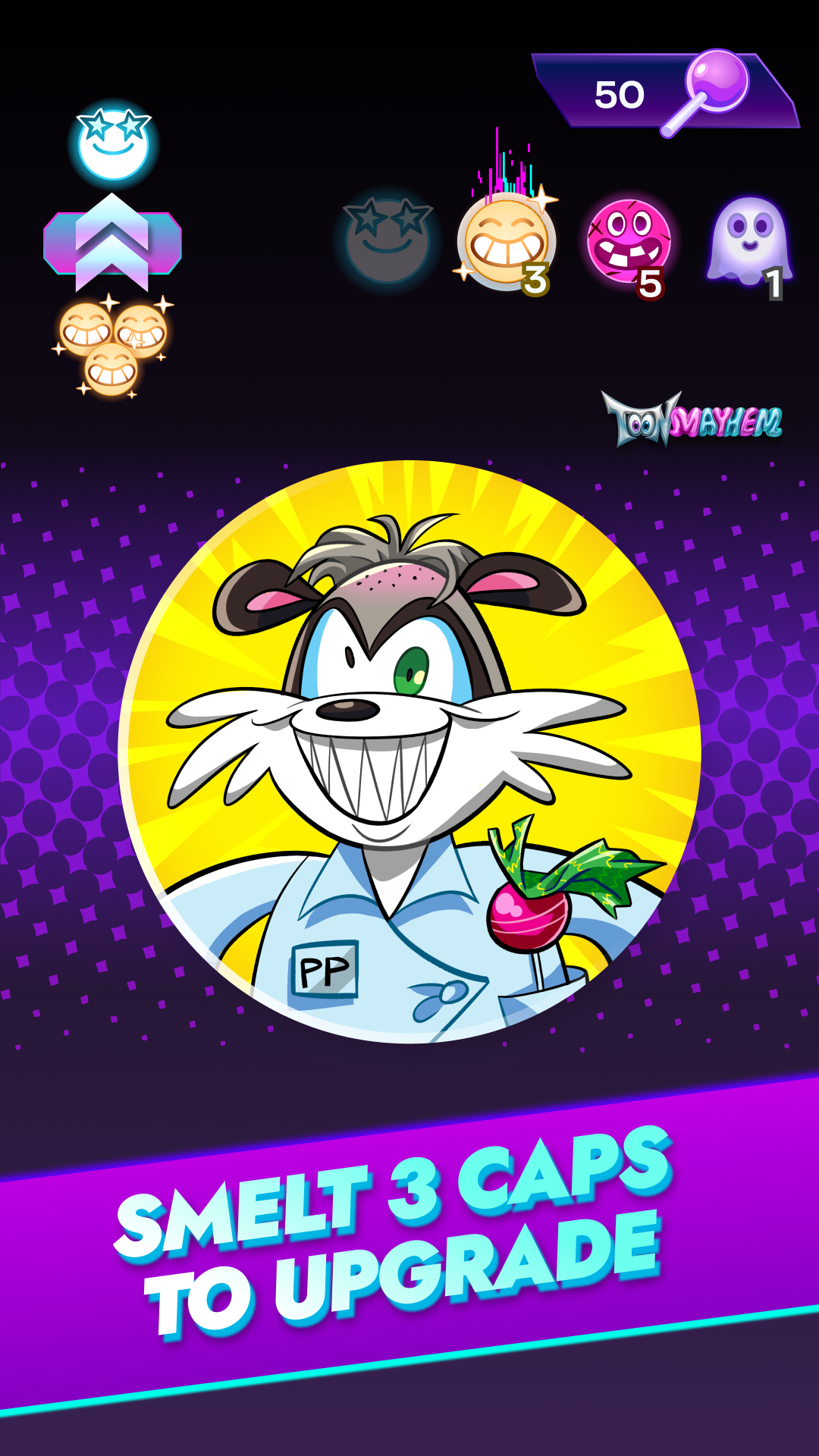
* Mint Caps can be smelted into Collectibles
* Every Collectible Cap unlocks deeper progression
Binder Mini-Game:
* Place your Collectibles into a Binder
* Each collection hides an exclusive puzzle
* Unlock puzzle pieces as your collection grows
* Complete the puzzle to reveal hidden rewards and lore
Trading:
* Trading in Caps Slam isn’t just listing what you want to sell
* Browse other players’ collections
* See what they’re missing
* Offer caps they actually want
Trade becomes strategic, social, and personal
Friends & Social Play:
* Add friends and play together
* Trade directly with people you know
* Compare collections and progress side by side
A Living World with Lore:
* Hand-crafted characters
* Deep world lore revealed through collections and puzzles
* New stories unlocked as the game expands
Caps Slam isn’t just mechanics, it has a growing universe
Real Support, Real Community:
* 24/7 real-time support
* Active community with direct developer access
* Feedback-driven updates and features
Caps Slam is built for collectors, competitors, and players who love chaos with purpose.
Collect smart. Trade cleverly. Slam carefully.
And don't forget! Caps are consumables, so they do scratch, fade, and get consumed!
But threat not! You can always get more through progression, play, Scratch, Pack openings, and EVEN return them through Recover Caps in your Profile.
Good Slamming!