

Car Craft - Build and Drive is a Simulation application developed by NQlto Games, but with the best Android emulator-LDPlayer, you can download and play Car Craft - Build and Drive on your computer.
Running Car Craft - Build and Drive on your computer allows you to browse clearly on a large screen, and controlling the application with a mouse and keyboard is much faster than using touchscreen, all while never having to worry about device battery issues.
With multi-instance and synchronization features, you can even run multiple applications and accounts on your PC.
And file sharing makes sharing images, videos, and files incredibly easy.
Download Car Craft - Build and Drive and run it on your PC. Enjoy the large screen and high-definition quality on your PC!
🚗 Build. Customize. Drive. The ultimate vehicle crafting game — right in your pocket! 🛠️📱Jump into a world where you design the ride. Whether you're racing through quests, building wild creations in sandbox mode, or showing off your masterpieces, there's always something fun to do.
Key Features:
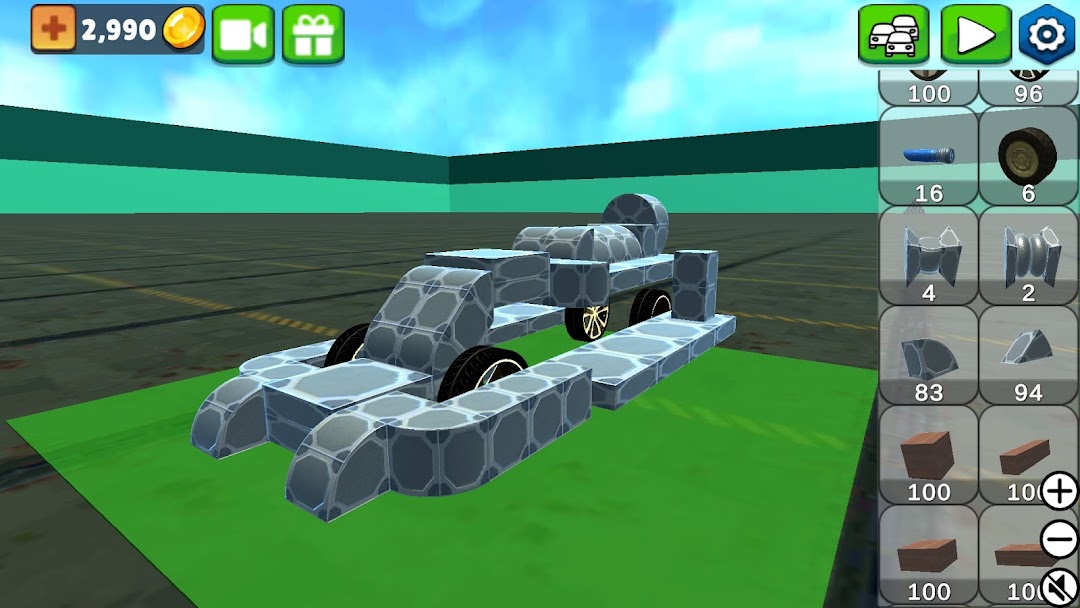
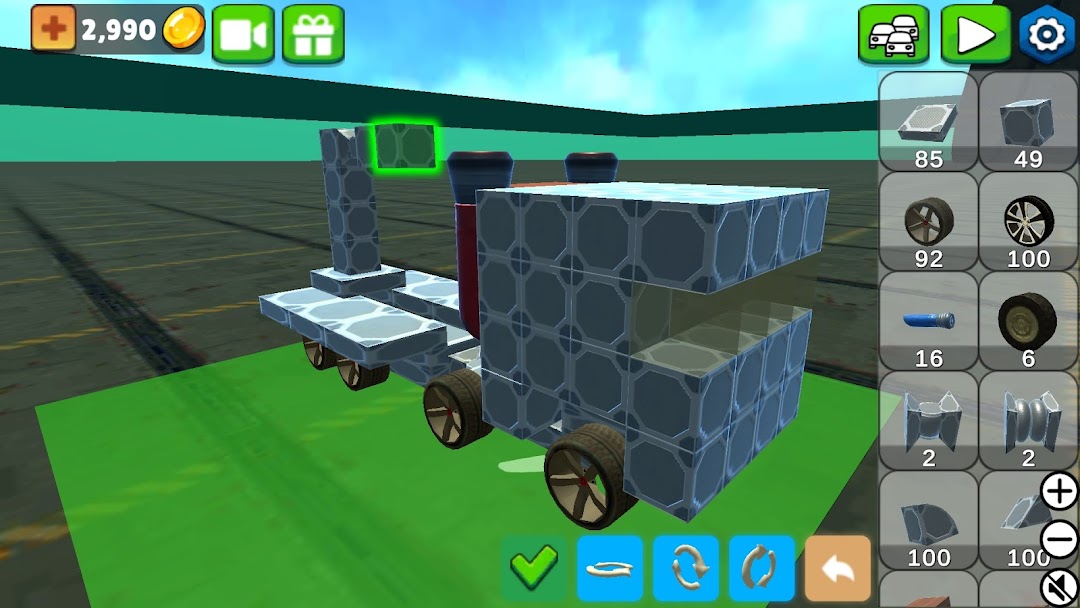
🛠️ Build Your Own Cars Mix and match blocks and parts to create vehicles that fit your style — or your next challenge.
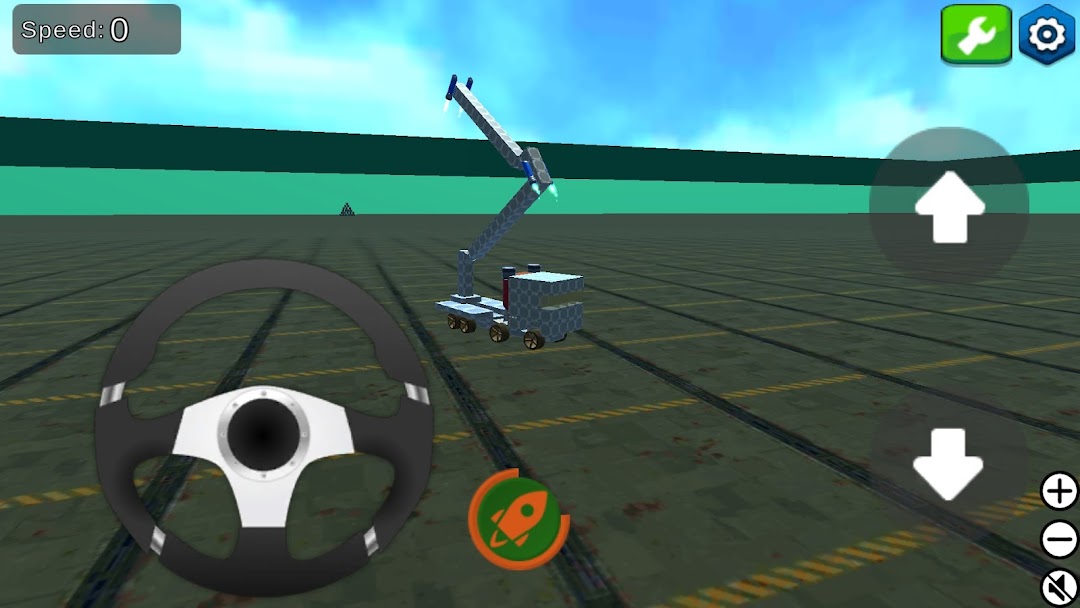
🚀 Explore Sandbox Mode No rules, no limits. Just you, your imagination, and huge open maps to test your creations.
🏆 Take On Quest Mode Face unique challenges that test both your design skills and driving smarts. Climb the leaderboard and earn rewards!
🌍 Share & Discover Upload your builds to the global gallery and explore thousands of player-made creations from around the world.
📂 Save Your Best Builds Organize and access your top designs in your private collection — always ready to tweak or race again.
🎯 Creative, Strategic Challenges Each mission brings a fresh problem to solve. Can your design handle it?
⚙️ Built for Mobile Fun Smooth performance, regular updates, and loads of new content keep the experience fresh and exciting.
Download now and start crafting your ultimate ride! Whether you’re a builder, racer, or both — this is your playground. 🚗💨