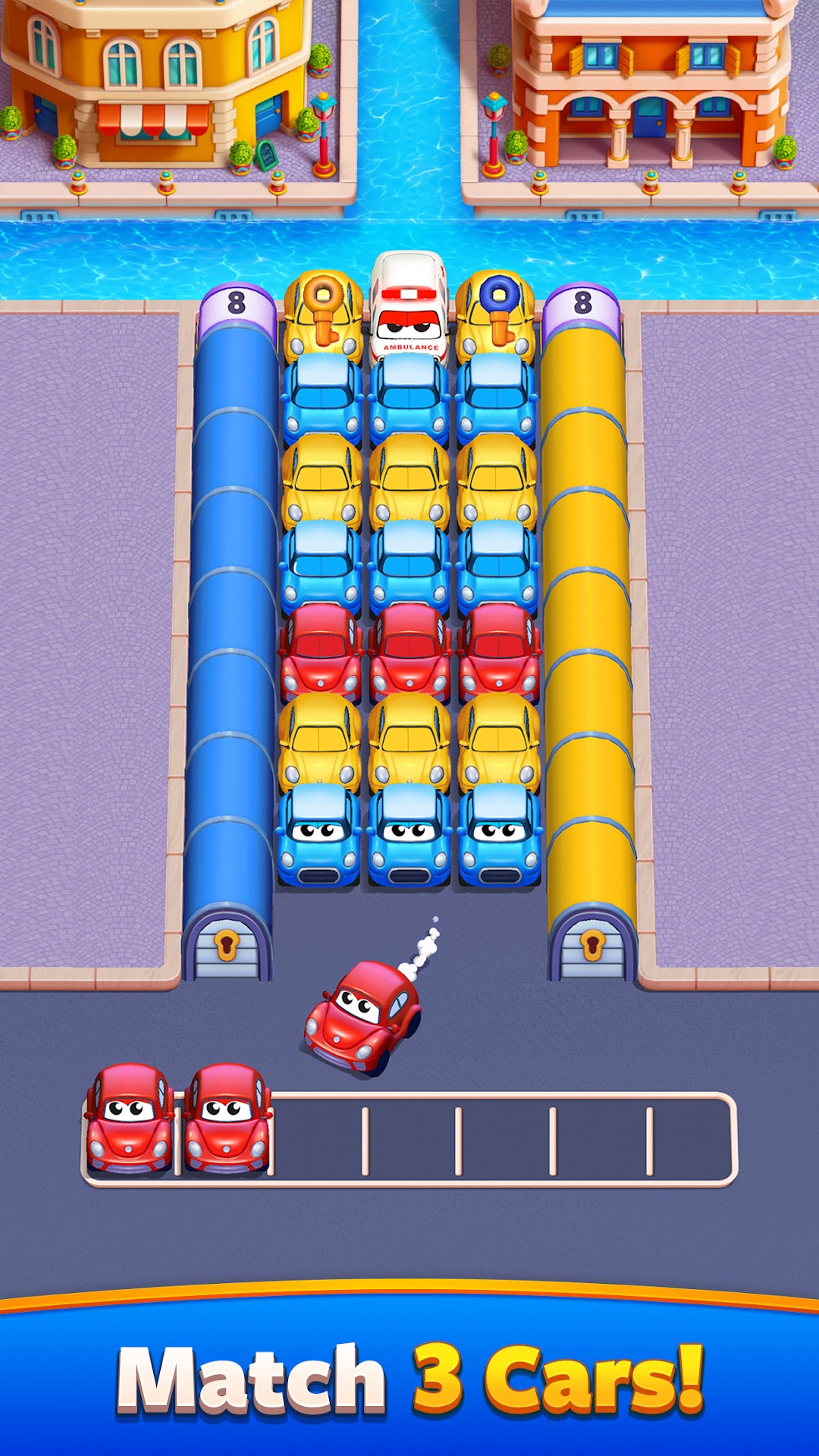
Car Match - Traffic Puzzle is a Puzzle application developed by Grand Games A.Ş., but with the best Android emulator-LDPlayer, you can download and play Car Match - Traffic Puzzle on your computer.
Running Car Match - Traffic Puzzle on your computer allows you to browse clearly on a large screen, and controlling the application with a mouse and keyboard is much faster than using touchscreen, all while never having to worry about device battery issues.
With multi-instance and synchronization features, you can even run multiple applications and accounts on your PC.
And file sharing makes sharing images, videos, and files incredibly easy.
Download Car Match - Traffic Puzzle and run it on your PC. Enjoy the large screen and high-definition quality on your PC!
Step into a fun and relaxing puzzle world: A Traffic Puzzle Adventure!Discover Car Match!
Embark on a thrilling journey where every move brings excitement. This engaging game combines traffic management and matching mechanics to provide the perfect stress relief. Strategically order cars to clear traffic jams and solve intricate puzzles. Dive into a world where every level a satisfying experience!
Quick Play Guide
- Start Simple: Tap a car to collect it, and match three cars of the same color in your holder to clear them from the board.
- Think Ahead: Collect cars only if they have at least one open side. Plan to avoid filling your holder and strategically match the cars.
- Embrace Complexity: With each level, matching and collecting cars require more thought. Every move is crucial.
- Utilize Boosters: Stuck? Use 'Undo' to reverse moves, 'Shuffle' to rearrange the cars, 'Super Undo' to save cars for later, or 'Magnet' to make matching easier.
Cool Features
- Exciting Levels: Each stage brings a fresh challenge of car matching and fun.
- Powerful Boosters: Boosters make your car-matching quest smoother and more enjoyable.
- Vivid Graphics: Bright and colorful cars make every move a delight, turning matching into a visual treat.
- Rewards & Surprises: Earn rewards and discover surprises to power through puzzles, adding a layer of strategy to your matching.
- Challenging Obstacles: Overcome tunnels, boxes, walls, and elevators for an extra thrill.
Why Play Car Match?
- Sharpen Your Mind: Each puzzle is a fun test of strategy and wit, blending elements of car matching into each challenge.
- Relaxing Fun: Dive into a soothing, colorful escape, where matching cars provides a relaxing experience.
- Adventure at Every Turn: New challenges and surprises make every level an exciting adventure in car matching and puzzle-solving.
Get Ready to Match and Play!
Download Car Match now and start your thrilling, colorful journey. The world of fun puzzles and car matching awaits!