Cards out! Epic PVP battles is a Role Playing game developed by HunterTechnology, and LDPlayer is the best platform for playing Cards out! Epic PVP battles on Windows PC, offering powerful features for an immersive experience.
When playing Cards out! Epic PVP battles on PC, as a new player looking to start with a fresh account, the multi-instance and sync features are extremely useful for rerolls. You can use them to run multiple instances and begin the synchronization process. Bind your account until you draw the desired heroes.
In addition, operation recorder is great for games that require you to level up and complete tasks! Run the sync and record your actions, then repeat the main instance's actions in real-time. By doing so, you can run 2 or more accounts simultaneously. You can always get the heroes you want before others by faster rerolls and more efficient summoning! Start downloading and playing Cards out! Epic PVP battles on your computer now!
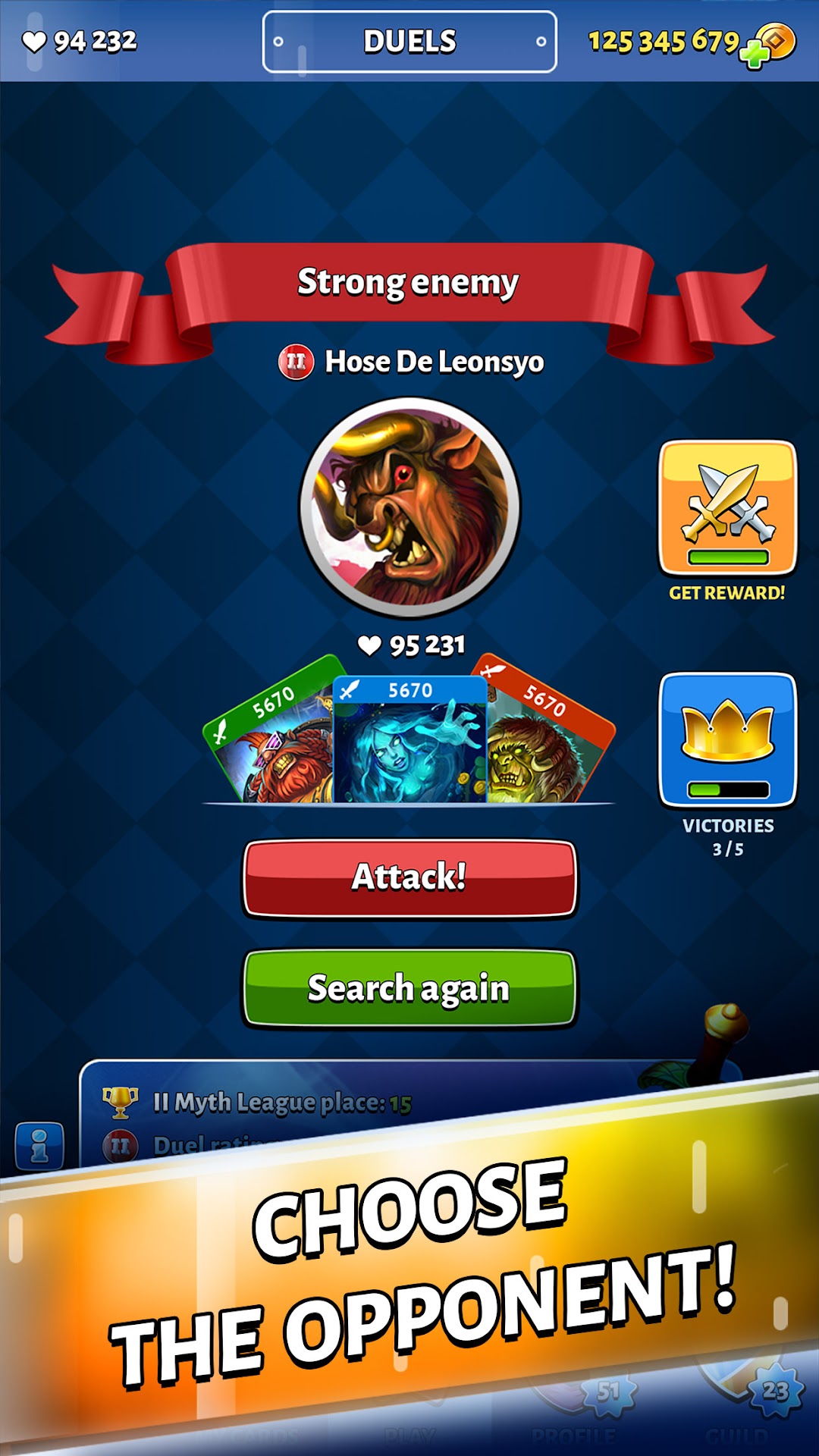
Welcome to the world of dynamic card battles! Gather the collection of card heroes, build your own unique deck and engage in battle with other players. Fascinating game mechanics, vivid graphics and colorful animated characters will definitely appeal to you!EASY BATTLES. Playing Cards Out is simple and fun – card battles are as fast and easy as possible! Go to the Duels section, choose your opponents according to your strength and enjoy victories. Fight against different opponents, win battle after battle, get cards with new heroes and enjoy the gameplay. Do not forget to upgrade your existing cards and buy new strong cards in the store for gold. This will make your deck more powerful, and you will be able to defeat stronger opponents.
THE FOUR ELEMENTS. Each card corresponds to a character that belongs to one of the four elements – Water, Fire, Air or Earth. The elements inflict increased damage to each other according to the ancient canon: water extinguishes fire, fire burns the air, air blows off the earth and the earth fills up the water. At the same time, weak damage acts in the reverse order: for example, fire cards inflict only half of the possible damage to water ones. Thus, you need to maintain the balance of the elements in your deck.
HEROES AND CARDS. Each card depicts a unique animated hero, with his own element and strength. The higher the power of the card, the more effective it is in battle. The power of the card can be increased by absorbing other cards of the same element. Get to know the main cards in the game and their elements:
- Fire-breathing dragon (fire)
- Orc Shaman (fire)
- Fire witch (fire)
- Dwarf with a gun (Earth)
- Forest Witch (Earth)
- Earth Golem (Earth)
- Gin (air)
- Air Elemental (air)
- Golden Dragon (air)
- Junga Arya (water)
- Wyvern (water)
- Water Elemental (water)
GENEROUS REWARD. For winning duels, you will receive a reward - gold, experience and cards with new heroes! The cards obtained in the battles will add to your collection, which will grow with your skill. Win and advance in the rankings on your way to new leagues with stronger players. There you will find new rewards and character cards with better characteristics. So jump into battle, collect the strongest deck and get to the top of the leaderboard!
Download Cards Out for free now! Enjoy dynamic card duels - feel the real excitement and the power of the elements!