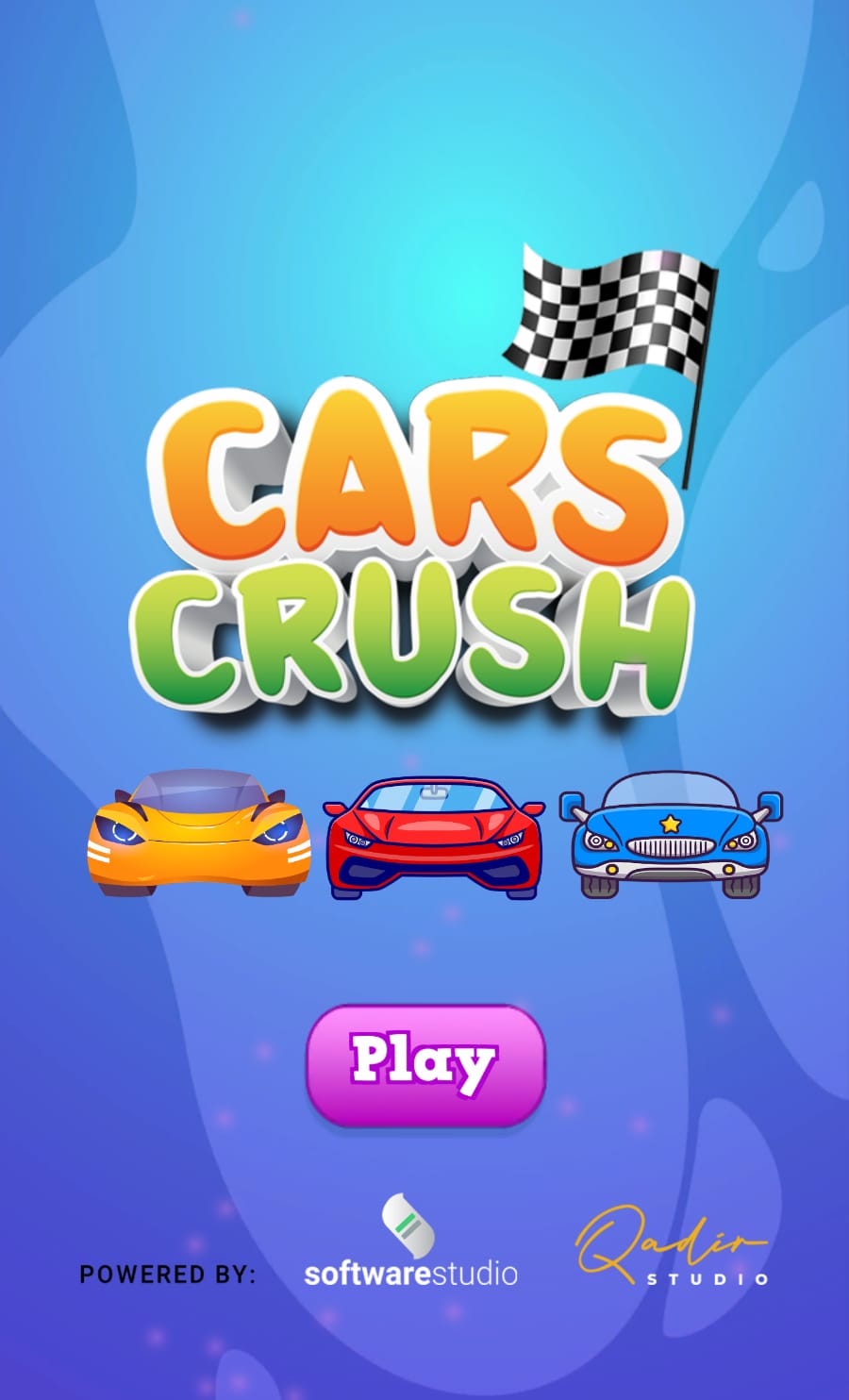
Cars Crush Heroes Car Race is a Casual game developed by Software Studio UK. LDPlayer is the best platform for playing Cars Crush Heroes Car Race on Windows PC, offering powerful features to enhance your immersive experience in Cars Crush Heroes Car Race.
When playing Cars Crush Heroes Car Race on your computer, if you find repetitive actions or tasks tedious and time-consuming, fret not! Macro can alleviate your concerns. Simply record your actions with a click of the screen recording feature and let macros take care of the rest. Macros automate your operations, allowing you to effortlessly conquer the game with minimal effort! Start downloading and playing Cars Crush Heroes Car Race on your computer now!
Cars Crush is a popular match-3 game in which players must remove cars from a grid by matching three or more of the same type in a row. With colorful graphics and addictive gameplay, it's no wonder that this game easy match-3.In “Cars Crush," players must use strategy and quick thinking to clear the cars. The game is played on a grid filled with various types of cars, and the goal is to match three or more of the same type cars in a row to remove them from the board. Players can swap adjacent cars to create matching sets, and the more cars they clear in a single move, the more points they earn.
As players progress through it get stars and help our heroes to win the race. New types of cars are introduced, every time game is start. Some cars are harder to match, and some require multiple matches to be removed. Players must use all of their skills and strategy to overcome these challenges to get three stars and help hero to win the race.
One of the things that makes “Cars Crush" so enjoyable is the sense of satisfaction that comes from making a successful match. The game's colorful graphics and fresh food items add to the appeal, and the simple gameplay is easy to pick up, but challenging to master.
Overall, “Cars Crush" is a fun and addicting match-3 game that is perfect for players of all ages. Whether you're a seasoned gamer or new to the genre, you're sure to find something to love about “Cars Crush." So why wait? Download the game and start matching those cars today!