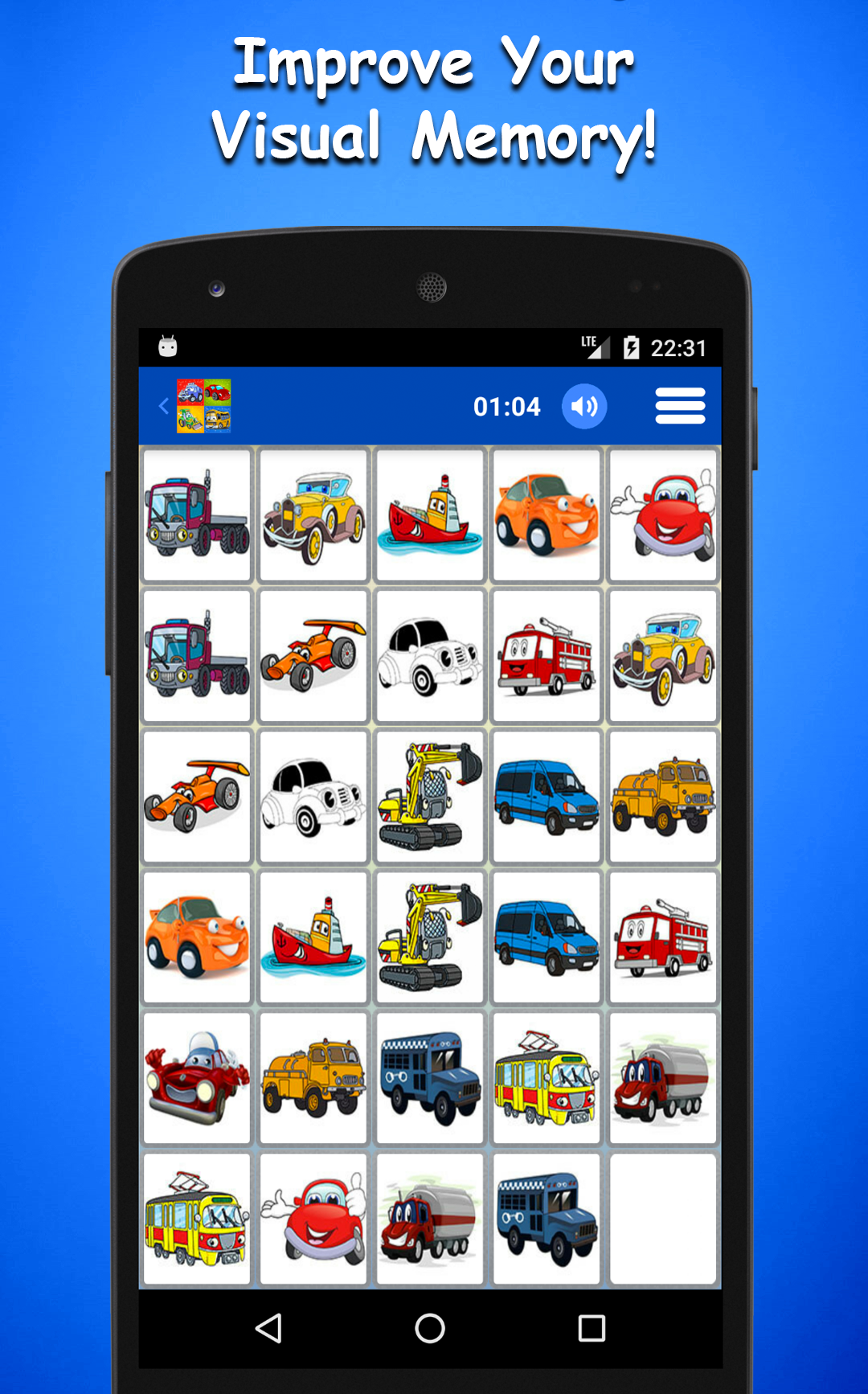
Cars Game is a Educational application developed by Nihasmata, but with the best Android emulator-LDPlayer, you can download and play Cars Game on your computer.
Running Cars Game on your computer allows you to browse clearly on a large screen, and controlling the application with a mouse and keyboard is much faster than using touchscreen, all while never having to worry about device battery issues.
With multi-instance and synchronization features, you can even run multiple applications and accounts on your PC.
And file sharing makes sharing images, videos, and files incredibly easy.
Download Cars Game and run it on your PC. Enjoy the large screen and high-definition quality on your PC!
Cars Memory Game is one of the most extensive intelligence development and visual memory improvement games. Match hundreds of the images and develop your intelligence, improve your memory. It is a classical board game of our childhood. The game is consisting of two modes :• Normal Mode
• Challenge Mode
* In normal mode, you can select the number of images that you want to match and then you can determine the target time that you can finish the game.
* The most exciting part of the game is the challenge mode. In this mode, there are 72 levels to be completed. Game gets harder at every new level. Placement of images are changed randomly during each play. Your brain will be challenged at various levels. If you reach 72nd level, it means that you have a proven visual memory!
* Every kid, especially boys love cars! Memory cards for cars include colorful, beautiful images of cars such as truck, train, plane, motorcycle, tank, police car, tractor, fire track, racing cars, taxi and other ones.
* Playing the game with your kids will help them to improve their recognition while having fun. Even if it is designed for kids, it is also beneficial for adults to improve and exercise their memory.
* Cars Memory Game has simple and intuitive interface which is easy to use and play. This free memory game is also optimized for tablets and it will keep your children quiet and entertained in car, in restaurant and anywhere.
* At last, we want to say it has been recently scientifically proven that regular mental and concentration exercise can greatly improve memory and prevent amnesia.
* Do you want to sharpen your memory ? Have fun !