Categories - Funny Word Game is a Word application developed by Simplicity Games, but with the best Android emulator-LDPlayer, you can download and play Categories - Funny Word Game on your computer.
Running Categories - Funny Word Game on your computer allows you to browse clearly on a large screen, and controlling the application with a mouse and keyboard is much faster than using touchscreen, all while never having to worry about device battery issues.
With multi-instance and synchronization features, you can even run multiple applications and accounts on your PC.
And file sharing makes sharing images, videos, and files incredibly easy.
Download Categories - Funny Word Game and run it on your PC. Enjoy the large screen and high-definition quality on your PC!
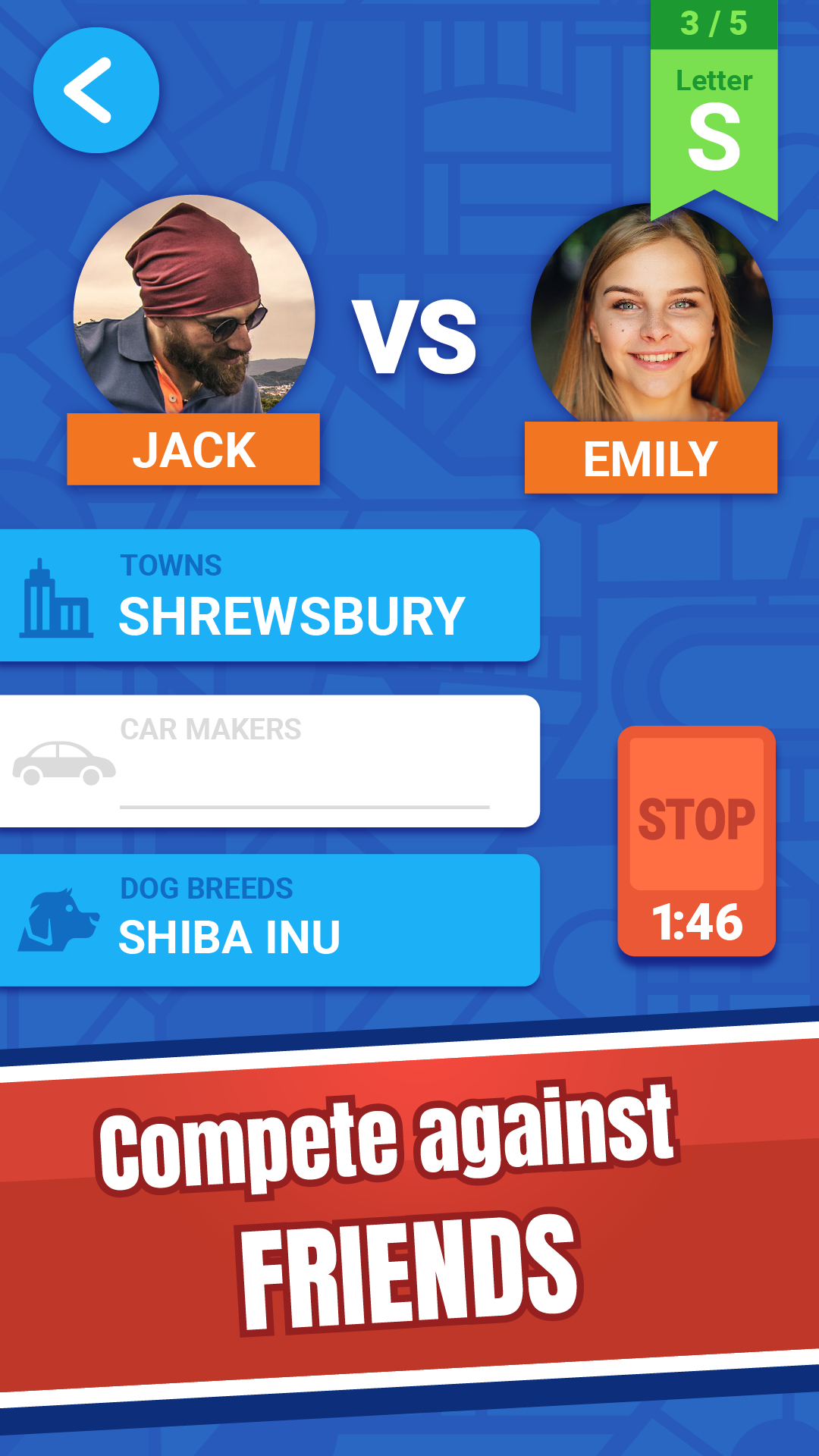
Do you know a country and a town which begin with the letter S? That wasn't hard, was it? Now, how about a football team or a film?Bored teenagers fed up with schoolwork, siblings stuck at home during school breaks, students in lecture halls and probably most people that you know have been playing this game for generations. Now it is your turn. Ideal 2 player games or for two people. Categories game for you.
Forget about piles of paper, dozens of pens, laboriously drawing tables, and keeping track of points. This app will take care of that for you.
There are lots of categories in which you have to find words. And with your help, we are increasing their number constantly. These include standard categories like names of countries, towns, rivers, capitals but also film, TV series, and game titles.
Collect points and coins, then exchange them for hints to get out of tight spots.
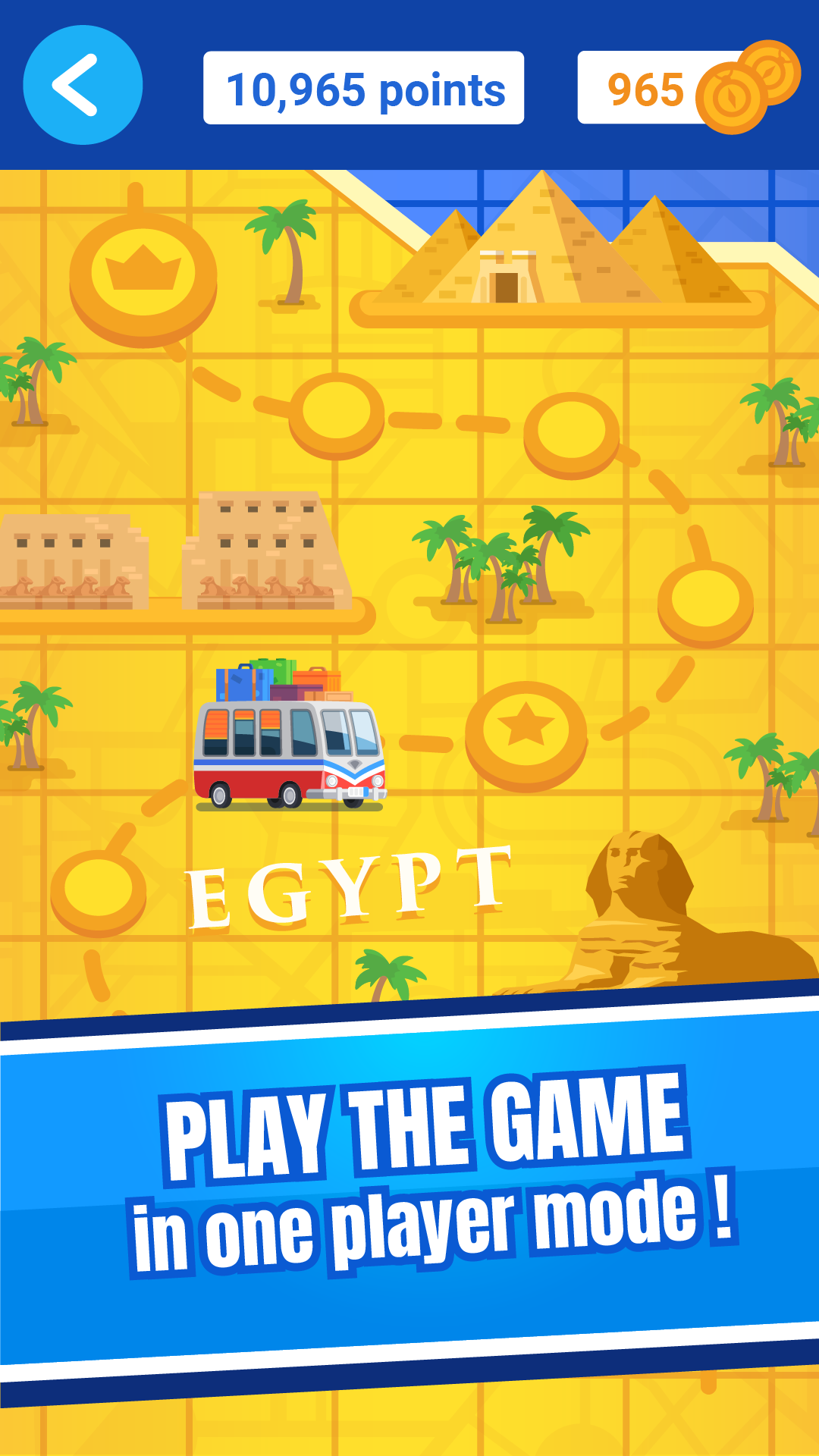
Visit country after country, go head to head with opponents of various skill levels, discover local sights, and seek inspiration for your next words!
Use the proximity game option to play with friends who are nearby. You will be able to set up rooms visible to players nearby. This is an ideal option for a two-player game or a quick game during a break!
Remember to activate your GPS! This will be necessary to play two or more player games.
The party is just starting!
If there is no one nearby, you can play the game on-line and compete against players from all over England!
And as you'd expect, the graphics and sounds have been meticulously designed.
A game for girls and boys, both young and old!