Revoice: Change your voice is a Entertainment application developed by Balacoon.Revoice, but with the best Android emulator-LDPlayer, you can download and play Revoice: Change your voice on your computer.
Running Revoice: Change your voice on your computer allows you to browse clearly on a large screen, and controlling the application with a mouse and keyboard is much faster than using touchscreen, all while never having to worry about device battery issues.
With multi-instance and synchronization features, you can even run multiple applications and accounts on your PC.
And file sharing makes sharing images, videos, and files incredibly easy.
Download Revoice: Change your voice and run it on your PC. Enjoy the large screen and high-definition quality on your PC!
With an outstanding pace of AI technologies, many things become possible, even the most unbelievable. Revoice Voice Convertor is another astonishing neural network that can convert your voice into the voice of any person or read text with any voice.★ Edit your Instagram stories, reels, or TikTok videos
to create outstanding content that will keep your audience heated.
★ Edit any video to change the voice of the speaker.
★ Create sound recordings that mimic the voices of your friends,
relatives, or celebrities, and share them as audio files or voice messages.
★ Prank those who deserve it. Your companion would believe to be listening to any person of your choice.
★ Make funny congrats to your loved ones, from anyone!
★ Personalised audio messages from celebrities.
★ Text 2 speech synthesis with any voice of your choice.
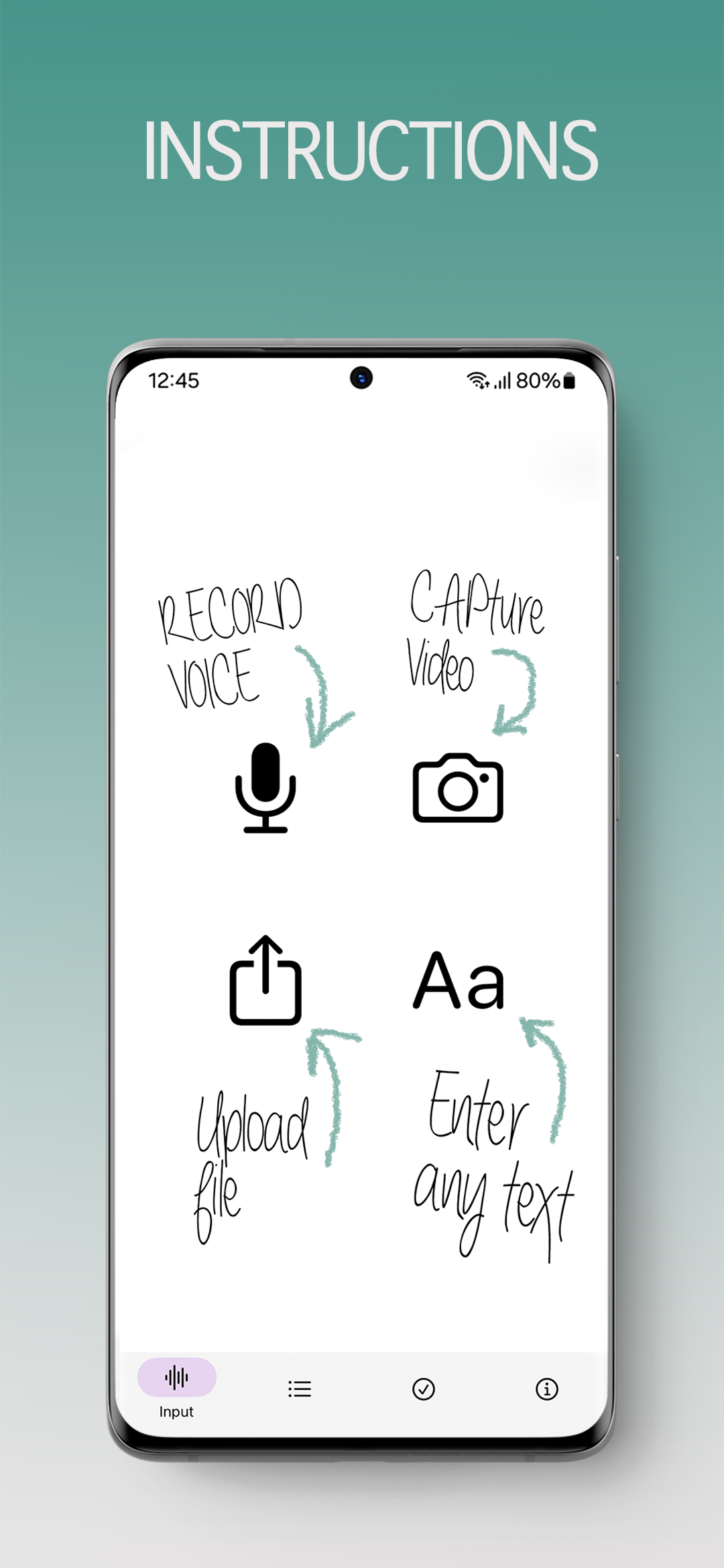
Usage is really simple: record your own voice/video, or upload your own voice/video, up to 2 minutes -> Chose any of the predefined presets, or create your own -> convert -> share results.
In case you are interested in text to speech, usage is the same: write the text -> chose voice from the huge list of predefined voices -> synthesise the text -> take advantage from the astonishing result, as if your text was read by desired person itself.
If you need to convert your voice, get our voice convertor and have fun. With this celebrity voice convertor, you can create any voice, including the voices of famous people. Voice swap is easy - check it out now.
Conversion/synthesis results are always concatenated with our watermark sound as a necessary feature to comply with the rules. We omit the watermark if you use custom presets/voices.