First Strike: Classic is a Strategy game developed by Blindflug Studios AG, and LDPlayer is the best platform for playing First Strike: Classic on Windows PC, offering powerful features for an immersive experience.
When playing First Strike: Classic on your computer, you can enjoy long game sessions using the operation recording feature to record repetitive operations to complete the same tasks automatically. It allows you to level up faster and makes resource grinding much more efficient.
In addition, if you want to execute combo moves or the game requires repeated skill actions, the macro feature is your best helper. It enables you to complete kills with just one click!
If you want to manage multiple accounts, LDMultiplayer and Synchronizer will assist you. You can run multiple alternative accounts at the same time to assist the leveling of your main account. Download and play First Strike: Classic on PC with LDPlayer now!
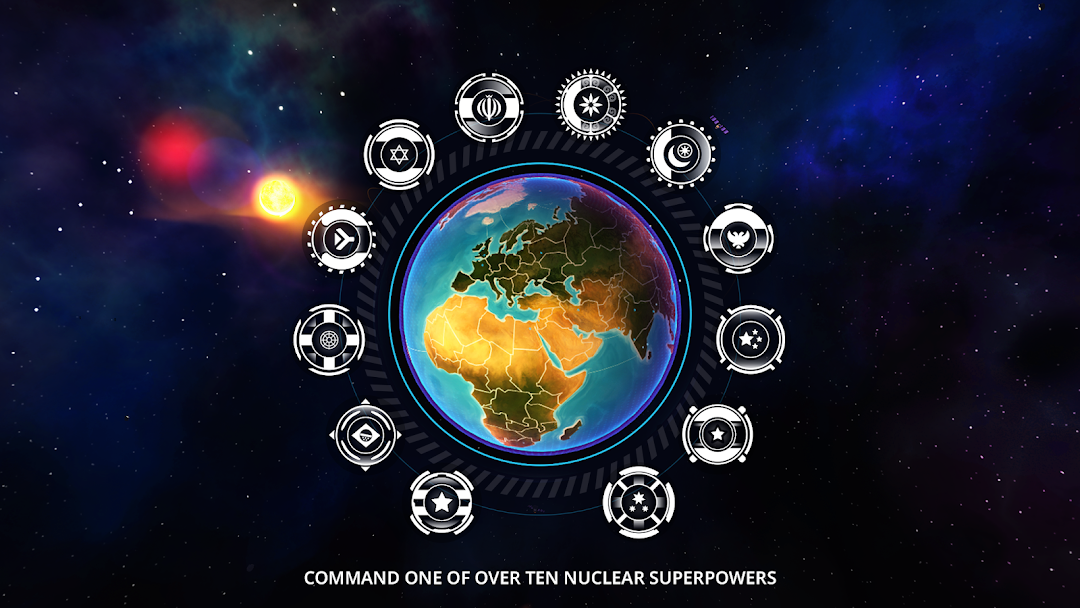
Millions of commanders already played First Strike all over the world. Now it is back as First Strike: Classic: The complete rebuild of the iconic strategy game about blowing up the world in the nuclear armageddon. This remaster is more stable, more cunning in its enemies and the best First Strike we ever made.====================
Escalation is a downward spiral.
A nuclear armageddon is no one’s dream scenario. So choose your steps carefully, it’s a small path between war and peace. FIRST STRIKE is a great strategy simulation featuring snappy gameplay and an intuitive interface that makes dropping the big one as easy as ABC. But be sure to take the right measures to guarantee your people’s safety.
Pick one of the big nuclear players – from known Superpowers to an upstart hellraiser like North Korea – and plan your strategy wisely: Limited but clever options let you as the leader of your superpower steer your nation’s fate: Expand to other countries, build bombs or debuild in order to restructure your arsenal. Or use research to widen your options, such as: Ability to act quicker and build bigger bombs, better recon on your enemies actions, automated self-defense-sequences and many more.
Whether you’re a bloodthirsty warmonger or a tree-hugging hippie – it’s time to put your cards on the table. A quick and fun game with beautiful graphics, FIRST STRIKE shows you how little it takes to heat things up. With the tip of your finger you can control the destiny of the precious and vulnerable rock floating through space, the rock we call mothership Earth.