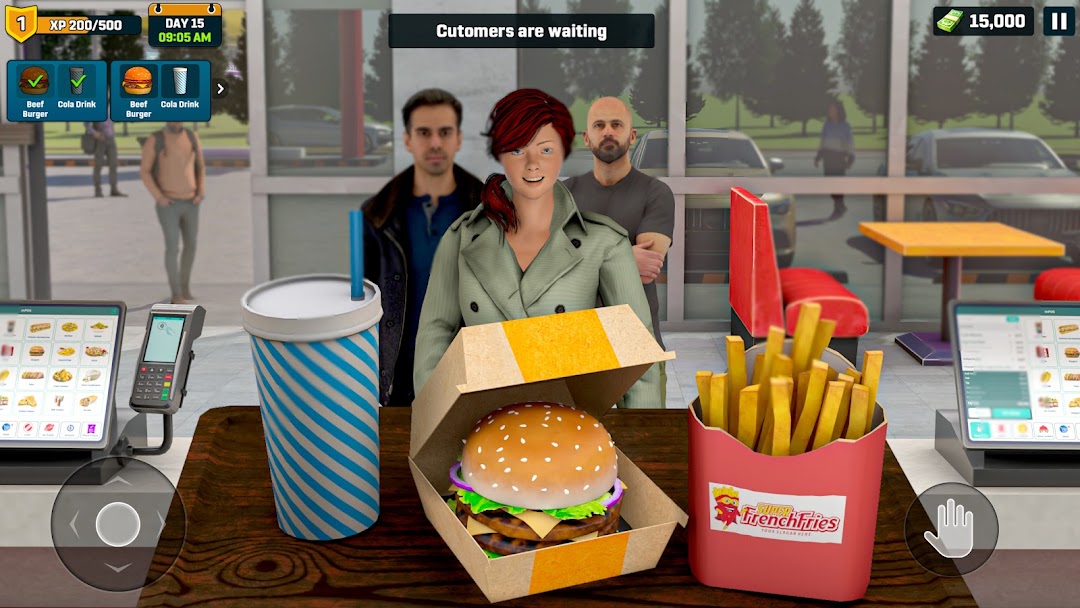
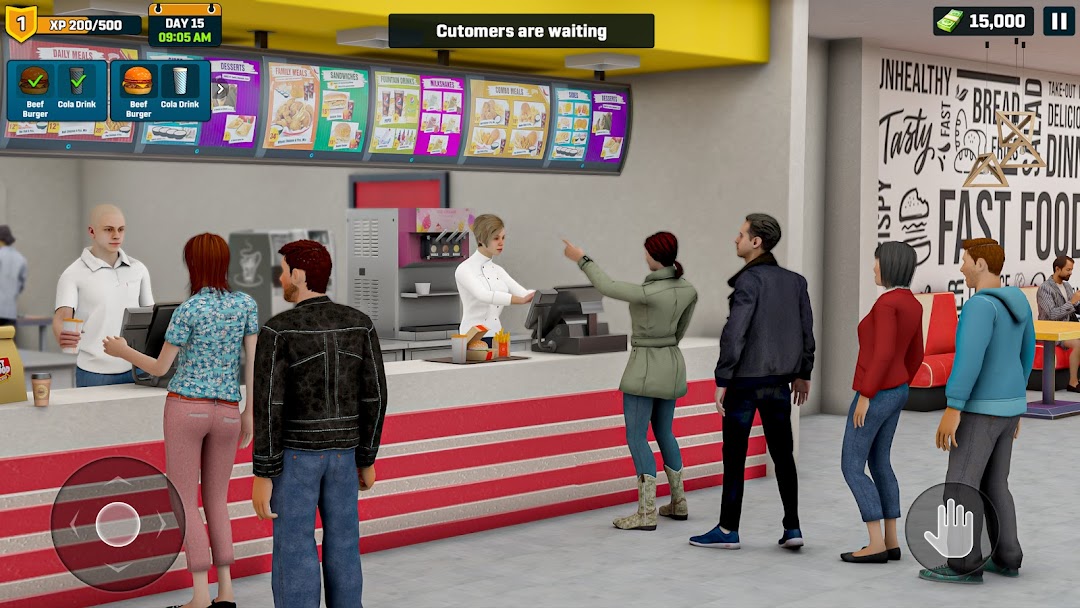
Chef Simulator: Fast Food Game is a Simulation application developed by Hyper Joy Games, but with the best Android emulator-LDPlayer, you can download and play Chef Simulator: Fast Food Game on your computer.
Running Chef Simulator: Fast Food Game on your computer allows you to browse clearly on a large screen, and controlling the application with a mouse and keyboard is much faster than using touchscreen, all while never having to worry about device battery issues.
With multi-instance and synchronization features, you can even run multiple applications and accounts on your PC.
And file sharing makes sharing images, videos, and files incredibly easy.
Download Chef Simulator: Fast Food Game and run it on your PC. Enjoy the large screen and high-definition quality on your PC!
Chef Simulator: Fast Food Game is an exciting and fast-paced restaurant simulator and business management game where players take on the role of a fast-food business owner and worker, juggling multiple tasks to keep customers happy and the business thriving in burger game. Whether you're flipping burgers, assembling sandwiches, frying crispy fries, or pouring refreshing drinks in the fast food simulator, every second counts as you race against the clock to fulfill orders accurately and efficiently as a burger maker in the burger simulator and fast food games.As you progress, the fast food game introduces new challenges, such as handling rush hours, managing special orders, and upgrading kitchen equipment to improve speed and quality in fast food simulator and burger game. You can customize your burger restaurant game layout, unlock new recipes, and even hire employees to help keep things running smoothly in my burger shop and hamburger games.
With colorful graphics, engaging mechanics, and realistic cooking simulations of a burger shop in food serving games, fast food burger simulator offers an immersive experience that captures the thrill and pressure of working in a busy restaurant simulator. Fast food game is sure to keep you entertained!
Features of Chef Simulator: Fast Food Game
1. Order Management Efficiency at Burger Shop Simulator: Greet customers, take their orders, and ensure accuracy. Each customer has unique preferences, and speed is key to earning big tips!
2. Vast Cooking System in The Fast Food Game: Prepare a variety of fast-food items, including hamburger burgers, fries, pizzas, sandwiches, and beverages. Follow recipes carefully, or risk getting complaints!
3. Kitchen Upgrades in The Fast Food Simulator: Improve your equipment, such as fryers, grills, and soda machines, to increase efficiency and serve more customers faster as a burger maker.
4. Expand Restaurant in The Burger Simulator: Start with a small food stand and work your way up to managing a full-fledged fast-food chain with multiple locations in food serving games.
5. Staff Hiring in a Burger Cafe Simulator: Hire and train employees to help with cooking, serving, and cleaning. Keep them motivated to maintain top-notch service at my burger shop.
6. Customize Restaurant in The Burger Game: Decorate your restaurant, customize uniforms, and create a unique road diner simulator experience that attracts more customers.
7. Customer Reactions & Ratings: Watch customer satisfaction levels based on service speed, food quality, and cleanliness in the fast food games. High ratings bring in more traffic!
Whether you love cooking or enjoy business management games, this burger simulator offers fun for players of all ages. Can you handle the heat of the fast-food industry?