Brick Classic - Brick Game is a Puzzle application developed by Simple Puzzle Game, but with the best Android emulator-LDPlayer, you can download and play Brick Classic - Brick Game on your computer.
Running Brick Classic - Brick Game on your computer allows you to browse clearly on a large screen, and controlling the application with a mouse and keyboard is much faster than using touchscreen, all while never having to worry about device battery issues.
With multi-instance and synchronization features, you can even run multiple applications and accounts on your PC.
And file sharing makes sharing images, videos, and files incredibly easy.
Download Brick Classic - Brick Game and run it on your PC. Enjoy the large screen and high-definition quality on your PC!
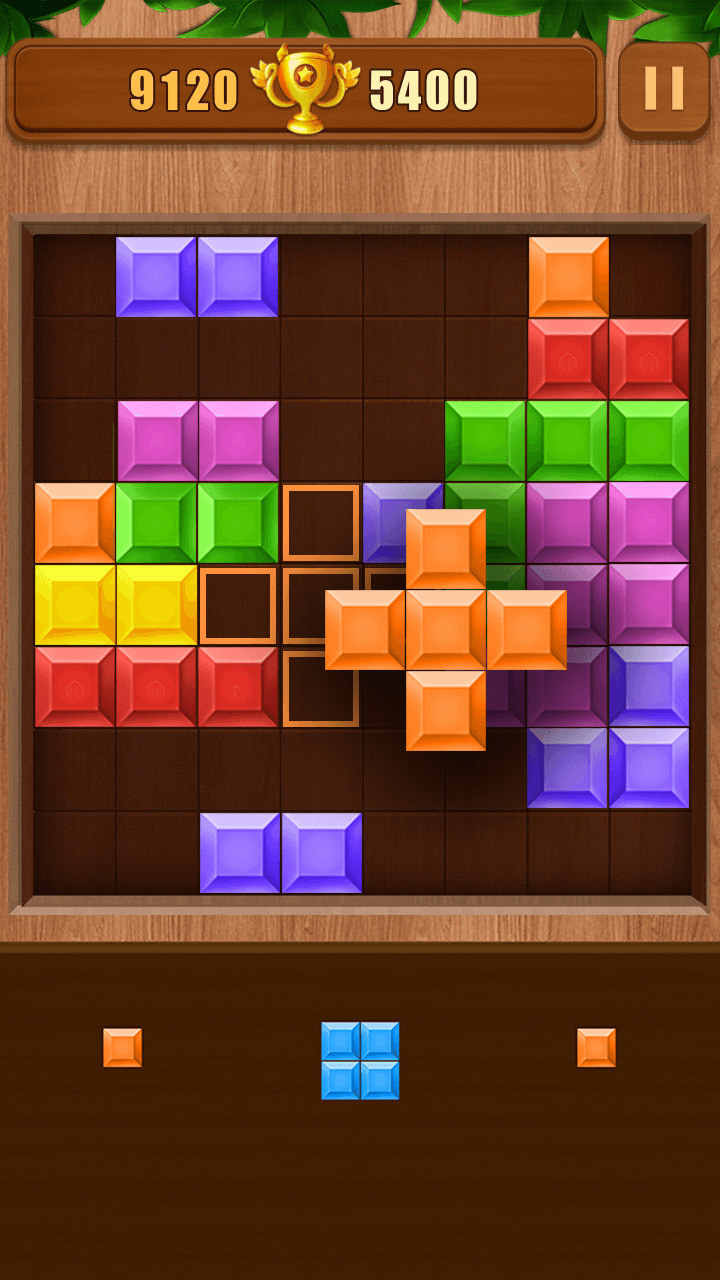
Classic Brick Game!Brick Classic is a popular and addictive puzzle game!
How to play brick game classic?
- Simply drag the bricks to move them.
- Create full lines on the grid vertically or horizontally to break bricks.
Tips of brick game classic:
- Classic brick game without time limits.
- Place the bricks in a reasonable position.
- The more brick break, the more scores you have.
- Bricks can't be rotated.
- A free block puzzle game.
Brick Game Classic is a fun block puzzle game for people who want to relax and sharpen their minds at the same time. This puzzle game has simple addictive gameplay, like a block blast game but much more creative and fun!
Who's the best brick breaker? Challenge it now!!!