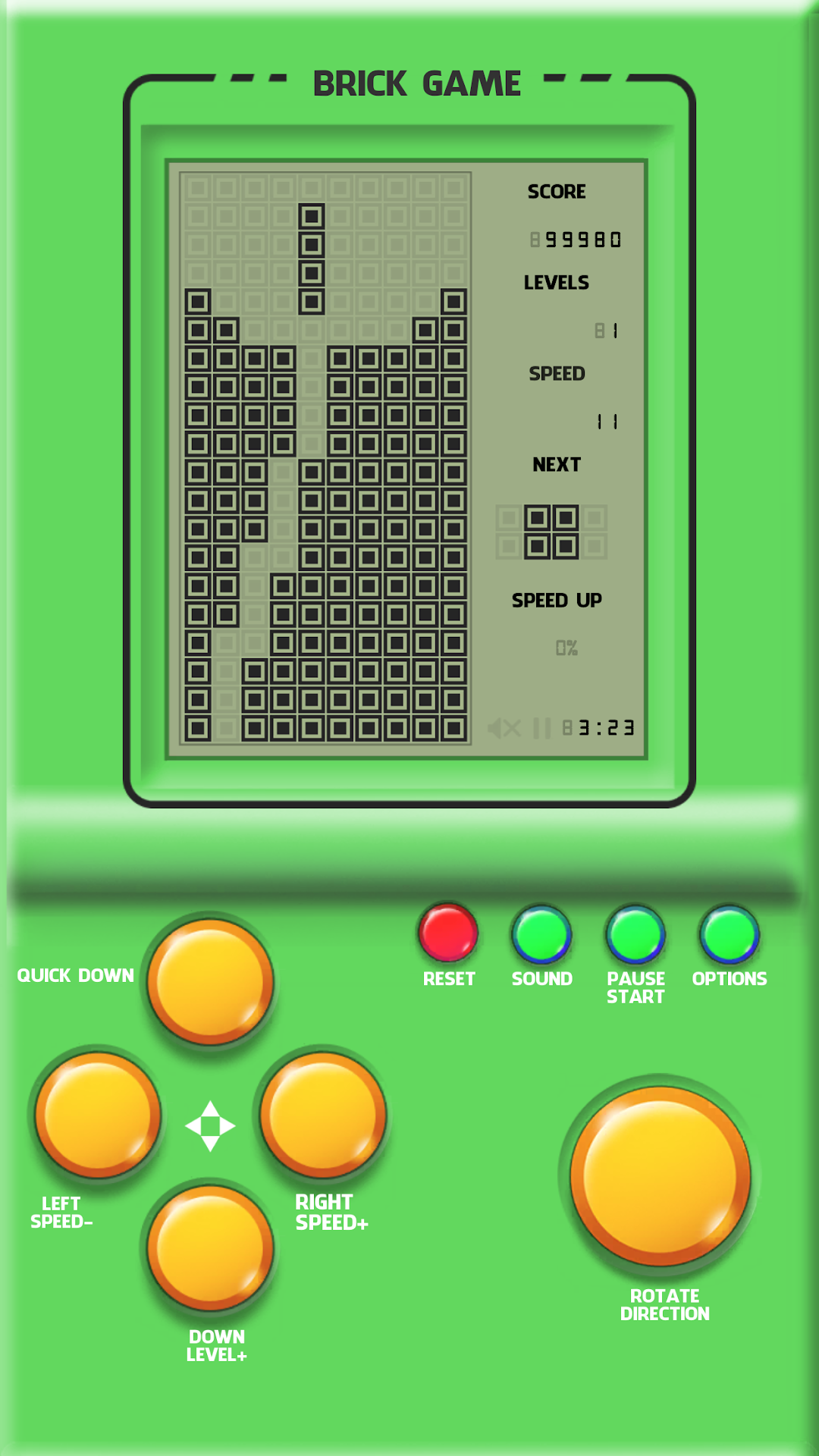
Brick Game Classic is a Action game developed by RMGames Studio, and LDPlayer is the best platform for playing Brick Game Classic on PC, offering powerful features to immerse you in the game.
When playing Brick Game Classic on computer, you can adjust frame rate settings for smooth gameplay and stunning visuals.
LDPlayer also provides pre-configured keyboard mapping for convenient control of the entire game. Continuous optimization of keyboard mapping enhances key sensitivity and skill accuracy. Additionally, LDPlayer offers special buttons like shoot, hide mouse, and continuous key press for an enhanced gaming experience.
If you prefer using a gamepad, the automatic gamepad detection allows you to customize controls with just a few clicks, enabling you to freely maneuver your hero. Start downloading and playing Brick Game Classic on your computer now!
"Brick Game Classic" support the same look and feel of the classic console and it will make you remember your childhood.Game Features
- A classic brick game that helps you remember your childhood.
- Try to stack the falling blocks so that they fill layer by layer.
- Classic brick games require the player to strategically rotate, move, and discard a parade of blocks that fall vertically into a rectangular matrix.The player tries to fill in and destroy as many lines as possible by completing a horizontal line of blocks without empty space, but if the blocks exceed the horizontal horizon the game is over!
- This is a puzzle game with the most famous blocks of all time, connecting blocks with lines and earning points!
- Play game tiles for relaxation and fun.This game is interesting and challenging.
- Offers multi different game speeds.As the speed increases, the game becomes more difficult.Try to score as many points as possible.
- Offline game, play any where any time.
How to play brick game well:
- Move blocks that use buttons on the screen.
- Rotate and carefully leave no gaps in the block.
- Delete one line from the fill block
- Try to get the best result.
- Compare scores
- Raw screen graphics
- Raw sounds and music
- Adjustable descent speed
Download classic brick game and play with them for hours
PRIVACY POLICY:https://www.rmgames.top/privacy.html