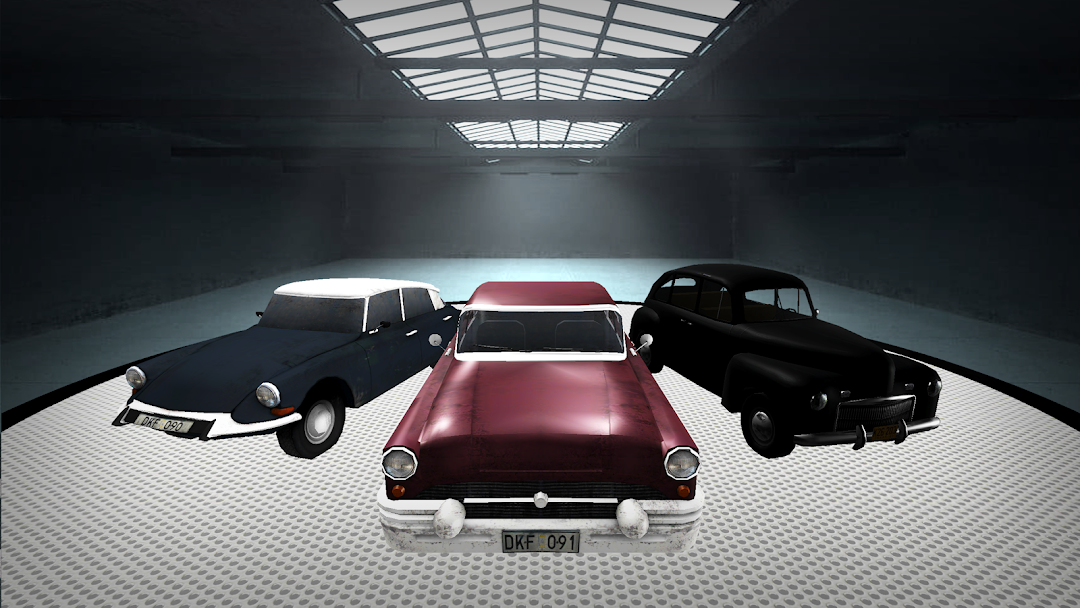
Classic Cars - Driving Games is a Racing game developed by Tulip Apps. LDPlayer is the best platform for playing Classic Cars - Driving Games on Windows PC, providing robust features to help you achieve an immersive experience in Classic Cars - Driving Games.
When playing Classic Cars - Driving Games on your computer, if you prefer using your own gamepad to control the game, LDPlayer's automatic gamepad detection can assist you in customizing controls with just a few simple clicks, allowing you to enjoy more realistic racing scenes and challenges.
With support for high frame rates, the game's diverse track designs and rich terrain and environmental changes become even more lifelike and detailed.
Additionally, the video recording feature makes it easy for you to capture all the exciting and amusing races and game content, making it convenient to share with friends or create videos. Start downloading and playing Classic Cars - Driving Games on your computer now!
Take part in this challenging racing game where you can drive a Mini car through various check points and try to reach and finish line in the fastest time possible. You can activate boost button to boost your speed on long straight road segments car and gain maximum score and cover maximum distance. Avoid hitting the sides of the road, as it will slow you down. Have fun with mini car!How to Play Classic Car Game:
- Drive and speed up car by pressing accelerator button.
- Tilt your device to steer right or left.
- Avoid road sides and heavy vehicles.
- Collect coins to unlock new cars.