

Classic Piano 3D is a Music application developed by EYPONR GAMES EYÜP ÖNER, but with the best Android emulator-LDPlayer, you can download and play Classic Piano 3D on your computer.
Running Classic Piano 3D on your computer allows you to browse clearly on a large screen, and controlling the application with a mouse and keyboard is much faster than using touchscreen, all while never having to worry about device battery issues.
With multi-instance and synchronization features, you can even run multiple applications and accounts on your PC.
And file sharing makes sharing images, videos, and files incredibly easy.
Download Classic Piano 3D and run it on your PC. Enjoy the large screen and high-definition quality on your PC!
The piano is widely used in classical and jazz music. It is a very suitable instrument for solo performances, ensemble, chamber music, accompaniment, composition and rehearsal. Although the piano is not a portable instrument and is often expensive, its versatility and ubiquity make it one of the most widely used instruments in the world.Playing the piano contributes to the development of numerical intelligence.
Learning the notes, playing the compositions suitable for the notes, being able to read the notes correctly are the most important factors that increase numerical intelligence. The mathematical and logical intelligence of people who play the piano are greatly improved.
Develops intelligence with memorization ability.
At the stage of learning to play the piano, you can play hundreds of pieces by memorizing the notes of more than one composition and melody. This strengthens your memory. For those who ask whether playing the piano improves intelligence, let's say that intelligence develops with the ability to memorize.
Connections between different parts of the brain are strengthened.
The brain is a large organ and has an unlimited capacity to be used. Piano training activates the connection points of the brain in many ways. Audio-visual perception abilities, language and music connections are always established with this method. Thus, you can easily learn a new language with the effects of the piano on the development of intelligence.
It improves the concentration and improves the brain.
If you want to make room for new information in your brain, you should extend your concentration time. In order to learn something you read, watch or see, you need to focus on that thing. Playing the piano also contributes to the development of intelligence by increasing concentration.
Muscles develop, which affects the brain.
When you ask whether playing the piano improves intelligence and you question what muscle development has to do with the subject, let us remind you that we need healthy brain functions in order to use our muscles. Your intelligence development is also affected by piano exercises that develop hand and finger muscles.
Features
Frequency boost reduction feature.
Keys "DO","C" and blank.
Sound recording and automatic playback.
Volume up volume down.
Top view and counter view options.
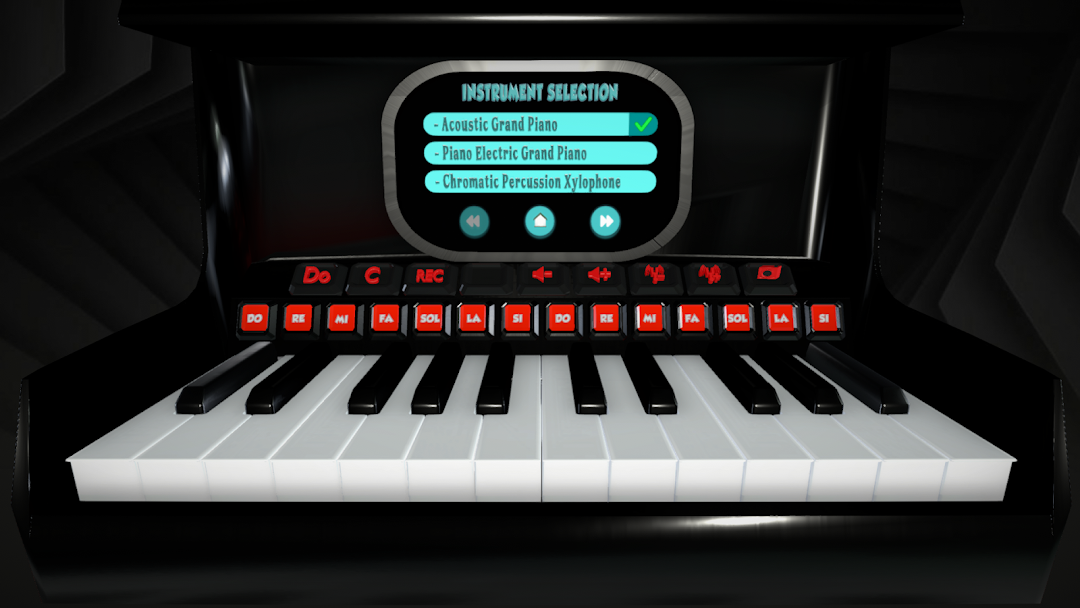
Instrument changing feature.
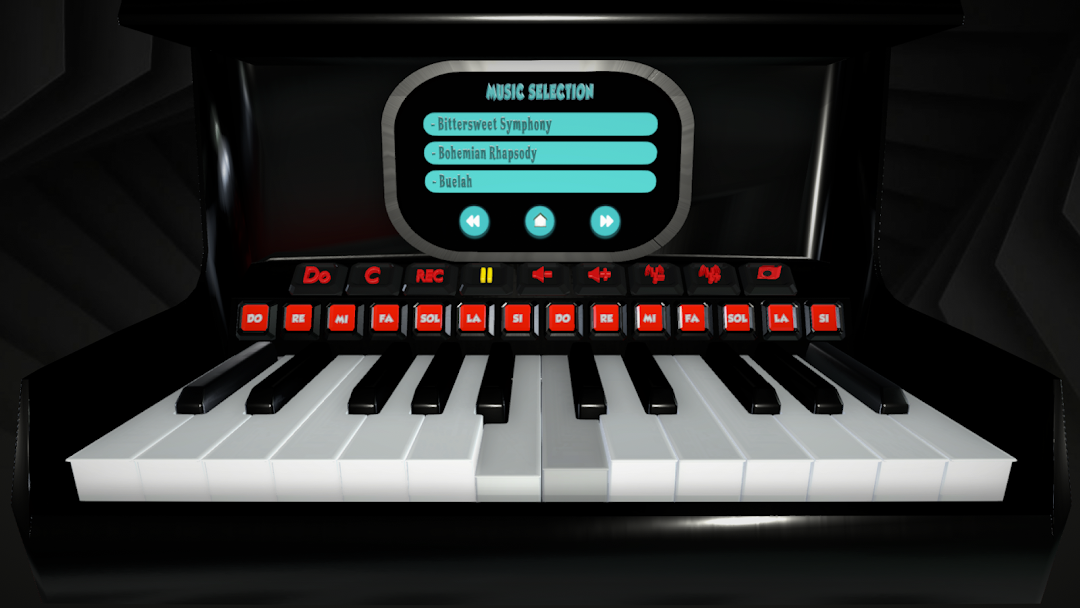
Ability to play along with music.
The feature of adding the desired song with the help of the link.
Note tracking feature that helps to make music.
Educational notes.