ClassicBoy Pro - Game Emulator is a Arcade application developed by PortableAndroid, but with the best Android emulator-LDPlayer, you can download and play ClassicBoy Pro - Game Emulator on your computer.
Running ClassicBoy Pro - Game Emulator on your computer allows you to browse clearly on a large screen, and controlling the application with a mouse and keyboard is much faster than using touchscreen, all while never having to worry about device battery issues.
With multi-instance and synchronization features, you can even run multiple applications and accounts on your PC.
And file sharing makes sharing images, videos, and files incredibly easy.
Download ClassicBoy Pro - Game Emulator and run it on your PC. Enjoy the large screen and high-definition quality on your PC!
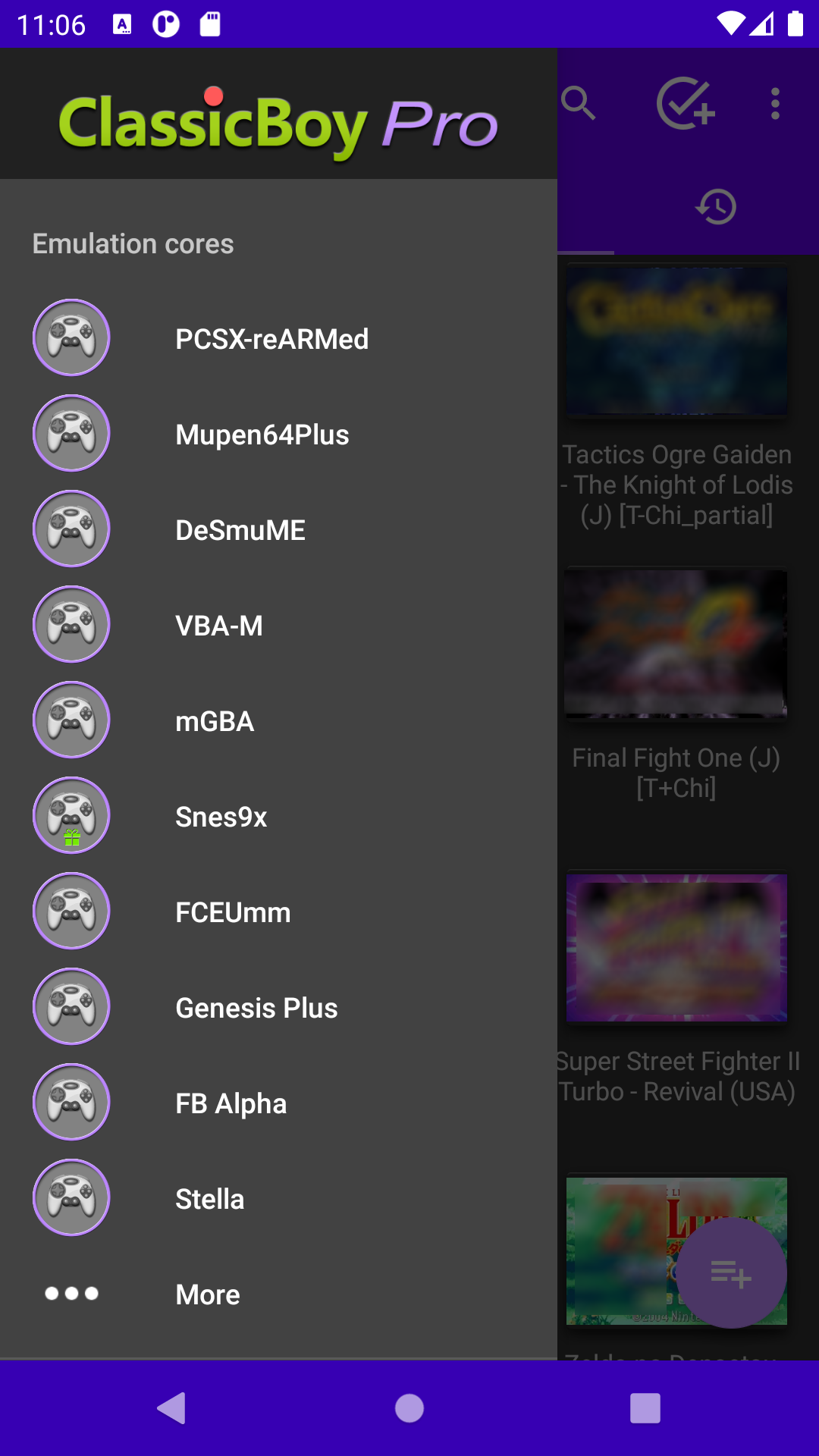
ClassicBoy Pro is a powerful all-in-one emulator that integrates multiple mainstream emulator cores, supporting a massive library of classic video games. In addition, the user-friendly interface and rich settings options allow you to easily manage your game library. It's designed to work on a wide range of Android devices, such as phones, tablets and TVs. Relive classic games from multiple platforms, no need to install multiple apps, one is all you need.EMULATION CORES
• Dolphin (GameCube, Wii)
• Citra (3DS)
• PPSSPP (PSP)
• FlyCast (Dreamcast)
• PCSX-ReARMed/SwanStation (PS1/PSX)
• Mupen64Plus(N64)
• Desmume/MelonDS (NDS)
• VBA-M/mGBA (GBA/GBC/GB)
• Snes9x (SNES)
• FCEUmm (NES)
• Genplus/PicoDrive (MegaDrive/Genesis/CD/MS/GG/32X)
• Beetle-Saturn/Yabause (Saturn)
• FBA/MAME (Arcade)
• NeoCD (NeoGeo CD)
• GnGeo (NeoGeo)
• Beetle-PCE (TurboGrafx 16/CD)
• NeoPop (NeoGeo Pocket/Color)
• Beetle-Cygne (WonderSwan /Color)
• Stella (Atari 2600)
• PokeMini
KEY FEATURES
• Broad Game Compatibility: Supports emulation of most classic game consoles, with more to be added.
• Accurate ROM Identification: Automatically scans specified files or directories, accurately identifying and adding games.
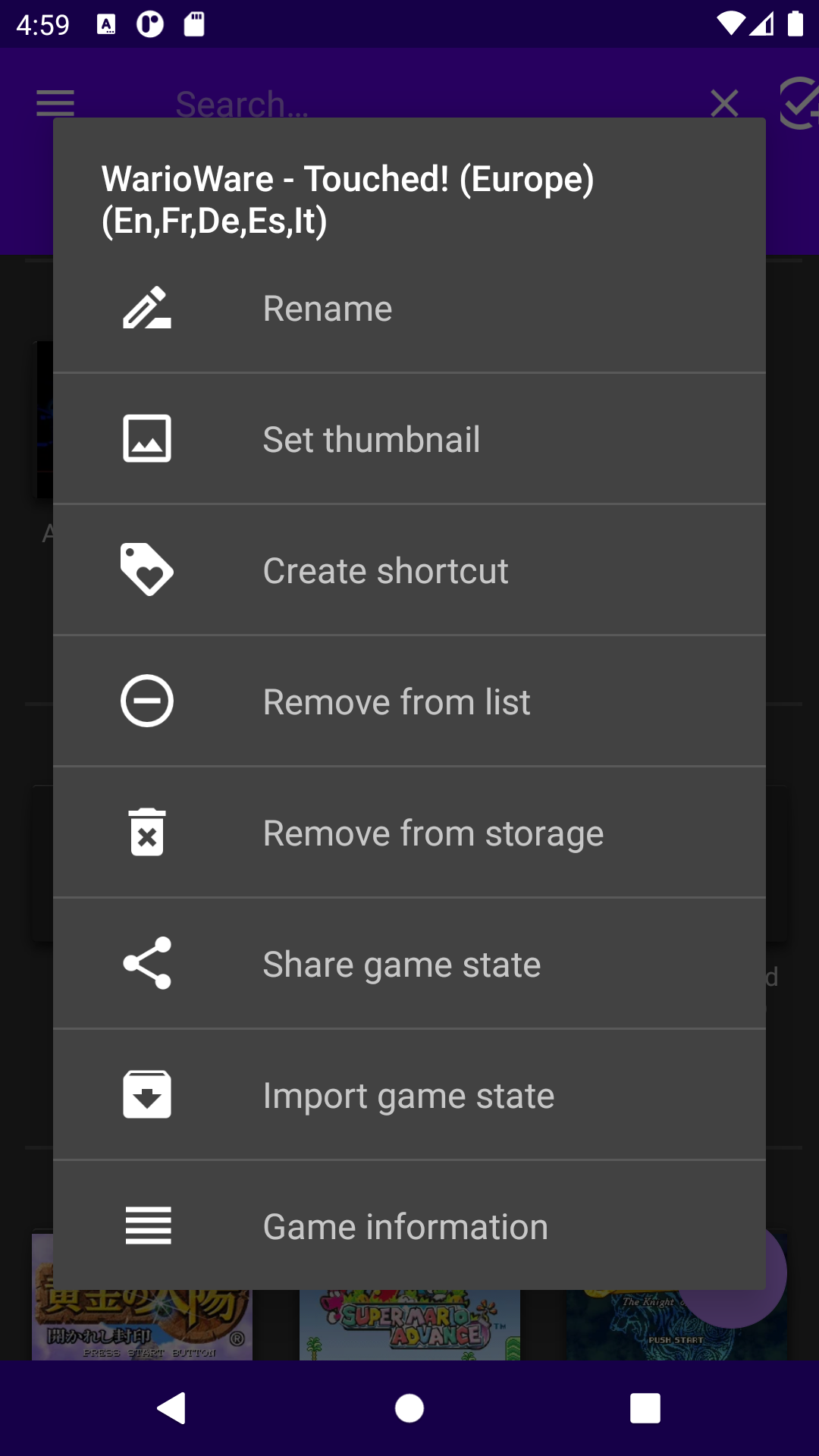
• Easy Game Library Management: Browse, locate, or favorite your games using an intuitive gallery view.
• Flexible Emulator Core Switching: Easily switch and bind games to different cores for optimal performance and compatibility.
• Comprehensive Game Database: Explore detailed information about your favorite games.
• Adaptive Interface: Choose interface layouts for different device types for the best user experience.
• Classic Game Controls: Play games with intuitive touchscreen buttons or connect external gamepads.
• Advanced Game Controls: Achieve personalized game control through touchscreen gestures and accelerometer input mapping. (Advanced users)
• Customizable Button Layout: Customize button layouts and visual appearance to your liking.
• Adjustable Game Speed: Modify game speed to fast-forward cutscenes or slow down to overcome difficult sections.
• Save and Load States: Save and restore your game progress at any time. (Advanced users)
• Advanced Core Settings: Modify core settings to optimize game performance and audio-visual effects.
• Data Import/Export: Easily back up or transfer game data between devices.
• Cheat Code Support: Enhance your gaming experience with cheat codes.
• Other Features: You can explore them while using the app.
PERMISSIONS
• Access external storage: Used to identify and read game files.
• Vibrate: Used to provide controller feedback in games.
• Modify audio settings: Used to enable audio reverb effects.
• Bluetooth: Used to connect wireless game controllers.
DATA PRIVACY & SECURITY
This app request external storage write/read permission only below Android 10 to access game data and app settings, your private information includes photos and media files will NOT be accessed.