Coloring Game: Little artist is a Simulation application developed by iKame Games - Zego Studio, but with the best Android emulator-LDPlayer, you can download and play Coloring Game: Little artist on your computer.
Running Coloring Game: Little artist on your computer allows you to browse clearly on a large screen, and controlling the application with a mouse and keyboard is much faster than using touchscreen, all while never having to worry about device battery issues.
With multi-instance and synchronization features, you can even run multiple applications and accounts on your PC.
And file sharing makes sharing images, videos, and files incredibly easy.
Download Coloring Game: Little artist and run it on your PC. Enjoy the large screen and high-definition quality on your PC!
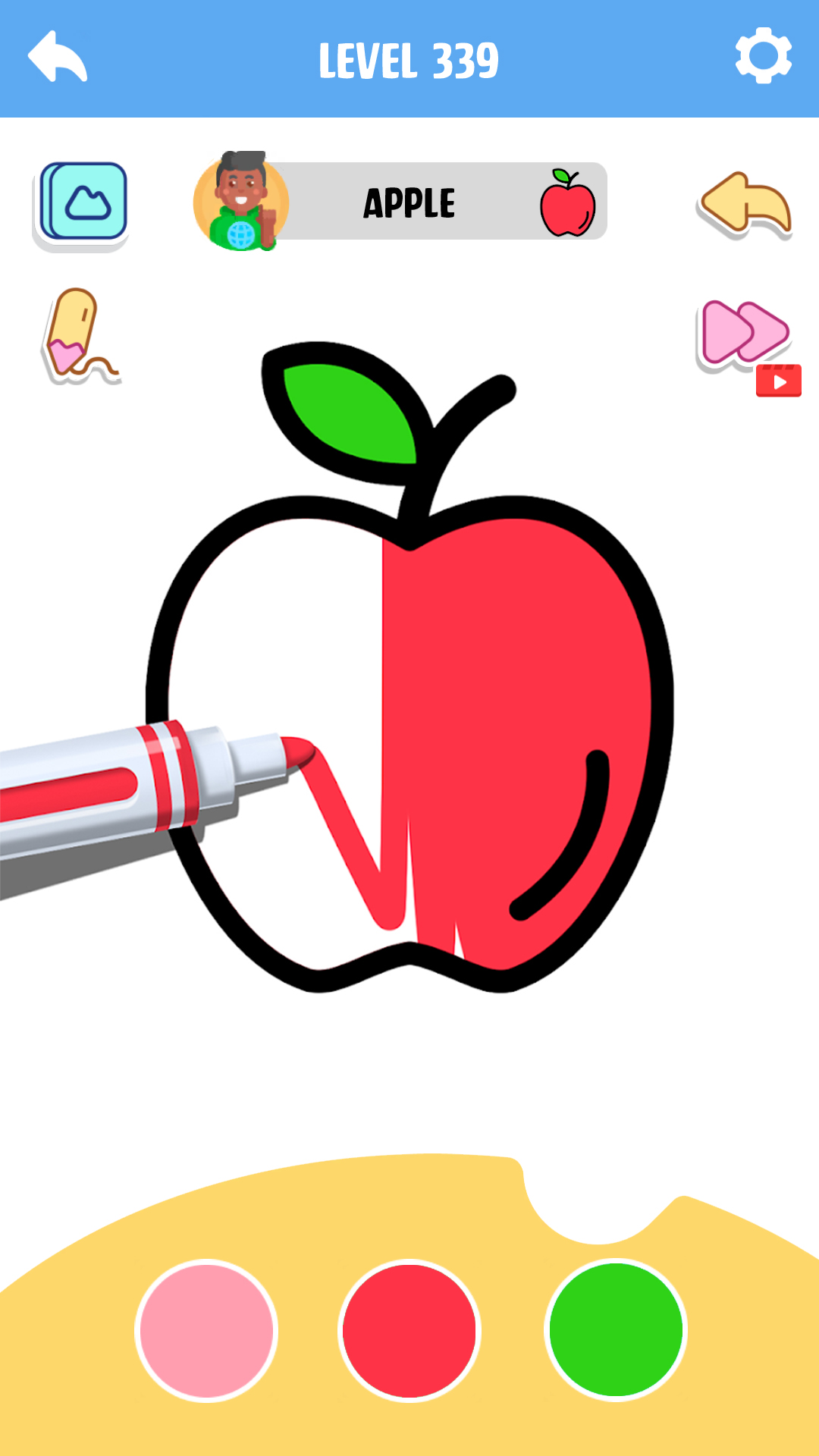
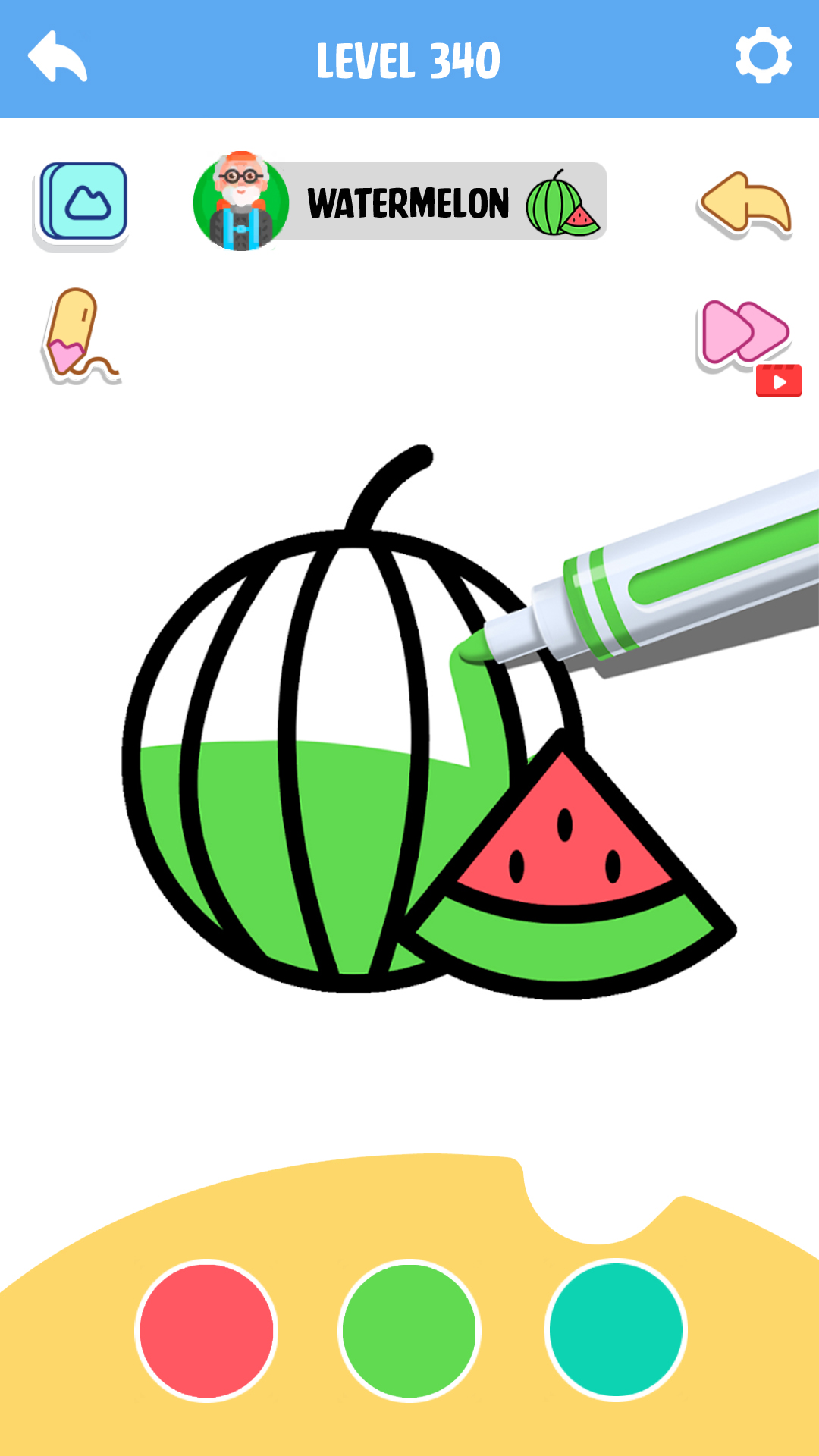
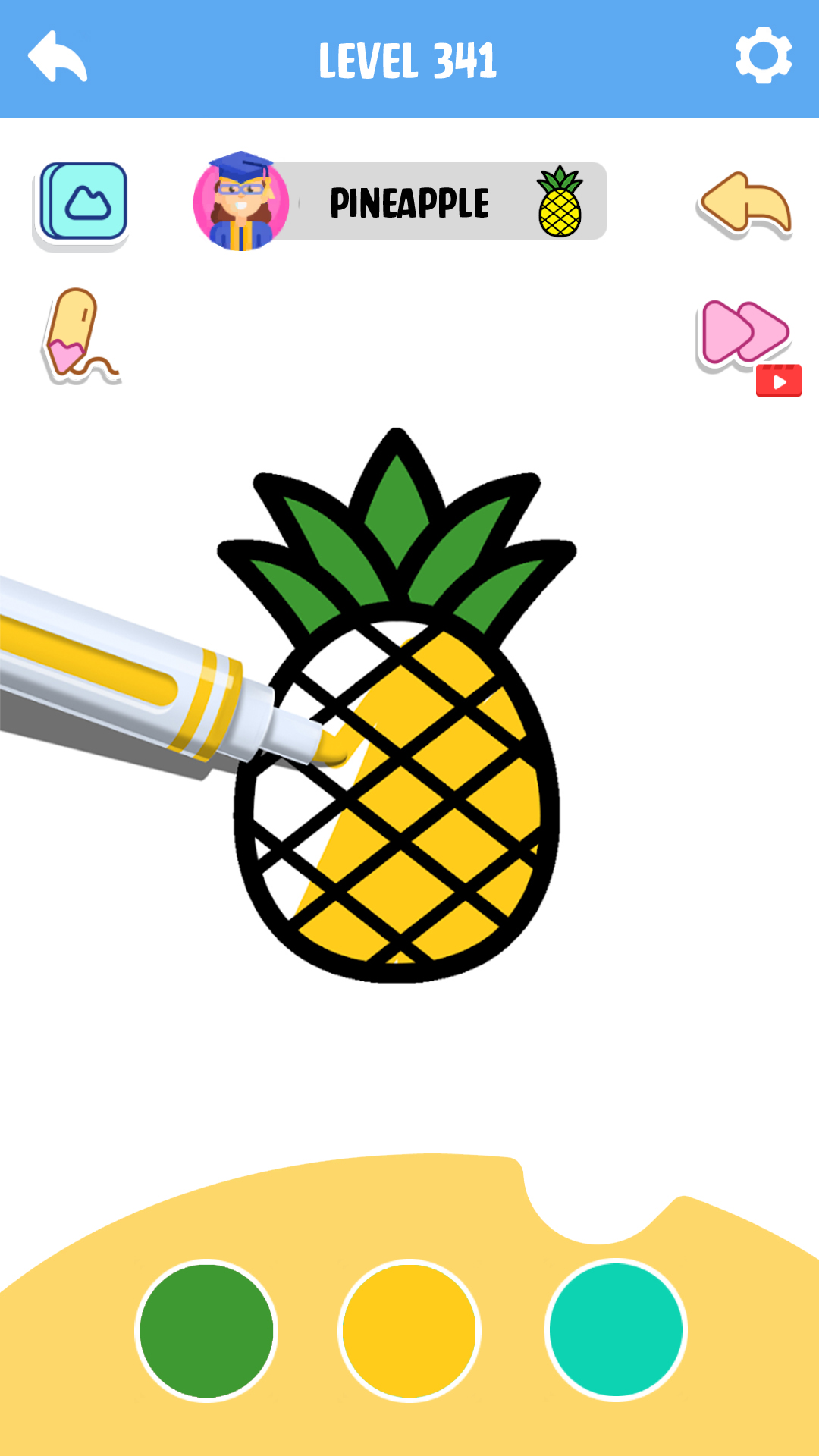
Enjoy fun and relaxing with Coloring Game: Little Artist. Perfect for all ages, this simple and creative coloring game lets you explore beautiful designs and vibrant colors.Create stunning artwork in this easy-to-use coloring game. Choose from a variety of illustrations and bring them to life with your personal touch. Whether you’re relaxing or expressing your creativity, this coloring game is perfect for everyone.
Key Features:
- A wide selection of designs in the coloring game.
- Simple touch controls for effortless fun in the coloring game.
- A huge palette of colors and patterns to explore in the coloring game.
- Relaxing sounds to enhance your coloring game experience.
- Share your creations directly from the coloring game.
- Regular updates with new content to keep the coloring game fresh.
Start your artistic journey today with Coloring Game: Little Artist—a delightful coloring game for creativity and relaxation. Start now!