Coloring, Music and Games is a Educational application developed by Orange Studios Games, but with the best Android emulator-LDPlayer, you can download and play Coloring, Music and Games on your computer.
Running Coloring, Music and Games on your computer allows you to browse clearly on a large screen, and controlling the application with a mouse and keyboard is much faster than using touchscreen, all while never having to worry about device battery issues.
With multi-instance and synchronization features, you can even run multiple applications and accounts on your PC.
And file sharing makes sharing images, videos, and files incredibly easy.
Download Coloring, Music and Games and run it on your PC. Enjoy the large screen and high-definition quality on your PC!
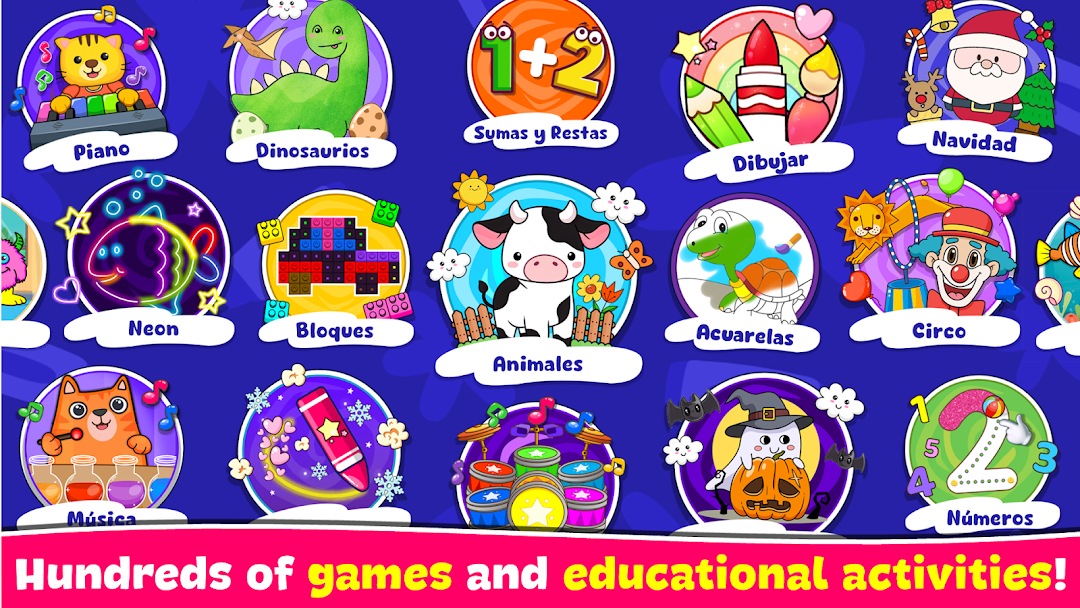
It is an application created especially to help kids develop memory, concentration, imagination and creativity, as well as motor, intellectual, sensory and speech skills.Is the best way to learn, create and play healthily!
It has more than 100 educational activities, organized in different categories such as: music, drawing and coloring, creativity, logic, memory, among others.
Which will allow you:
- Learn to play instruments (Piano, Drums, Xylophone)
- Learn the Numbers.
- Learn the Alphabet.
- Learn to Add, Subtract and Compare.
- Solve logic challenges.
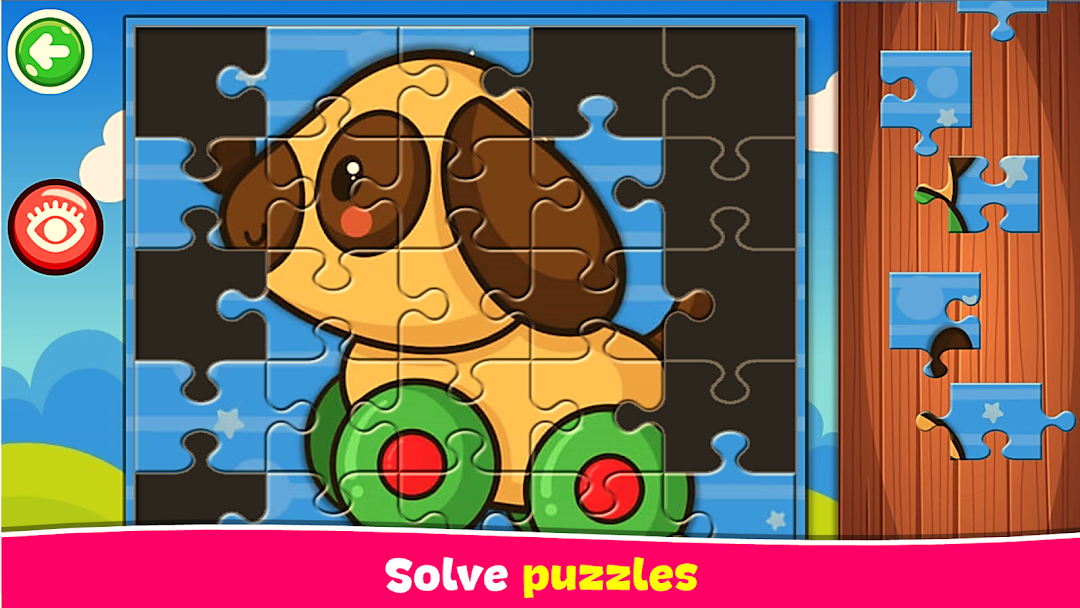
- Solve puzzles.
- Coloring more than 120 drawings (Animals, Circus, Christmas, Halloween, Dinosaurs, among others).
Is an excellent way to spend time with your children while you share beautiful moments creating and playing.
The application interface is simple and intuitive, which makes it ideal for children of all ages.
It works perfectly on both tablets and phones.
**** Do you like our free application? ****
Help us and dedicate a few moments to write your opinion on Google Play.
Your contribution allows us to improve and develop new free applications!