Turbo Dodge is a Arcade application developed by Live Streamers Company Limited, but with the best Android emulator-LDPlayer, you can download and play Turbo Dodge on your computer.
Running Turbo Dodge on your computer allows you to browse clearly on a large screen, and controlling the application with a mouse and keyboard is much faster than using touchscreen, all while never having to worry about device battery issues.
With multi-instance and synchronization features, you can even run multiple applications and accounts on your PC.
And file sharing makes sharing images, videos, and files incredibly easy.
Download Turbo Dodge and run it on your PC. Enjoy the large screen and high-definition quality on your PC!
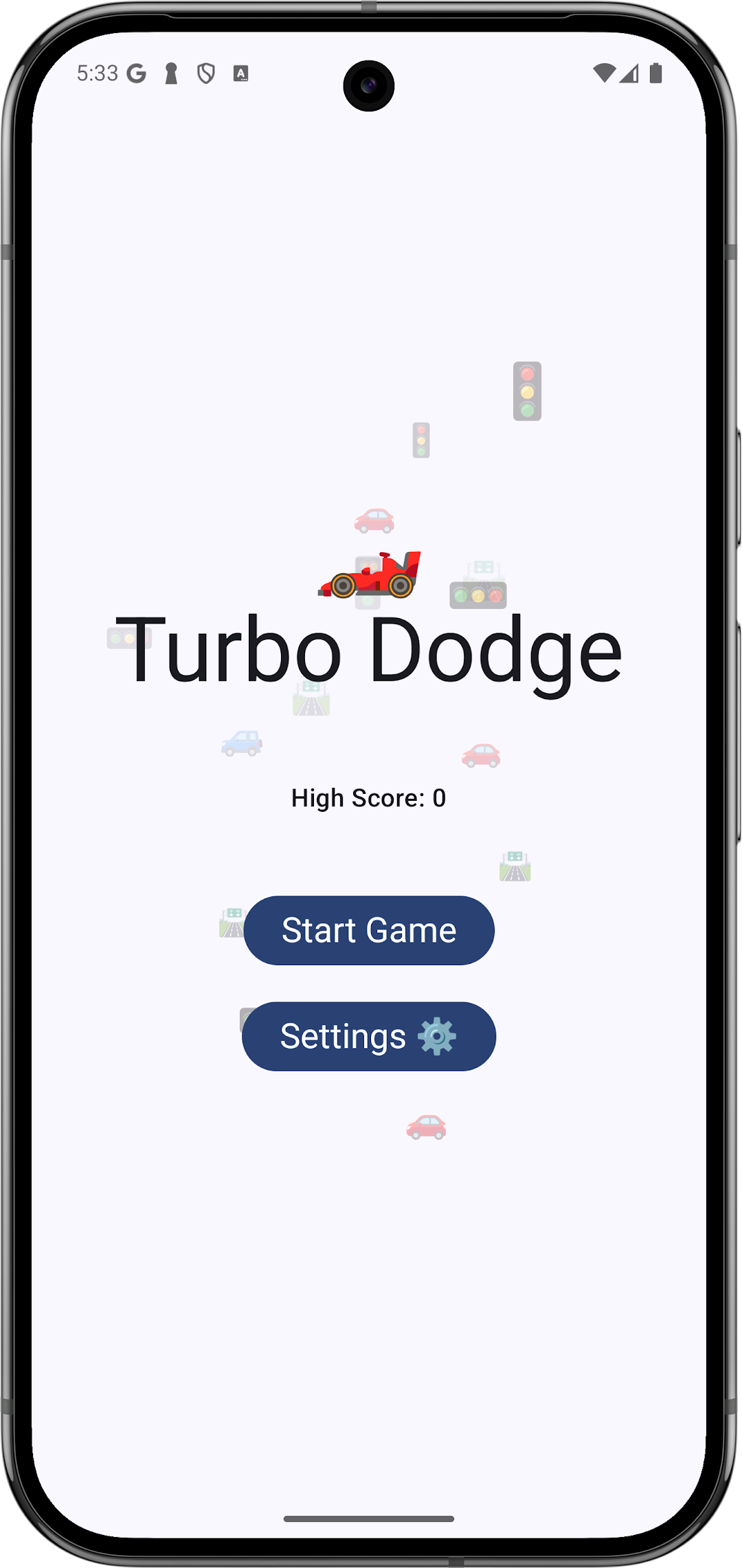
Turbo Dodge is a thrilling, fast-paced arcade game that puts your reflexes to the test. In this endless dodge challenge, you control a vehicle by simply dragging it across the screen to avoid an ever-increasing stream of falling obstacles. As you survive longer, the game speeds up—making each moment more intense and every dodge more crucial.Key Features:
• Simple Controls: Intuitive drag-and-move gameplay that lets you steer your vehicle effortlessly.
• Dynamic Challenge: Obstacles appear with increasing frequency and speed as your score climbs, ensuring a progressively challenging experience.
• Personalized Ride: Head to the settings menu to choose your favorite vehicle emoji and make the game truly your own.
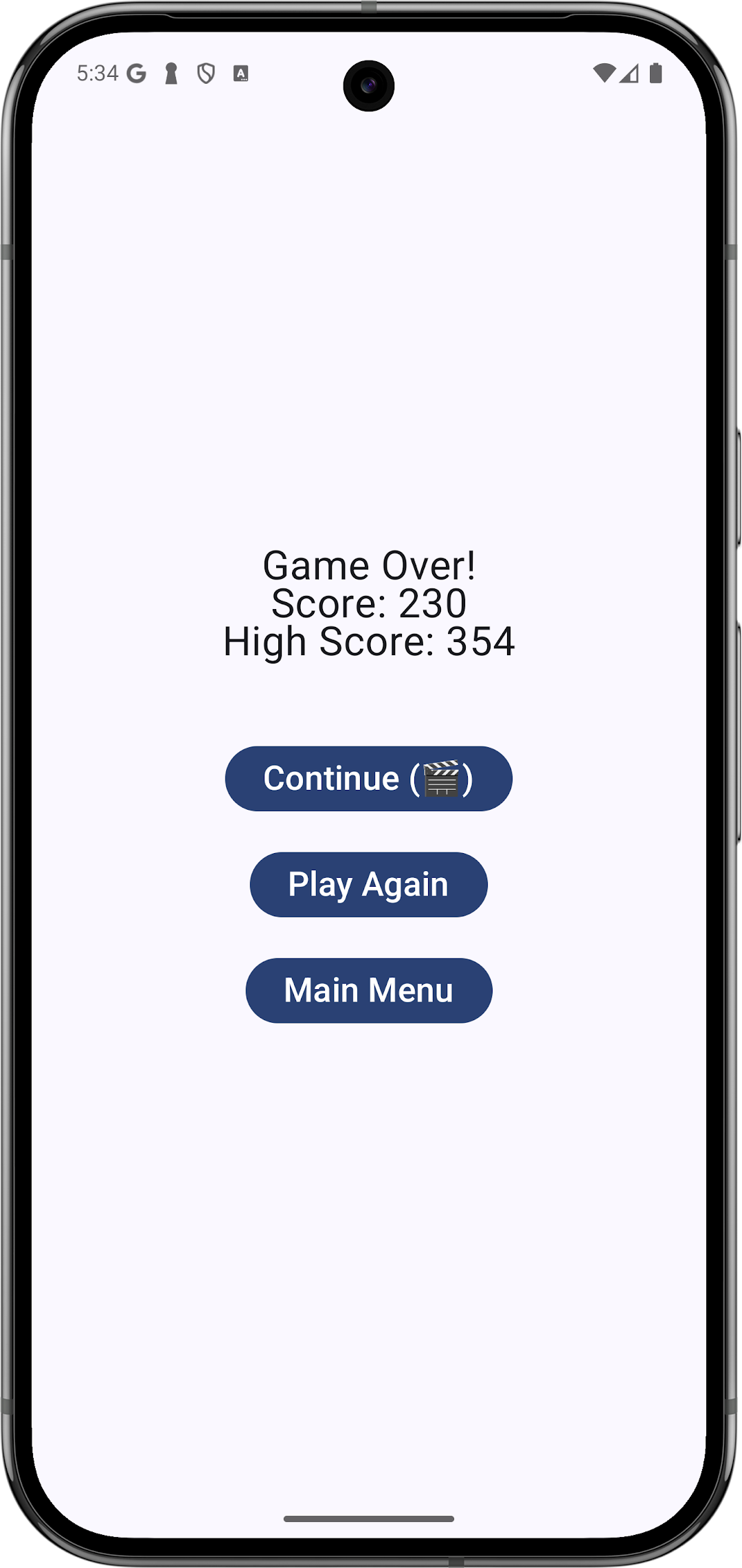
• Score & High Score Tracking: Keep an eye on your current score and aim to beat your best as you dodge hazards.
Dive into Turbo Dodge today and experience the rush of dodging hazards, refining your skills, and pushing your limits in this addictive arcade adventure!