Checkers is a Board application developed by BIG BOY STUDIOS, but with the best Android emulator-LDPlayer, you can download and play Checkers on your computer.
Running Checkers on your computer allows you to browse clearly on a large screen, and controlling the application with a mouse and keyboard is much faster than using touchscreen, all while never having to worry about device battery issues.
With multi-instance and synchronization features, you can even run multiple applications and accounts on your PC.
And file sharing makes sharing images, videos, and files incredibly easy.
Download Checkers and run it on your PC. Enjoy the large screen and high-definition quality on your PC!
The timeless strategy game, now in your handsPlay the classic game of Checkers anytime, anywhere. Whether you're going head-to-head with a clever AI or sharing the board with a friend, this mobile version brings all the strategy, skill, and satisfaction of traditional Checkers to your device.
Game Modes:
- Play vs Bot: Challenge a smart and responsive AI with different strategies.
- 2 Player (Offline): Take turns on the same device and enjoy a casual or competitive match with a friend.
Gameplay Features:
- Traditional Checkers rules and mechanics
- Simple tap-to-move controls
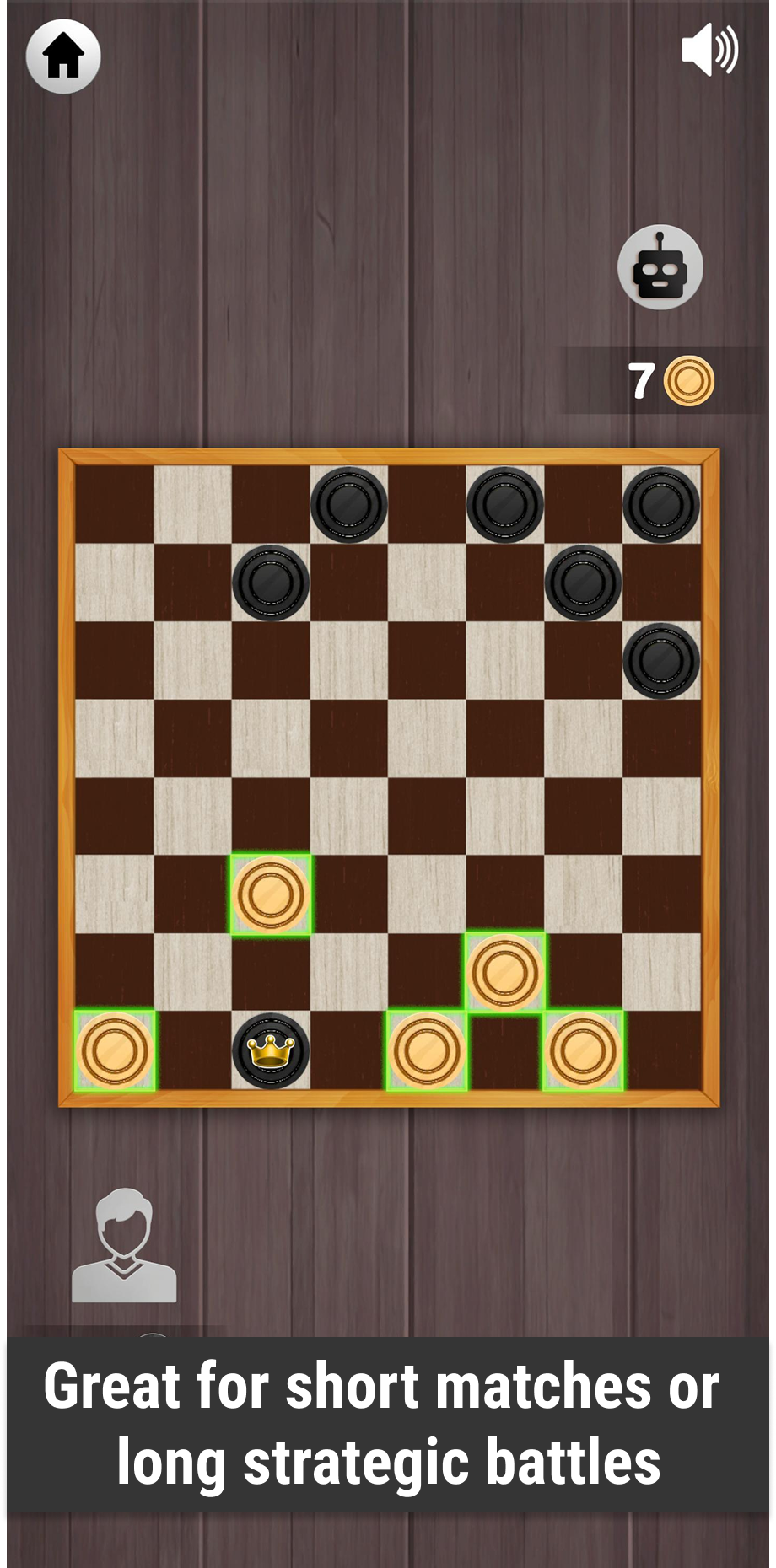
- Smooth animations and clean board visuals
- Realistic piece movement with intuitive gameplay
Why You'll Love It:
- Easy to learn, hard to master—perfect for all skill levels
- Great for short matches or long strategic battles
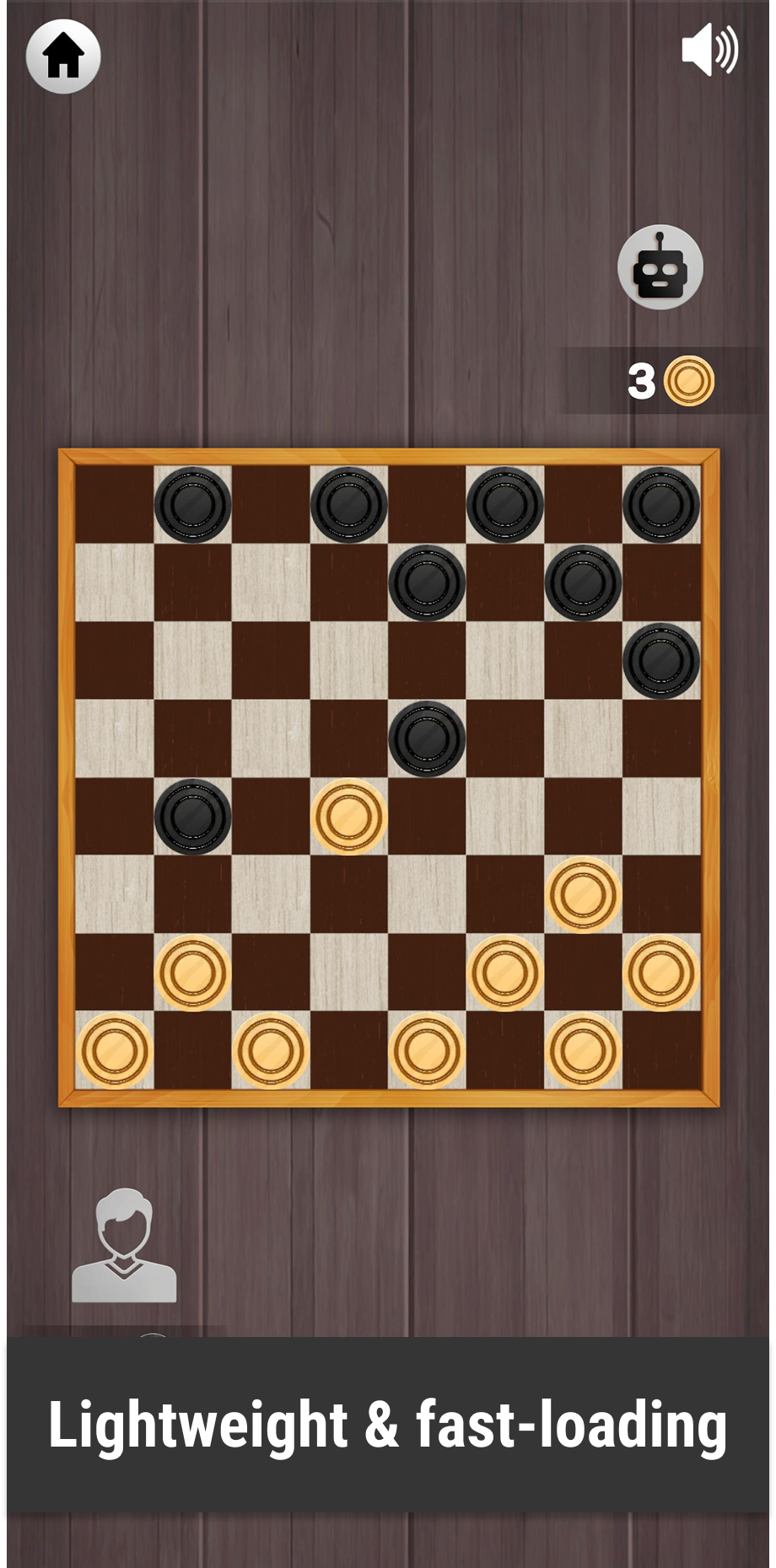
- Lightweight and fast-loading
How to Play:
Move your pieces diagonally across the board. Capture opponent pieces by jumping over them. Reach the opposite side to crown your piece as a King—and gain new strategic advantages! Outsmart your opponent to claim victory.
Whether you're a Checkers beginner or a seasoned player, this mobile version offers a smooth, straightforward experience that stays true to the classic board game.
Start your match now—and prove who the true Checkers champion is!