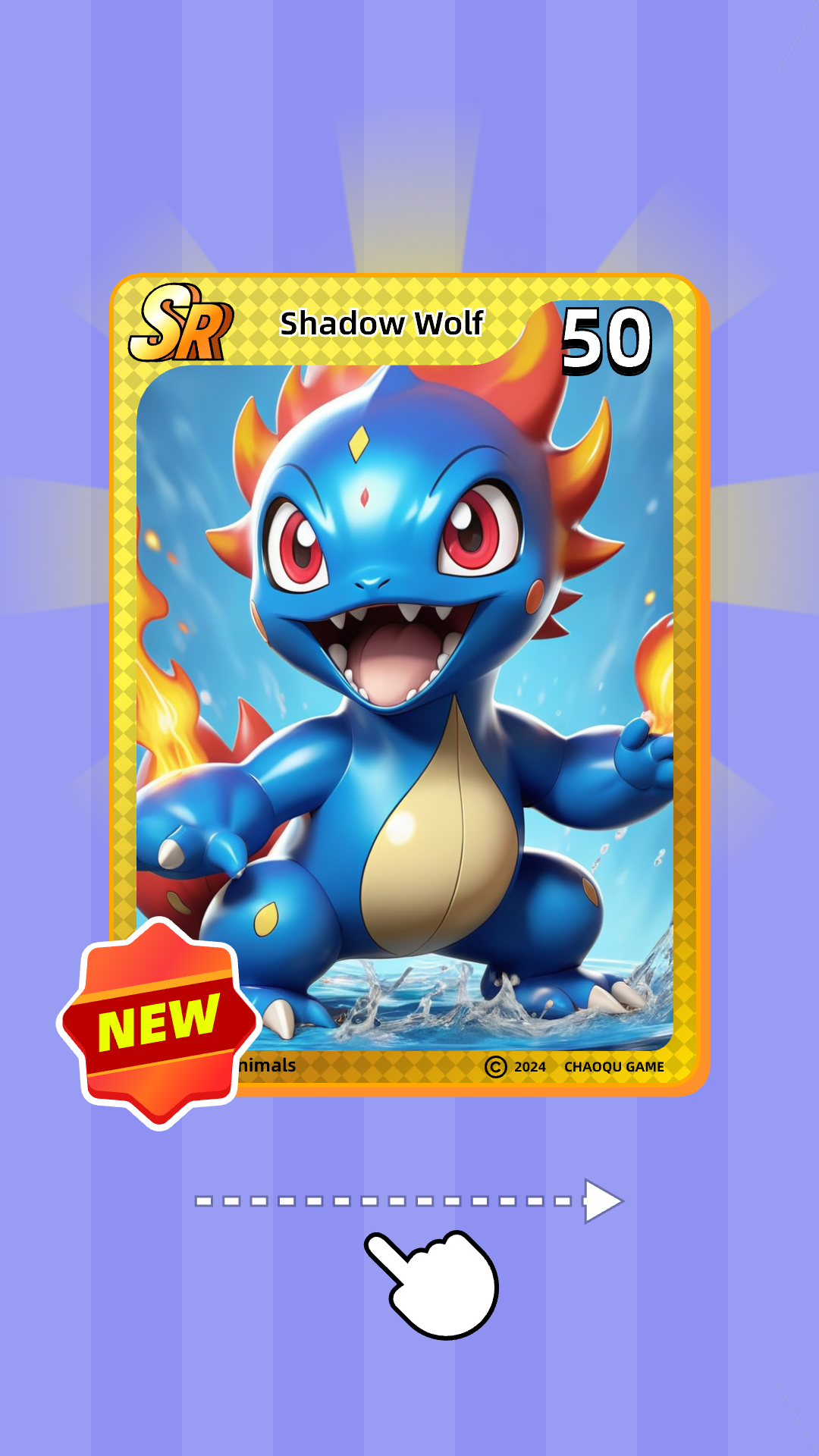
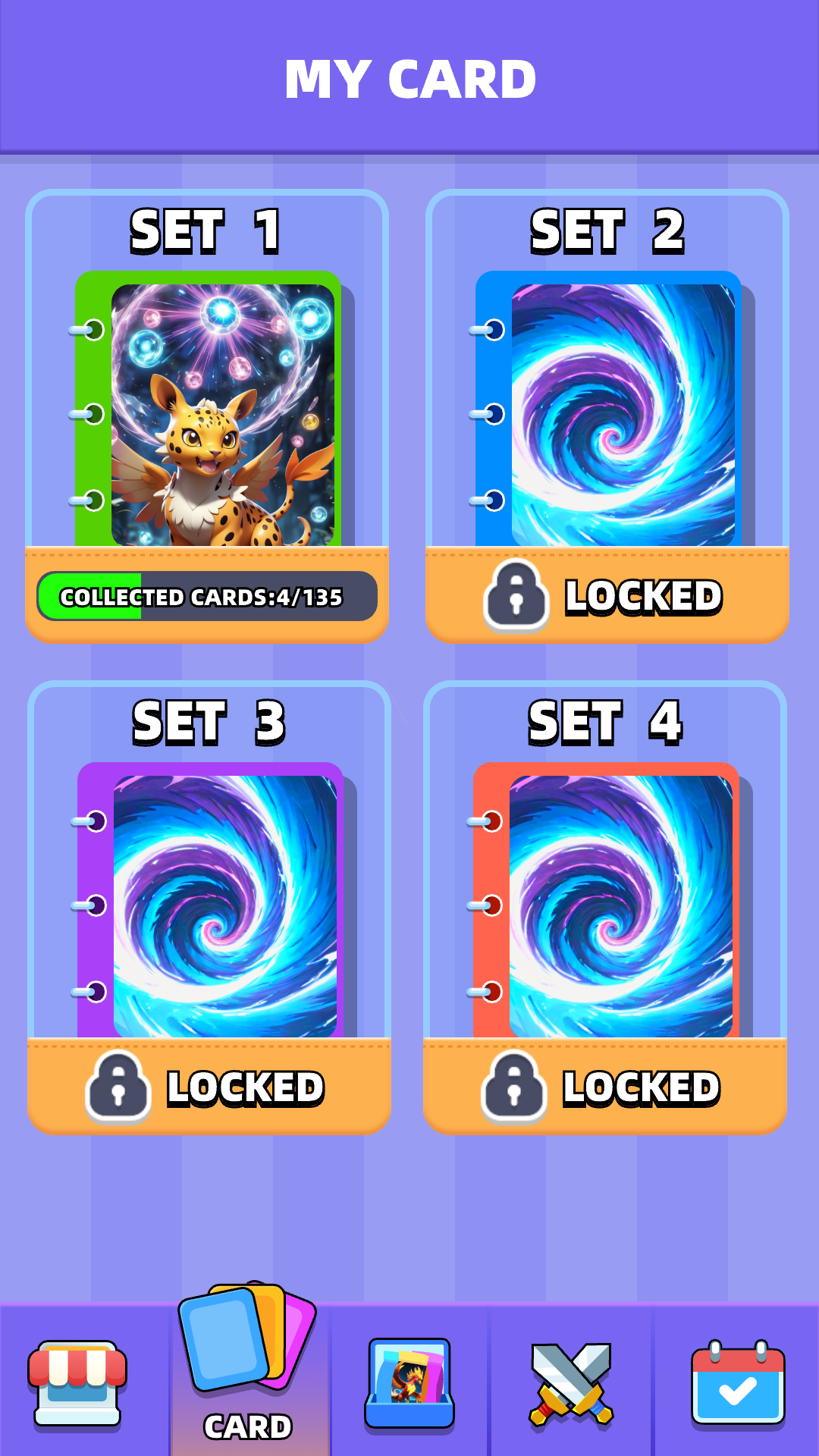
Card Master:Fantastic monster is a Casual game developed by Beyond the game. LDPlayer is the best platform for playing Card Master:Fantastic monster on Windows PC, offering powerful features to enhance your immersive experience in Card Master:Fantastic monster.
When playing Card Master:Fantastic monster on your computer, if you find repetitive actions or tasks tedious and time-consuming, fret not! Macro can alleviate your concerns. Simply record your actions with a click of the screen recording feature and let macros take care of the rest. Macros automate your operations, allowing you to effortlessly conquer the game with minimal effort! Start downloading and playing Card Master:Fantastic monster on your computer now!
Welcome to Card Master: Fantastic monster, an exciting game where your mission is to collect and master the rarest cards!Dive into a vibrant world where every card pack opened brings you closer to building the ultimate collection.
Card Master focuses on the thrill of card collecting. Open packs, discover rare cards, and enjoy the journey of becoming a master card collector.
Features:
Thrilling Card Pack Openings: Experience the excitement of opening card packs filled with rare and legendary cards.
Extensive Collection: Collect hundreds of unique cards, each with its own story and artwork.
Mini-Games and Challenges: Engage in fun mini-games and challenges to earn coins and unlock more card packs.
Beautiful Visuals: Enjoy stunning graphics that bring each card to life with intricate details and vibrant colors.
Regular Updates: Look forward to new cards, events, and challenges added regularly to keep the game fresh and exciting.
Gameplay:
Easy and Addictive: Simple to pick up and play, yet endlessly engaging as you strive to complete your collection.
Card Pack Variety: Discover different types of card packs, each containing a unique assortment of cards from common to legendary.
Mini-Game Fun: Play various mini-games to earn rewards, from puzzle challenges to memory games, adding a fun twist to your card collecting journey.
Community and Tournaments: Join a community of fellow collectors, participate in events, and compete in tournaments to showcase your collection.
Embark on Your Card Master Journey:
Collect and Trade: Collect a wide range of cards and trade with other players to complete your collection.
Upgrade and Customize: Upgrade your cards to enhance their rarity and unlock special features.
Immersive Experience: Dive into a world where every card pack opened is a step closer to becoming the ultimate Card Master.
Join the adventure and start your journey to become the most esteemed card collector in Card Master.
Download now and unleash your passion for collecting!