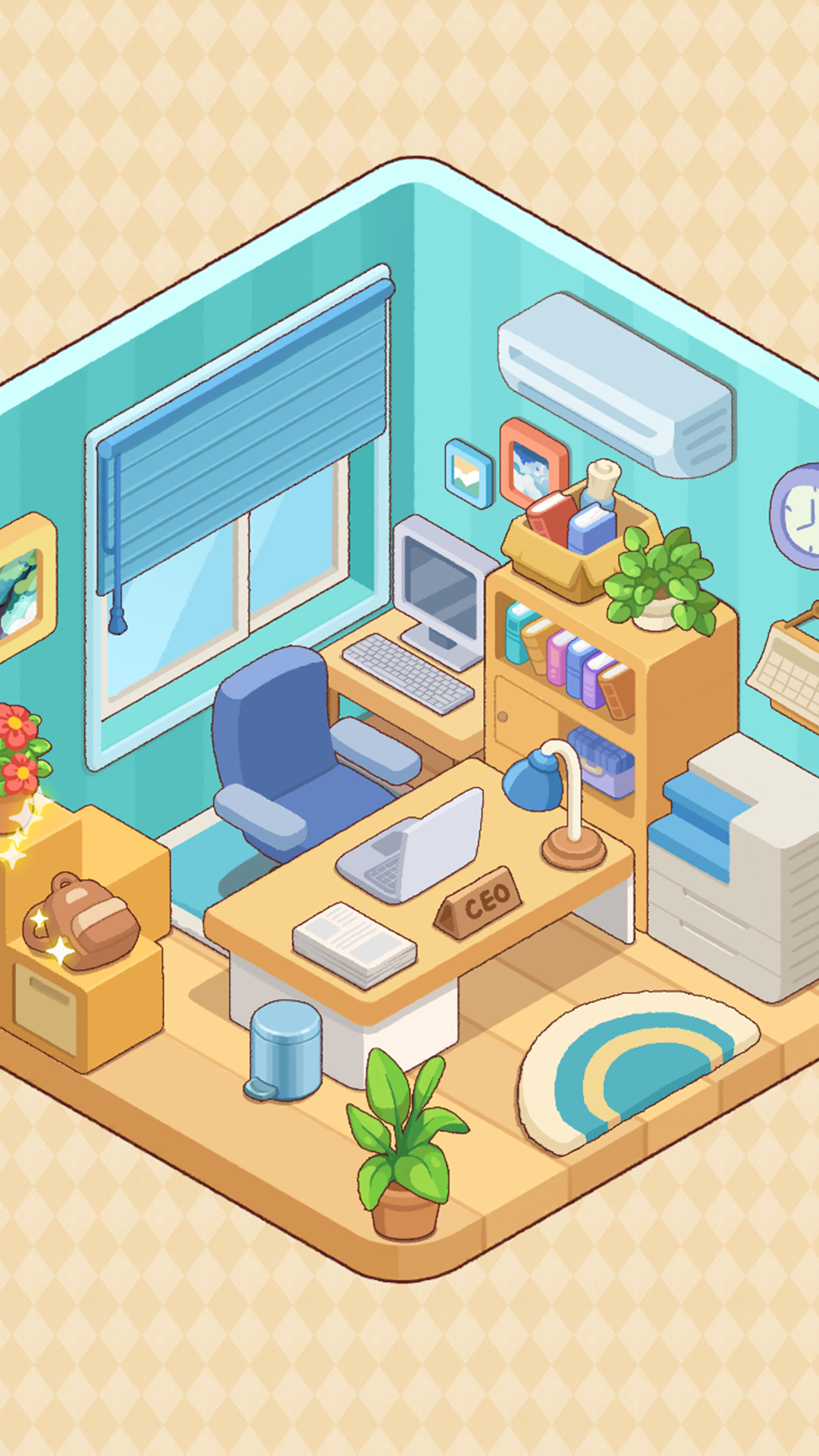
My Dream Room is a Simulation application developed by WONDERGAMES STUDIO, but with the best Android emulator-LDPlayer, you can download and play My Dream Room on your computer.
Running My Dream Room on your computer allows you to browse clearly on a large screen, and controlling the application with a mouse and keyboard is much faster than using touchscreen, all while never having to worry about device battery issues.
With multi-instance and synchronization features, you can even run multiple applications and accounts on your PC.
And file sharing makes sharing images, videos, and files incredibly easy.
Download My Dream Room and run it on your PC. Enjoy the large screen and high-definition quality on your PC!
"Welcome to My Dream Room – not just a game, but a soothing journey into the art of remembrance and the quiet joy of creating harmony. Step into a world where every item tells a story and every room holds a chapter of a life waiting to be rediscovered.📦 Unbox & Unwind: Delve into beautifully designed boxes filled with personal belongings. Each object you unwrap is a clue, a fragment of a larger narrative. Thoughtfully arrange items, transforming empty spaces into cozy, lived-in environments that resonate with emotion. As you organize, you’re not just tidying up – you're piecing together a poignant life story, one cherished memory at a time.
🏡 Decorate & Discover: Experience the profound satisfaction of bringing order to gentle chaos. There are no timers, no scores, just the pure, meditative pleasure of finding the perfect place for everything. From faded photographs and worn-out teddy bears to first-home treasures, every item has its place and its purpose, revealing touching milestones and quiet triumphs. Watch as rooms evolve, reflecting different stages of life and love.
🌿 A Sanctuary for Your Mind: Let the serene visuals, calming ambient sounds, and intuitive gameplay envelop you. My Dream Room is your personal retreat, a space to reflect, relax, and engage your creativity without pressure.
Why You’ll Cherish My Dream Room:
🌟 Deeply Relaxing Gameplay: A perfect fusion of mindful activity and creative expression. Escape the everyday hustle and find your center.
📖 Heartfelt Storytelling Through Objects: Uncover an intimate and relatable narrative told entirely through the items you unpack and place. Every object whispers a secret.
🎨 Creative Freedom: Organize and decorate rooms in a way that feels right to you. Create beautiful, serene spaces that tell a silent, powerful story.
😌 The Bliss of Tidying: Experience the unique, calming satisfaction that comes from creating order and seeing a space transform into something beautiful and meaningful.
💖 Nostalgic & Emotional Resonance: Journey through universally shared experiences—childhood wonder, the excitement of new beginnings, the comfort of cherished mementos—sparking your own memories along the way.
✨ Uniquely Charming: Simple to learn, yet profoundly engaging. A gentle puzzle that touches the heart.
My Dream Room is more than just organizing; it’s an invitation to pause, breathe, and find beauty in the details. It's about connecting with the stories that make us human and the spaces that become our sanctuaries. Begin your journey of discovery and design today. 🏠💕"