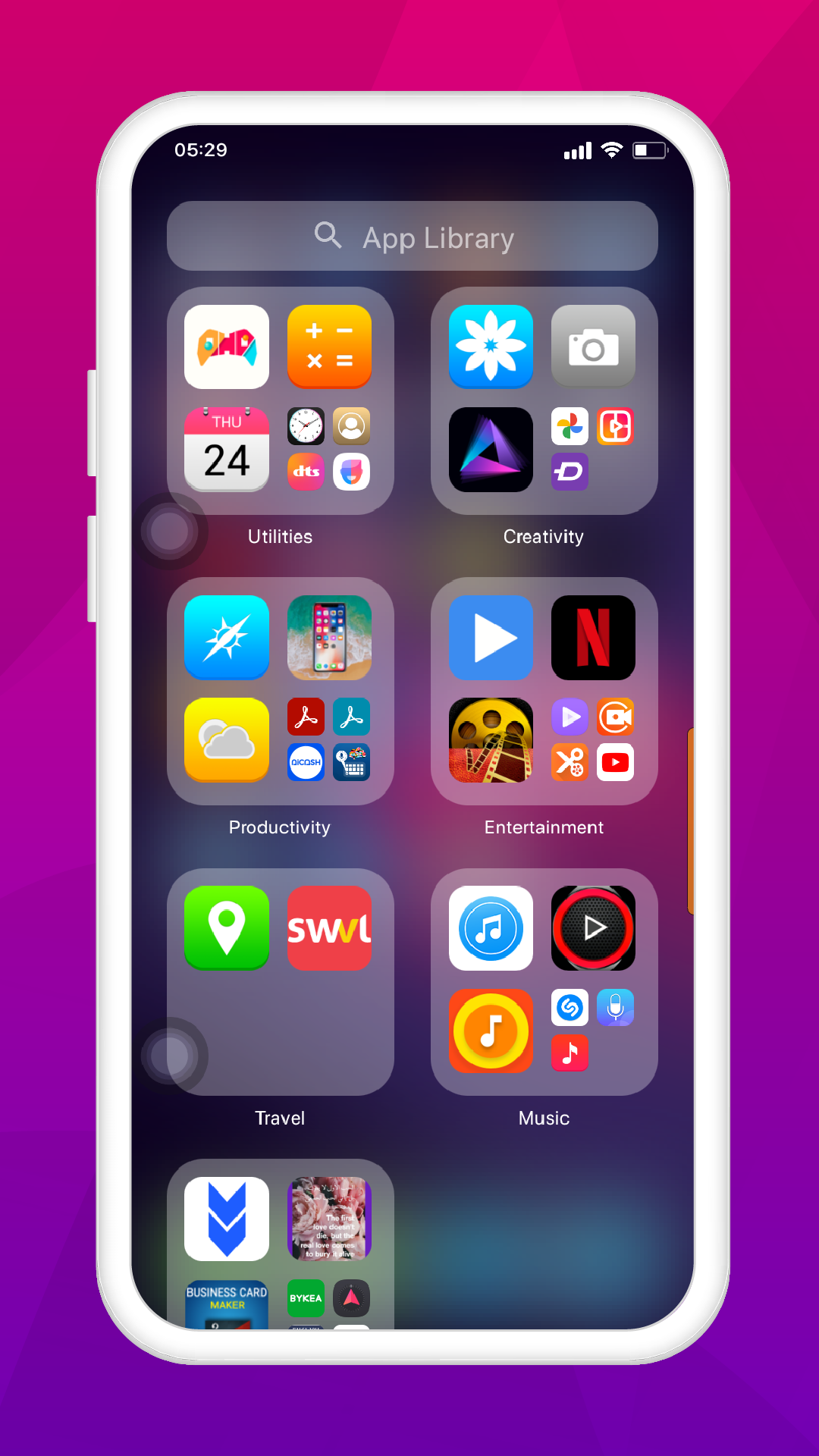
iPhone 14 Pro Max Launcher is a Personalization application developed by Dream Technologies Inc., but with the best Android emulator-LDPlayer, you can download and play iPhone 14 Pro Max Launcher on your computer.
Running iPhone 14 Pro Max Launcher on your computer allows you to browse clearly on a large screen, and controlling the application with a mouse and keyboard is much faster than using touchscreen, all while never having to worry about device battery issues.
With multi-instance and synchronization features, you can even run multiple applications and accounts on your PC.
And file sharing makes sharing images, videos, and files incredibly easy.
Download iPhone 14 Pro Max Launcher and run it on your PC. Enjoy the large screen and high-definition quality on your PC!
iPhone 14 Pro Max gives beautiful HD wallpapers and stunning themes with new features and beautiful look which will make your iPhone 14 Pro Max mobile a new look.Usage Procedure:
First step is to install iPhone 14 Pro Max Launcher application.
Click on the launcher which you like to use.
Click apply button to use it.
Use different icons and themes and enjoy.
Some major launchers that support the theme for iPhone 14 Pro Max:
Action Launcher
ADW Launcher
Apex Launcher
Apus Launcher
C Launcher
HiOS Launcher
Holo Launcher
M Launcher
Microsoft Launcher
Next Launcher
Nova Launcher
N+ Launcher
POCO Launcher
Smart Launcher
Solo Launcher
This application is also compatible with almost all types of brands of smart phones like Samsung, OPPO, Huawei, Nokia, Xiaomi, Realme, HTC, OnePlus, Infinix, Tecno, Sony Ericsson, Honor, Apple, Vivo, iOS, Android, Lenovo, QMobile, LG, , blackberry, Microsoft and Haier. IPhone 14 Pro Max Launcher is designed to feel you a better and fresh feelings with beautiful wallpapers and eye-catching style. Theme for IPhone 14 Pro Max: Launcher is supported on most Android devices, including Samsung, OPPO, Huawei, Realme, Infinix, Xiaomi, OnePlus, Sony EXperia, HTC etcetera. Install it for your mobile with iPhone 14 Pro Max look.
Download it for free and get all new features and it support all types of launchers which you want to install at your iPhone 14 Pro Max. Just click and install it to get amazed.
Download and enjoy.