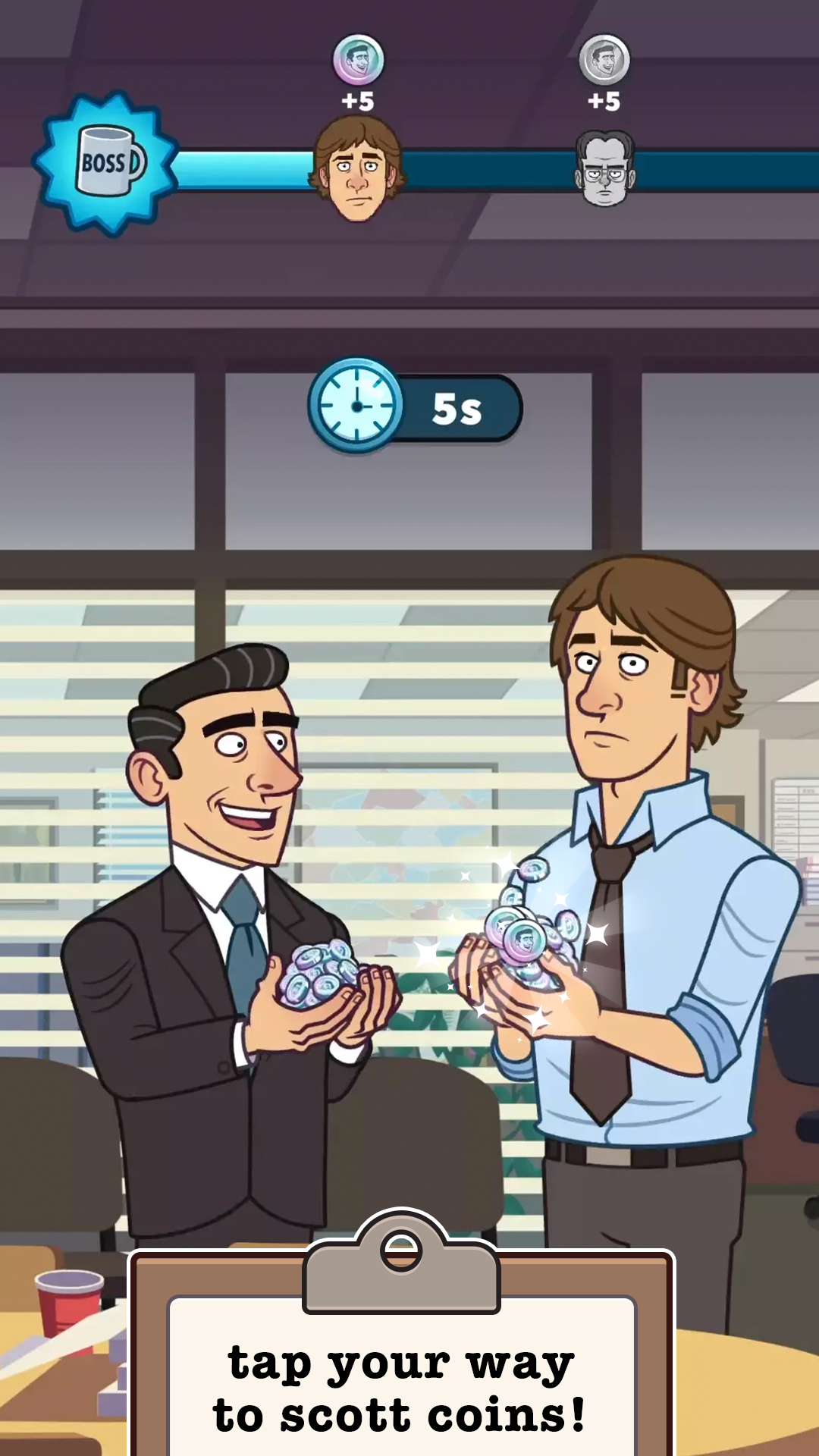
The Office: Somehow We Manage is a Simulation application developed by East Side Games Studio, but with the best Android emulator-LDPlayer, you can download and play The Office: Somehow We Manage on your computer.
Running The Office: Somehow We Manage on your computer allows you to browse clearly on a large screen, and controlling the application with a mouse and keyboard is much faster than using touchscreen, all while never having to worry about device battery issues.
With multi-instance and synchronization features, you can even run multiple applications and accounts on your PC.
And file sharing makes sharing images, videos, and files incredibly easy.
Download The Office: Somehow We Manage and run it on your PC. Enjoy the large screen and high-definition quality on your PC!
Tap your way to record profits at Dunder Mifflin! Save your branch from downsizing with Michael, Pam, Jim, Dwight, and your Scranton branch favorites and make some sales in this free idle game!Play through some of the most memorable moments in this free idle game inspired by NBC’s critically acclaimed Emmy®- winning U.S. version of the comedy The Office, which is streaming exclusively on Peacock. Save your branch from downsizing by selling paper to unlock and upgrade characters, desks, and memorable episodes.
Regional manager Michael Scott needs to improve the Scranton branch’s performance to avoid downsizing - easier said than done when Jim won’t stop pranking Dwight, Dwight won’t stop complaining about Jim, and Stanley won’t stop doing crossword puzzles. Look out, though; at the end of each business day, Corporate takes their share of the money. Sorry, Michael, it’s back to work at the office tomorrow. But don’t worry, any upgrades you’ve built will stay with you as you progress in the game, and you’ll be making more in-game cash before you know it.
GAME FEATURES
COLLECT ICONIC CHARACTERS IN GAME
Tap, upgrade, and build desks for some of your favorite characters from the hit NBC sitcom The Office, including Prison Mike, Farmer Dwight, and of course, Three Hole Punch Jim.
RELIVE YOUR FAVORITE EPISODES
Click through your favorite episodes in this free-to-play game, like “The Dundies” and “Dinner Party”! Take a seat in Michael’s office, get in line for Pretzel Day, or spend the weekend at Schrute Farms. Oh, and watch out for Kevin’s famous chili!
MAKE MONEY TO SAVE THE OFFICE
Manage Dunder Mifflin Scranton with the help of the whole branch! Get new leads, keep your branch afloat and tap away as the in-game cash starts rolling in. Just make sure Michael doesn’t spend the surplus on a fur coat!
https://play.google.com/store/apps/details?id=com.eastsidegames.theofficeswm
---
Terms of Service - eastsidegames.com/terms-of-service
Privacy Policy - eastsidegames.com/privacy-policy
Support - theofficeswm.zendesk.com