

F1 TV is a Sports game developed by Formula One Digital Media Limited. LDPlayer is the best platform for playing F1 TV on Windows PC, offering powerful features to enhance your immersive experience in F1 TV.
When playing F1 TV on your computer, the larger screen and more powerful graphics performance enable you to enjoy clearer and smoother game visuals, enhancing the visual experience of the game.
The operation of peripherals such as gamepads is emulated to better mimic the feel of real sports, providing more precise control and richer operation options.
Furthermore, if you wish to execute a series of continuous key combinations, the one-click macro feature will be the functionality you've been dreaming of, allowing you to effortlessly stay one step ahead with one-touch operation. Start downloading and playing F1 TV on your computer now!
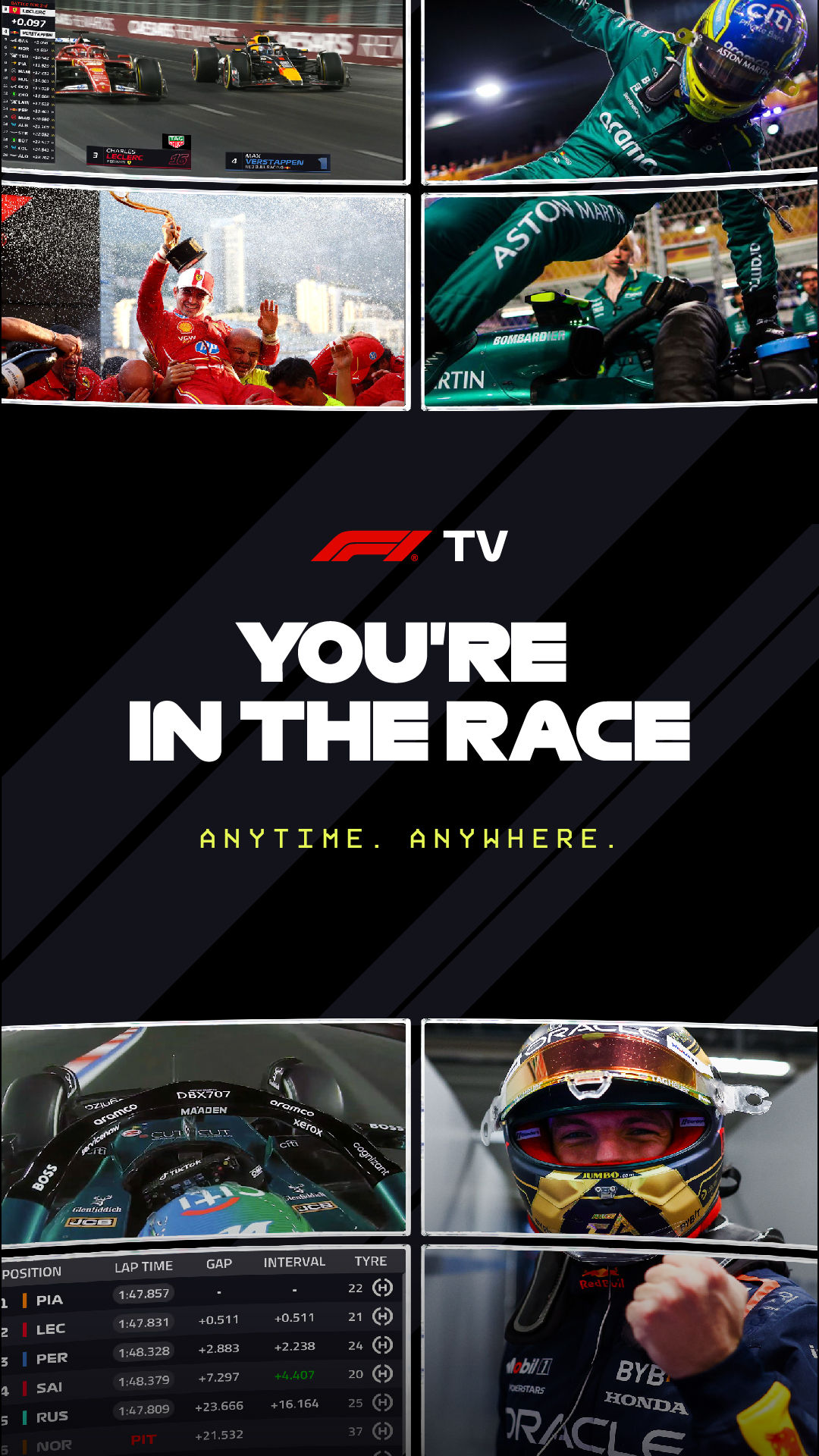
Get set to experience F1® like never before, with the F1 TV app. Watch every race, stream every session, and access every last bit of race data. Available on your favourite devices. And you can watch it live or on-demand, from wherever you want.It gets even better with our latest immersive innovation: F1 TV Premium. Build a custom multi-feed live race view with Multi View, watch everything in 4K UHD/HDR on a large screen, and stream on up to 6 devices at once. It's the ultimate way to experience the race, and it's all right here.
F1 TV PREMIUM: ULTIMATE F1 LIVE IMMERSION
Get the Race Director’s view with Multi View for every session, all live in 4K HDR.
• Multi View – build your custom multi-feed view*
• Watch F1 live in 4K UHD/ HDR on your large screen*
• Multiple devices – watch live on up to 6 devices simultaneously
• + Official live stream
• + Essential live timing
F1 TV PRO: OFFICIAL F1 LIVE STREAM
Get the Team Principal’s view with onboards, live team radio and every session live and on demand.
• Stream all F1 sessions Live and on demand.
• Live onboard cameras and Live team radio
• Live access to F2, F3, F1 Academy and Porsche Supercup
• Exclusive race weekend shows and content
• + Essential live timing
F1 TV ACCESS: ESSENTIAL LIVE TIMING
Get the Strategist’s view, with live timings, live telemetry, race replays. and the best of team radio.
• Live timings, telemetry, tyre usage and driver maps.
• Delayed race replays
• Best of team radio recaps
• Exclusive shows, documentaries and race archives
For help with F1 TV, please visit: https://support.f1.tv/s/?language=en_US
Terms of use: https://account.formula1.com/#/en/f1-apps-terms-of-use
Privacy policy: https://account.formula1.com/#/en/privacy-policy
F1 TV PREMIUM is available for purchase on your android device, but F1 TV Premium features are not yet available on Android or web browsers other than Chrome. If you already have an F1 TV subscription purchased on an Android device, you can upgrade on your device, but you will not be able to access the Premium features on that device.
Please visit the F1 TV help centre for further details.
For help with F1TV, please visit: https://support.f1.tv/s/?language=en_US
Terms of use: https://account.formula1.com/#/en/f1-apps-terms-of-use
Privacy policy: https://account.formula1.com/#/en/privacy-policy