
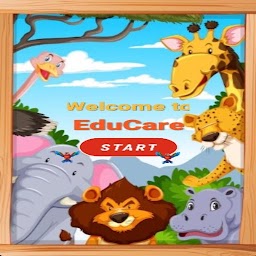


EduCare is a Educational application developed by AayraTech, but with the best Android emulator-LDPlayer, you can download and play EduCare on your computer.
Running EduCare on your computer allows you to browse clearly on a large screen, and controlling the application with a mouse and keyboard is much faster than using touchscreen, all while never having to worry about device battery issues.
With multi-instance and synchronization features, you can even run multiple applications and accounts on your PC.
And file sharing makes sharing images, videos, and files incredibly easy.
Download EduCare and run it on your PC. Enjoy the large screen and high-definition quality on your PC!
This kids' game offers a delightful way to learn the alphabet! The objective is simple: users must click on letters from A to Z in the correct order. Each time they successfully click the right letter, it disappears, and they move on to the next. The game provides cheerful background music and interactive sound effects to engage kids. If they click the wrong letter, a helpful hint is shown to guide them to the correct choice.In addition to learning the alphabet, kids can explore animals, birds, vegetables, fruits, and other objects through fun sounds and pictures. The app also includes enjoyable puzzles that enhance learning and cognitive skills. Completing the alphabet results in a fun congratulations screen, encouraging them to play again!







