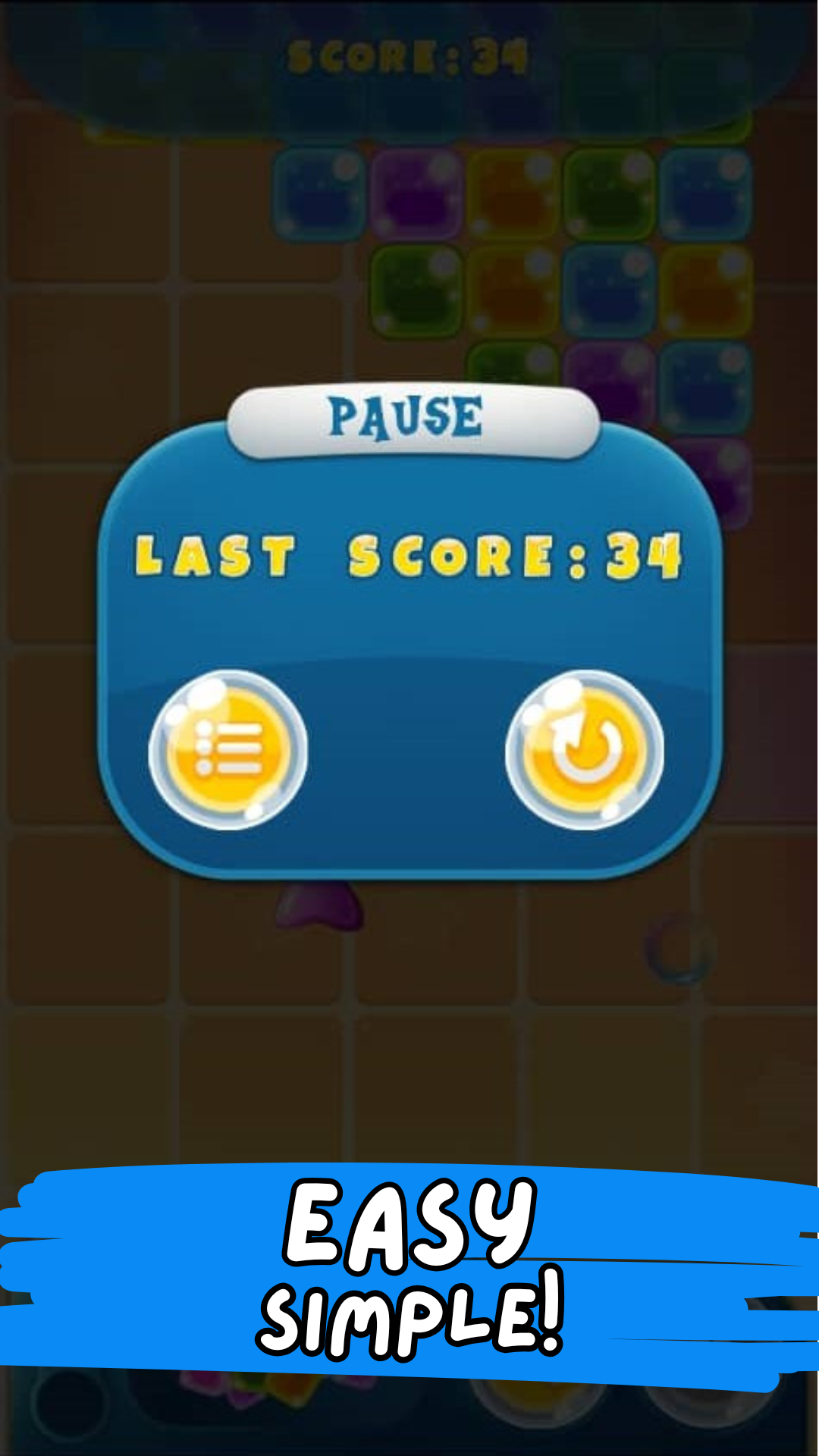
Candy Crash is a Puzzle application developed by GigabyteBuilders, but with the best Android emulator-LDPlayer, you can download and play Candy Crash on your computer.
Running Candy Crash on your computer allows you to browse clearly on a large screen, and controlling the application with a mouse and keyboard is much faster than using touchscreen, all while never having to worry about device battery issues.
With multi-instance and synchronization features, you can even run multiple applications and accounts on your PC.
And file sharing makes sharing images, videos, and files incredibly easy.
Download Candy Crash and run it on your PC. Enjoy the large screen and high-definition quality on your PC!
Candy Crash: The Ultimate Offline Puzzle Fun!Dive into the sweetest world of candy and endless fun with Candy Crash! This exciting match3 puzzle game is perfect for players who love to play offline anytime, anywhere. Match colourful candies and solve exciting puzzles designed to challenge and entertain.
Why You'll Love Candy Crash:
Simple and Fun Gameplay: Match three or more candies to clear the board and solve the puzzle. It's easy to pick up but hard to put down!
Offline Access: Enjoy the ultimate match3 adventure offline. No internet? No problem! Play wherever you go.
Addictive Challenges: Each puzzle offers fun twists and turns to keep you engaged.
Vibrant Candy World: Explore colourful, candy-filled with stunning graphics and exciting animations.
Whether you're a casual gamer or a puzzle enthusiast, Candy Crash offers the perfect blend of strategy, fun, and relaxation. Match candies, solve puzzles, and experience the joy of offline gaming at its finest.
Download Candy Crash now and let the candy adventure begin! 🎉