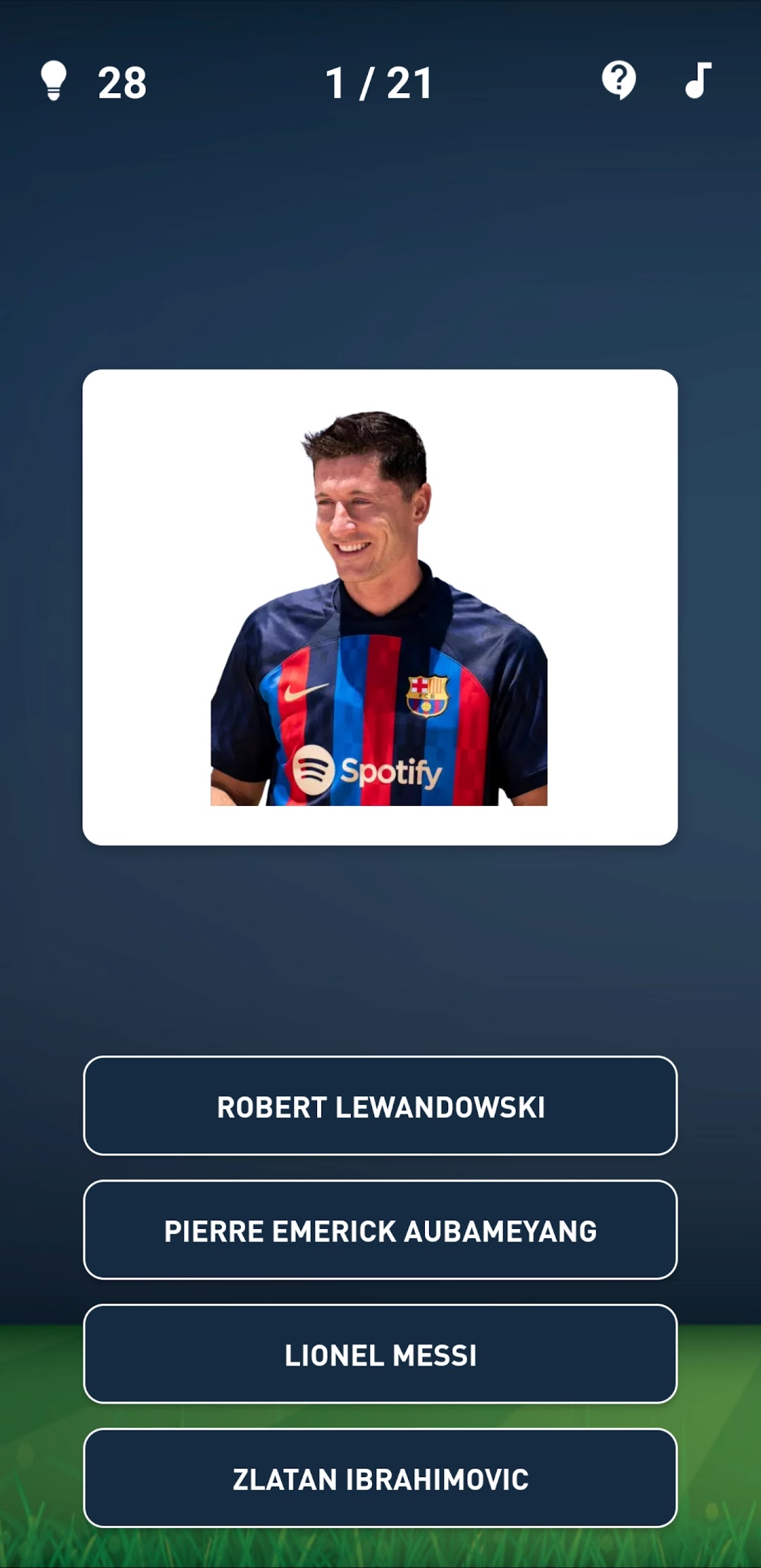
Guess The Soccer Player Quiz is a Trivia application developed by Gryffindor apps, but with the best Android emulator-LDPlayer, you can download and play Guess The Soccer Player Quiz on your computer.
Running Guess The Soccer Player Quiz on your computer allows you to browse clearly on a large screen, and controlling the application with a mouse and keyboard is much faster than using touchscreen, all while never having to worry about device battery issues.
With multi-instance and synchronization features, you can even run multiple applications and accounts on your PC.
And file sharing makes sharing images, videos, and files incredibly easy.
Download Guess The Soccer Player Quiz and run it on your PC. Enjoy the large screen and high-definition quality on your PC!
Guess The Soccer Player – Ultimate Soccer Trivia Challenge! ⚽🔥Think you know soccer? Test your knowledge with the most addictive soccer quiz game on Google Play! From Premier League legends to La Liga stars, from Bundesliga icons to Serie A heroes, this game challenges you to guess the soccer player from their photo, club, or country. Perfect for every soccer fan, whether casual or hardcore.
🎮 Game Features
• 200+ famous footballers from top leagues worldwide
• Multiple game modes:
o Classic level progression
o Guess by country
o Time challenge mode
o No mistakes challenge
o Free play & unlimited play
o Club logo & club jersey
o Champions league
o Stadium & sponsors
• 10 levels of increasing difficulty – start easy, become a soccer master!
• Hints & clues system – stuck? Use hints to reveal letters or solve the answer
• Statistics & records – track your progress, scores, and achievements
• Learn while you play – discover new players and check their Wikipedia profiles
🌍 Leagues & Countries Covered
• Premier League & Championship (England)
• La Liga (Spain)
• Serie A (Italy)
• Bundesliga (Germany)
• Ligue 1 (France)
• Eredivisie (Netherlands)
• Super Lig (Turkey) …and many more!
🏆 Why You’ll Love It
• Fun, challenging, and educational – sharpen your soccer knowledge
• Play offline anytime, anywhere – no internet required
• Free to play with optional in app purchases
• Perfect for soccer fans, trivia lovers, and quiz enthusiasts
📲 Why Download This App?
• Challenge yourself – prove you’re the ultimate soccer fan by recognizing players from photos, clubs, and countries.
• Stay updated – discover new rising stars and legendary icons across all major leagues.
• Fun for everyone – whether you’re a casual fan or a trivia master, the game adapts to your level.
• Perfect for friends & family – play together, compare scores, and see who knows soccer best.
• Learn while playing – improve your soccer knowledge, discover player stats, and impress your friends.
• Play anywhere, anytime – enjoy the quiz offline, on the go, or during match breaks.
• Boost your memory & focus – trivia games sharpen your brain while keeping you entertained.
• Free & addictive – no cost to start, easy to play, hard to put down!