Sudoku - Classic puzzle game is a Puzzle application developed by Ignite tech, but with the best Android emulator-LDPlayer, you can download and play Sudoku - Classic puzzle game on your computer.
Running Sudoku - Classic puzzle game on your computer allows you to browse clearly on a large screen, and controlling the application with a mouse and keyboard is much faster than using touchscreen, all while never having to worry about device battery issues.
With multi-instance and synchronization features, you can even run multiple applications and accounts on your PC.
And file sharing makes sharing images, videos, and files incredibly easy.
Download Sudoku - Classic puzzle game and run it on your PC. Enjoy the large screen and high-definition quality on your PC!
Sudoku - Classic Puzzle Game (Offline)Train your brain and relax with Sudoku - Classic Puzzle Game, the ultimate offline number puzzle game designed for all skill levels! Whether you're a beginner or an expert, enjoy endless fun and improve your logic skills anytime, anywhere—no Wi-Fi required!
Why You'll Love Our Sudoku Game?
✔️ Free & Offline – Play anytime without an internet connection.
✔️ Multiple Difficulty Levels – Choose from Easy, Medium and Hard.
✔️ Smart Hints & Notes – Get help when you're stuck and keep track of possible numbers.
✔️ Undo & Erase Options – Fix mistakes easily without restarting the puzzle.
✔️ Auto-Save Progress – Resume your game anytime without losing progress.
✔️ Minimalist Design – Enjoy a clean, distraction-free interface for a better focus.
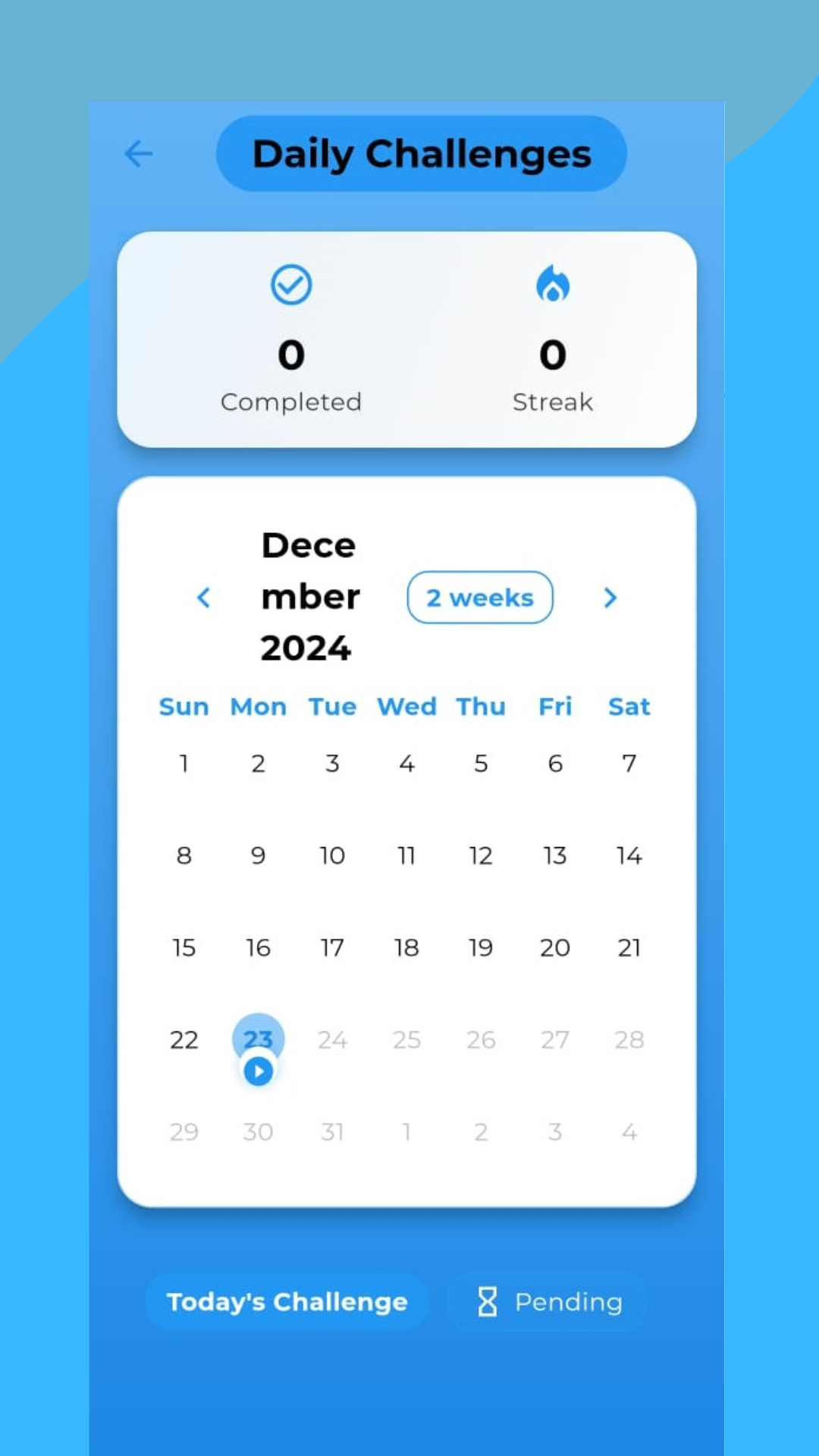
✔️ Daily Challenges – Sharpen your mind every day.
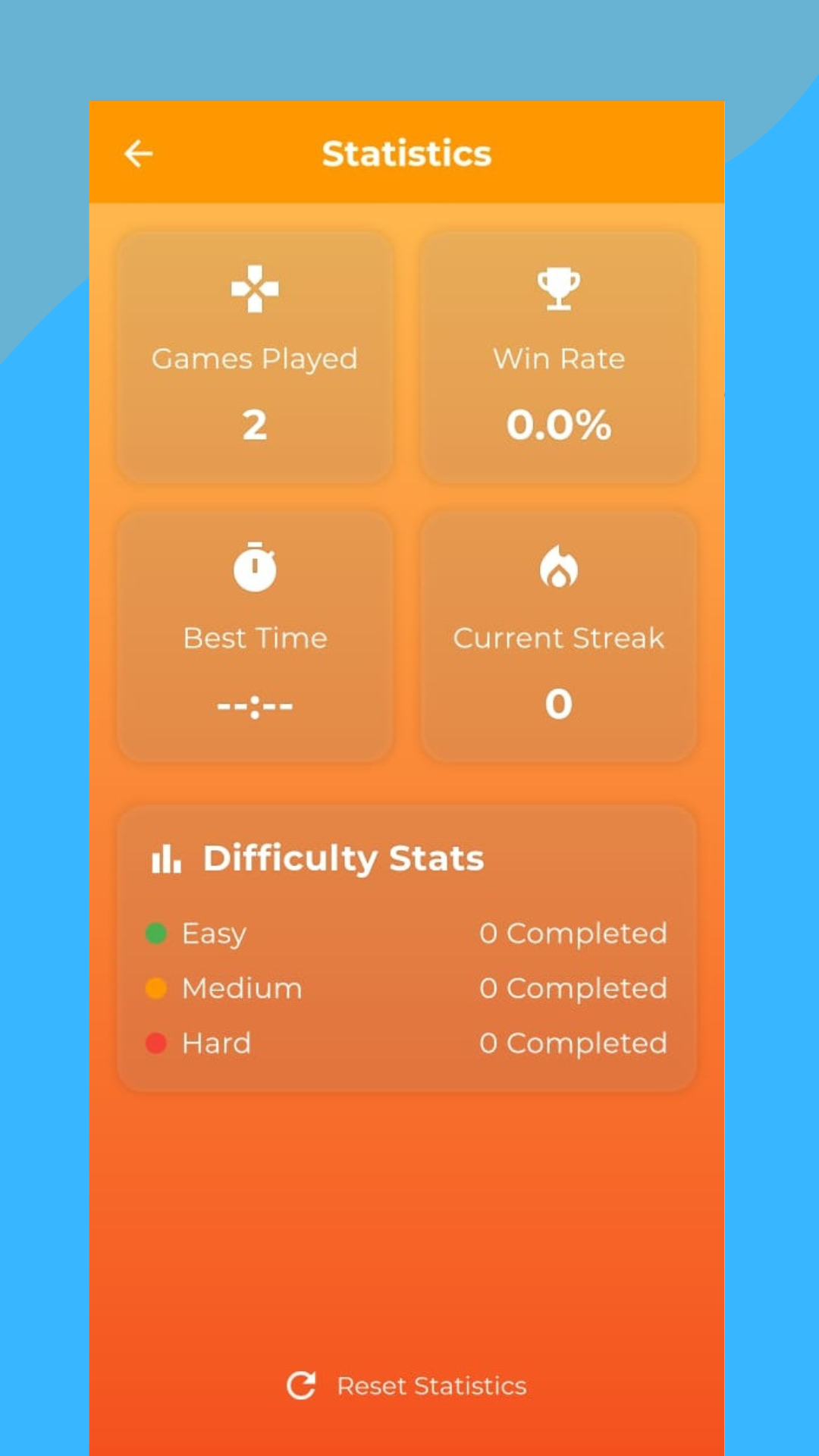
✔️ Statistics – Track your progress and celebrate milestones.
✔️ Dark Mode Support – Play comfortably in low-light environments.
What is Sudoku?
Sudoku is a classic number puzzle game that trains your brain, improves focus, and enhances logical thinking. The goal is simple—fill a 9x9 grid so that every row, column, and 3x3 box contains the numbers 1 to 9 without repetition.
Perfect For Everyone!
Whether you're a beginner learning the rules or an advanced player looking for a challenge, our Sudoku app has something for you. Customize the game to suit your style and enjoy hours of engaging gameplay.
Offline Sudoku Game – Play without Wi-Fi anytime.
Classic Number Puzzle – Train your brain daily.
Free Sudoku Puzzles – Thousands of levels for endless fun.
Easy to Hard Levels – Suitable for all skill levels.
Brain-Training Game – Boost logic, memory, and focus.
Download Sudoku - Classic Puzzle Game now and start solving puzzles today! Keep your mind sharp and entertained wherever you go!