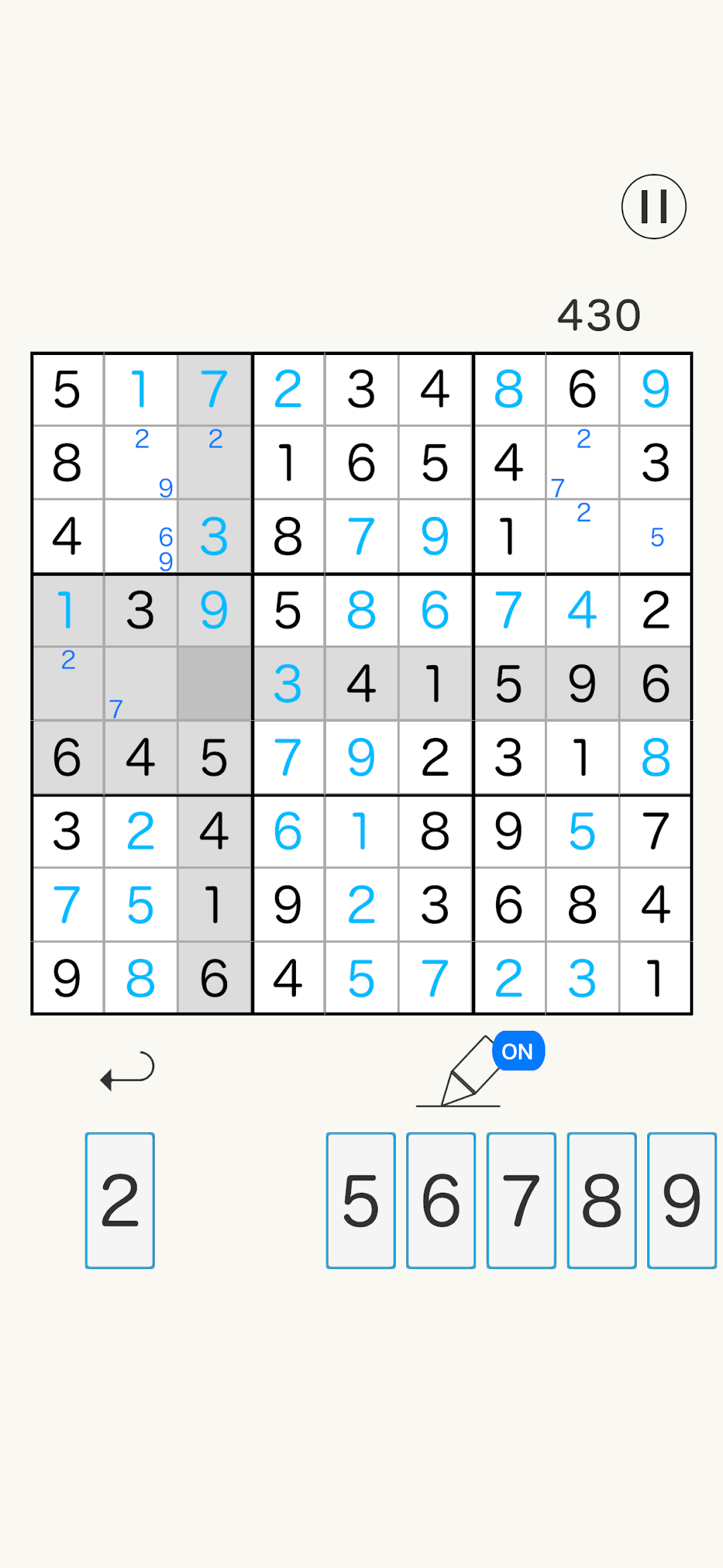
Sudoku is a Board application developed by IKURA CORPORATION LLC, but with the best Android emulator-LDPlayer, you can download and play Sudoku on your computer.
Running Sudoku on your computer allows you to browse clearly on a large screen, and controlling the application with a mouse and keyboard is much faster than using touchscreen, all while never having to worry about device battery issues.
With multi-instance and synchronization features, you can even run multiple applications and accounts on your PC.
And file sharing makes sharing images, videos, and files incredibly easy.
Download Sudoku and run it on your PC. Enjoy the large screen and high-definition quality on your PC!
The number place is a standard puzzle game.There's a reason to be loved all over the world!!
Let's have fun and do brain training!
【How to play】
It is a puzzle that puts numbers from 1 to 9 in a 9x9 square frame separated by 3x3 blocks.
Don't put more than 2 of the same number in a row, column, and 3x3 square with a bold border.
It is clear if you can fill in all the squares without numbers.
【Function】
·Memo
Which number is in this square?
There is such a thing like that.
In such cases, use the memo function!
You can write down the numbers.
·Hint
Use the hint function when you think about it but don't understand.
By using the hint function, you can find the numbers that you don't understand.
Use the hint function to try to clear!
·Back button
It's a function that can be restored to the previous state.
·Save the game
Don't worry if you quit the game.
You can play when you're free because you've saved your quit state.
【Recommended person】
・·People who like Minesweeper.
・People who like to look at numbers
・A person who has free time.
・People who want to do brain training.
・ A person who likes games.