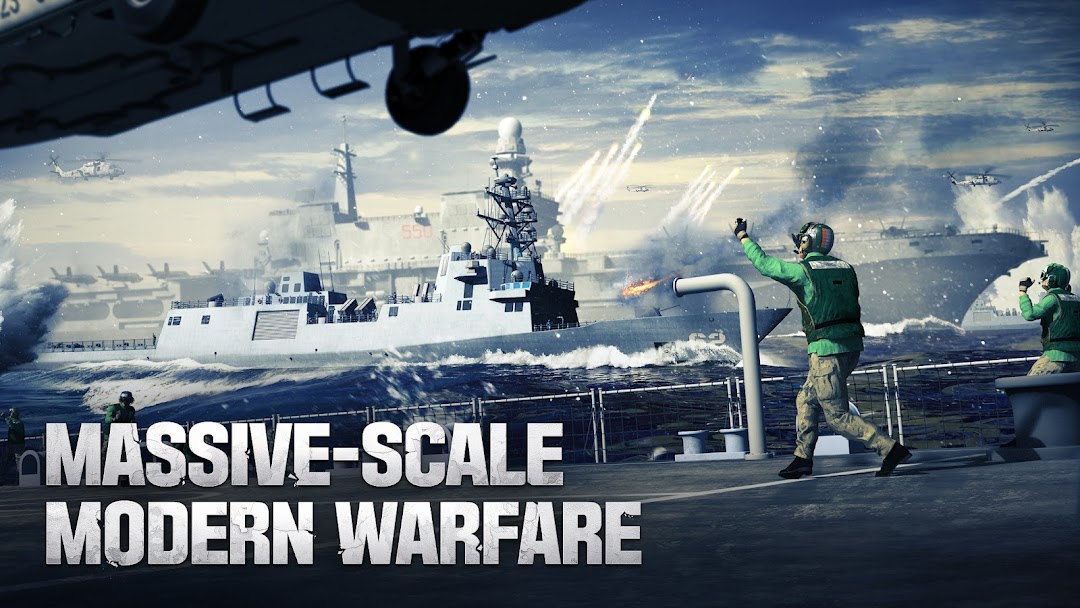
Gunship Battle Total Warfare is a Strategy game developed by JOYCITY Corp., and LDPlayer is the best platform for playing Gunship Battle Total Warfare on Windows PC, offering powerful features for an immersive experience.
When playing Gunship Battle Total Warfare on your computer, you can enjoy long game sessions using the operation recording feature to record repetitive operations to complete the same tasks automatically. It allows you to level up faster and makes resource grinding much more efficient.
In addition, if you want to execute combo moves or the game requires repeated skill actions, the macro feature is your best helper. It enables you to complete kills with just one click!
If you want to manage multiple accounts, LDMultiplayer and Synchronizer will assist you. You can run multiple alternative accounts at the same time to assist the leveling of your main account. Download and play Gunship Battle Total Warfare on PC with LDPlayer now!
** This game officially supports English.A Modern Military Masterpiece with Over 10+ Million Downloads!
▶ REAL-TIME MODERN WARFARE ◀
✔ Collect legendary real-world Aircraft Carriers, Jets, and Ships
✔ Devise the ultimate strategy and conquer the battlefield
▶ GEAR UP FOR THE ULTIMATE WAR ◀
✔ Expand your territory and military tech
✔ Explore, find treasure, and hunt down enemy forces
✔ Exterminate the powerful enemy fleet, squadrons, and conquer new territory
✔ Experience massive, multiplayer battles in a post apocalypse themed world
▶ COMPETE AND DOMINATE IN ALLIANCE WARS ◀
✔ Create or join an Alliance to smash the competition in global warfare
✔ Recruit friends, make allies, and conquer together
✔ City Conquest, Base of Operation, World War, and so many more features to experience!
◆ Customer Support: https://joycity.oqupie.com/portals/397
◆ Facebook Community: https://www.facebook.com/gunshipbattle.en/
▶ Permission Notice
- [Optional] Access to Photos/Media/File Saves: Permission required for downloading game files and updates. It is also required for uploading data to customer support.
- [Optional] Access to Photos: Permission required for uploading an image from your album to the game’s profile settings.
▶ How to Revoke Permissions
[Android 6.0+]
Settings > Application > Select App > Permissions
[Android 6.0 and Lower]
You must delete the app
*All details may vary depending on your device and OS.
[Precautions]
Revoking required permissions for access authorizations may result in failure to log in to the game.