Мелодия - Угадай Песню is a Trivia application developed by K17 Games, but with the best Android emulator-LDPlayer, you can download and play Мелодия - Угадай Песню on your computer.
Running Мелодия - Угадай Песню on your computer allows you to browse clearly on a large screen, and controlling the application with a mouse and keyboard is much faster than using touchscreen, all while never having to worry about device battery issues.
With multi-instance and synchronization features, you can even run multiple applications and accounts on your PC.
And file sharing makes sharing images, videos, and files incredibly easy.
Download Мелодия - Угадай Песню and run it on your PC. Enjoy the large screen and high-definition quality on your PC!
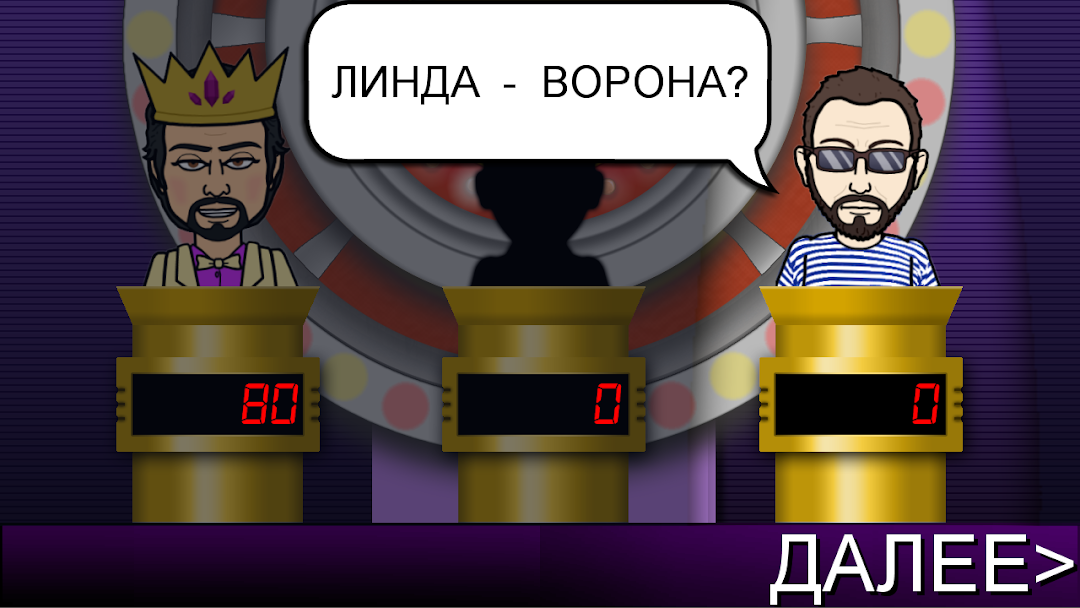
Melody is a free music quiz game inspired by the popular show. We tried to convey the atmosphere of a TV quiz one hundred percent in the application, so you will find a huge carload of music, a simple and intuitive interface, special effects and a lot of fun. This is a real test of your knowledge of music!The rules of this intellectual game are known to everyone. But if you forgot, you have to conquer 3 rounds and test your strength in a super game, get ahead of your opponents and score as many points as possible, becoming the winner of the quiz. You can read the detailed rules of each round before it starts in the game. You will face off against funny, cartoonish characters at three different difficulty levels.
What kind of song is this? Our test will help you find answers to such questions. Take on this daring musical challenge and become a music expert by showing off your knowledge in this mind game. Guess both Russian hits and foreign songs of various genres, because this is a free music quiz inspired by Guess the melody or Guess the song entirely in Russian.
Test your knowledge of music, prove that you are a true music lover; after all, you will encounter music of different styles, countries, different times and customs. Do you remember popular music in the 90s? Do you understand classic hard rock? And in the soundtracks from well-known films? Well... There's only one way to find out: guess the melody as quickly as possible!
We are looking forward to seeing you:
★TV quiz atmosphere
★Guess a large number of melodies of all genres and styles
★Beautiful and clear interface close to the show
★Fun graphics and addictive gameplay
★Ability to duel with friends
★Guess famous songs with meme characters!
★Well, as always, a high-quality application made with soul :-)
If you've finished reading, go ahead and guess the melody!
K17 Games, 2024