

The game currently supports English and Russian. To change the language, click the globe icon in the upper-right corner of the server selection page.
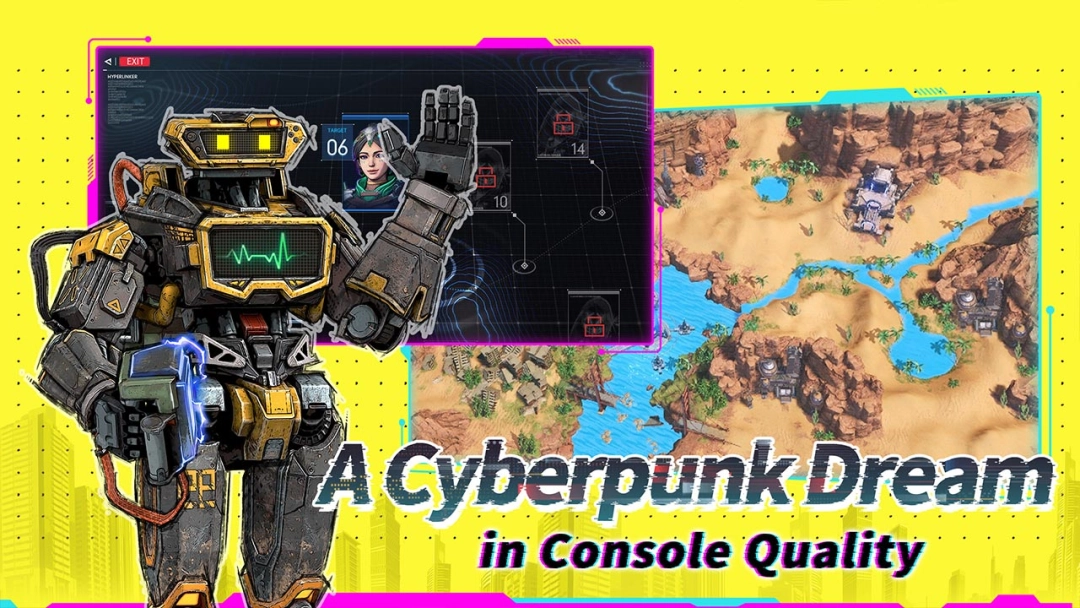
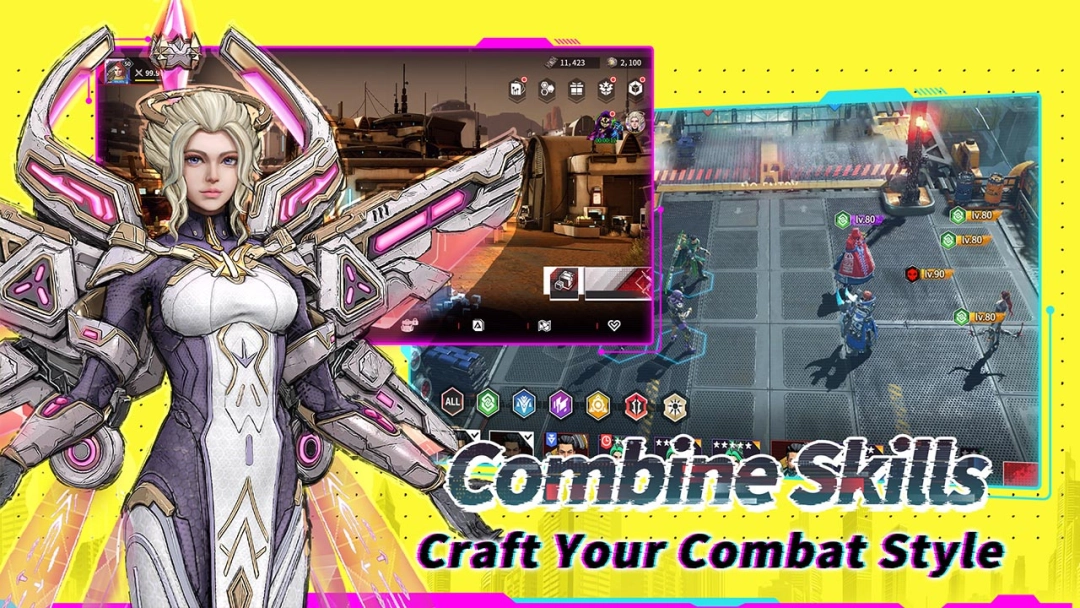
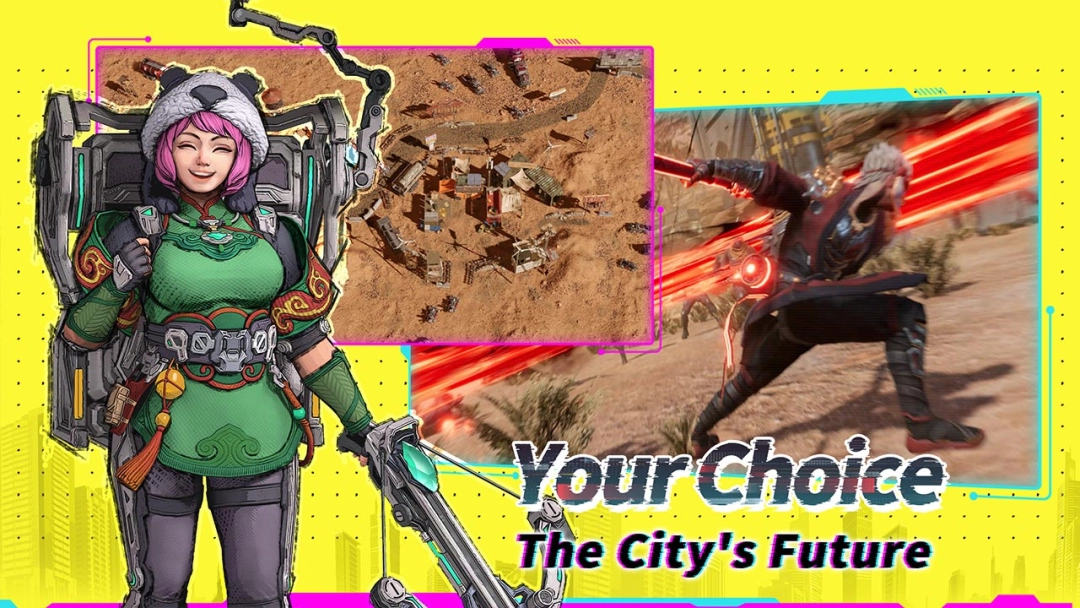
Cyber Hunter, developed by NetEase Games, is a next-generation open-world sci-fi battle royale that blends parkour, vertical exploration, and tactical creativity in one futuristic sandbox. It’s available on Android, iOS, and PC, letting players experience high-mobility gunfights in a quantum-tech world where freedom and combat collide.
Core Gameplay – Climb, Glide, and Fight Your Way to Victory
Drop into a vast city of towers, cliffs, and hidden tech relics.
You can climb any surface, glide across skyscrapers, and build tactical structures—shields, ramps, and jump pads—in real time.
Gather quantum energy, craft advanced weapons, and swap between close-quarters ambushes and rooftop sniping. Every encounter rewards creativity and skill.
Game Features
Vertical Freedom: Scale walls, glide through canyons, or dive from above into combat.
Creative Construction: Instantly build cover, towers, and pads to outplay opponents.
High-Tech Arsenal & Vehicles: Use drones, stealth fields, and anti-gravity bikes.
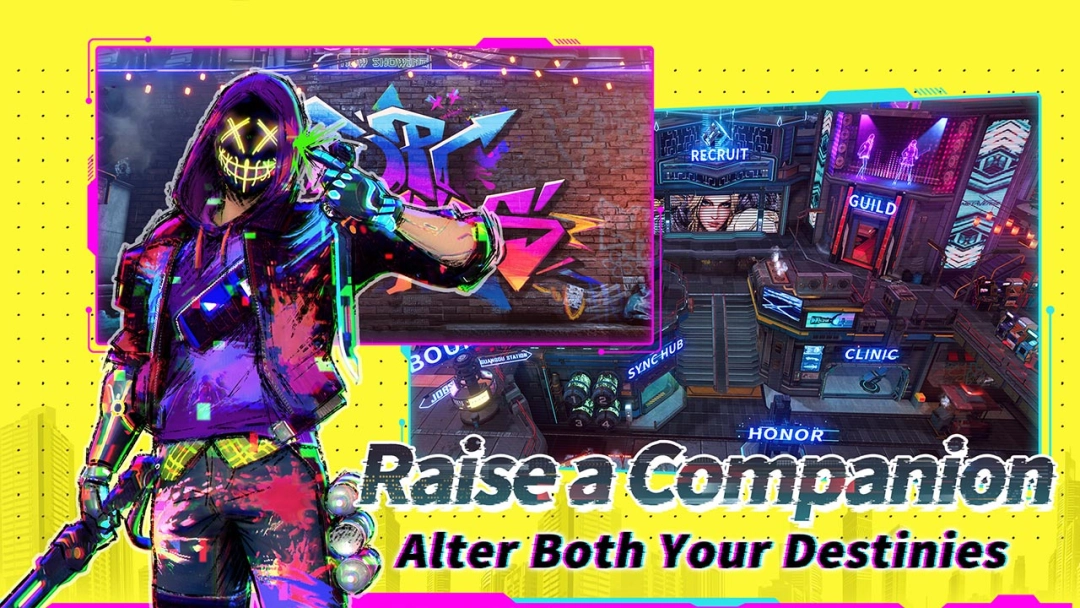
Deep Customization: Create your hero in detail—face, hair, outfit, even voice.
Solo or Squad Modes: Jump into quick matches or coordinate with friends across open maps.
Play Cyber Hunter on PC with LDPlayer for Best Experience
The world of Cyber Hunter shines brightest on a larger screen.
Running the Android version through LDPlayer gives you smoother control and a truly cinematic view of its cyber-future world:
Ultra Screen – Enjoy sweeping cityscapes, glowing skylines, and detailed combat zones on a bigger display.
Custom Control – Map parkour, gliding, and shooting keys for faster, more precise actions.
High FPS – Experience the game’s stunning visuals at their best—fluid motion, crisp effects, and vibrant lighting make every moment more alive.
Multi-instance – Switch accounts or experiment with different builds easily.
Scale the skyline, outsmart your rivals, and rewrite the battlefield rules in Cyber Hunter.