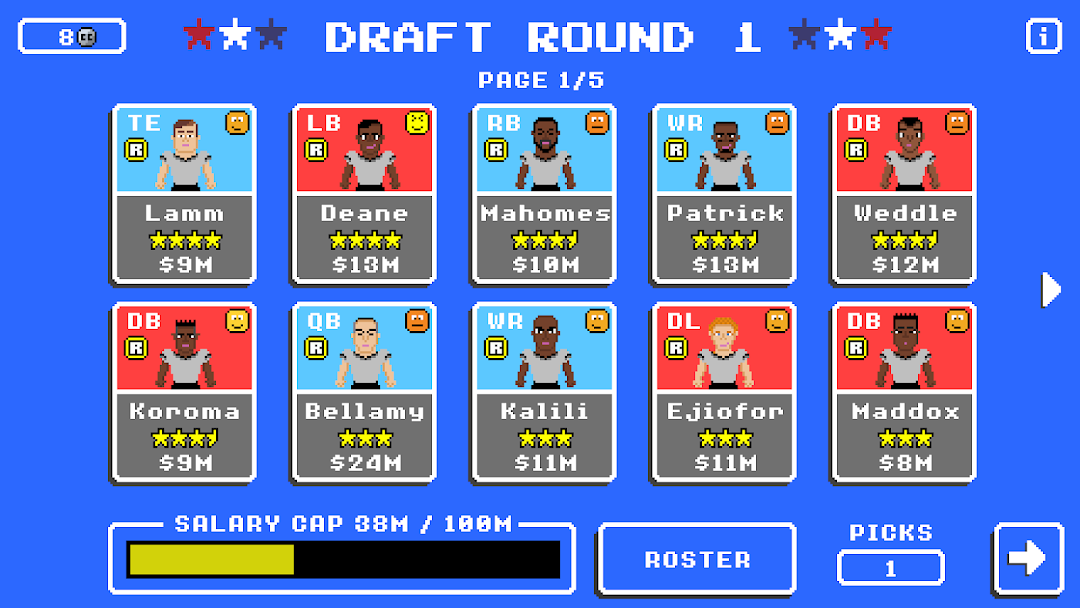
Retro Bowl is a fun football game that mixes old-school charm with modern gameplay. Playing Retro Bowl on LDPlayer can make your gaming experience even better. Here’s how three LDPlayer features can help you in advancing this gameplay.
Customizable Keyboard Controls for Better Gameplay
In the Retro Bowl game, you control your team’s plays, like passing and running. Using touch controls on a phone can sometimes be tricky and less accurate. LDPlayer lets you set up custom keyboard controls so you can use keys to move your quarterback, pass the ball, and run plays. This setup makes it easier to dodge defenders, make precise passes, and execute your game plan smoothly. With keyboard controls, you have better control over your team’s actions, leading to more successful plays and a more enjoyable game.
Enhanced Graphics for Clearer Viewing
Seeing the field clearly is important in Retro Bowl to plan your moves and react quickly. Playing on a small phone screen can make it hard to see all the details, especially during fast moments. LDPlayer allows you to play Retro Bowl on a larger computer screen with better graphics. This means you can see your players and the field more clearly, making it easier to spot open teammates, avoid tackles, and make smart decisions during the game. The improved visuals help you enjoy the game more and play better.
Multi-Instance Sync for Managing Multiple Teams
Retro Bowl lets you manage a football team, including trading players, signing free agents, and drafting new talent. With LDPlayer’s Multi-Instance Sync feature, you can run multiple instances of the game at the same time. This means you can manage different teams or try out various strategies at the same time. For example, you can have one instance where you focus on building a strong offensive team and another where you concentrate on defense. Switching between these instances is easy, allowing you to experiment with different approaches and find what works best. This feature is great for players who enjoy exploring multiple team setups and strategies without having to start over each time.
By using LDPlayer’s customizable keyboard controls, enhanced graphics, and Multi-Instance Sync, you can improve your Retro Bowl experience. These features make the game more enjoyable and give you better control over your gameplay. So, what are you waiting for?