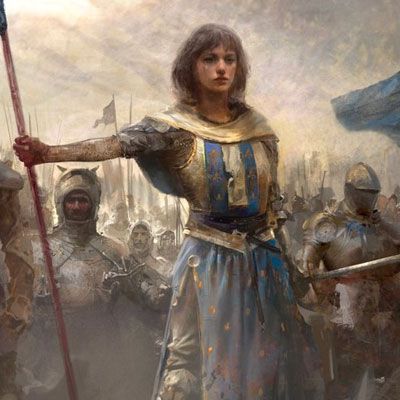
Land of Empires: Dice Hero is a Strategy game developed by Nuverse, and LDPlayer is the best platform for playing Land of Empires: Dice Hero on Windows PC, offering powerful features for an immersive experience.
When playing Land of Empires: Dice Hero on your computer, you can enjoy long game sessions using the operation recording feature to record repetitive operations to complete the same tasks automatically. It allows you to level up faster and makes resource grinding much more efficient.
In addition, if you want to execute combo moves or the game requires repeated skill actions, the macro feature is your best helper. It enables you to complete kills with just one click!
If you want to manage multiple accounts, LDMultiplayer and Synchronizer will assist you. You can run multiple alternative accounts at the same time to assist the leveling of your main account. Download and play Land of Empires: Dice Hero on PC with LDPlayer now!
In a world where bedtime stories collide with board game magic, a curious child named Ollie is sucked into Whale Hunt: The Moby Dick Odyssey—a creaky, hand-painted board game that suddenly comes alive. One moment they’re rolling dice in their pajamas; the next, they’re wearing a tattered tricorn hat, standing on the deck of a weathered galleon that’s part game piece, part reality.As a newly minted pirate, Ollie must navigate storm-tossed cardboard seas, dodge shark-shaped dice traps, and decode riddles hidden in the game’s illustrated rules. Every roll of the bone-colored dice shifts the board’s wooden islands and paper sailboats, while mechanical seagulls squawk clues from the rafters. To break the game’s spell and return home, they must track down the legendary white whale, Moby Dick—who thrashes through the board’s foldable oceans, its shadow towering over miniature ports and pirate dens.
With a cutlass (crafted from a plastic spoon) in hand and a map drawn on the game’s box insert, Ollie races against the setting sun (which is actually a dying table lamp) to solve the game’s final puzzle. Because in this world where playing pieces breathe and cardboard waves crash, the line between imagination and reality is as thin as a pirate’s sword—and only the bravest can hunt the whale that holds the key to freedom.