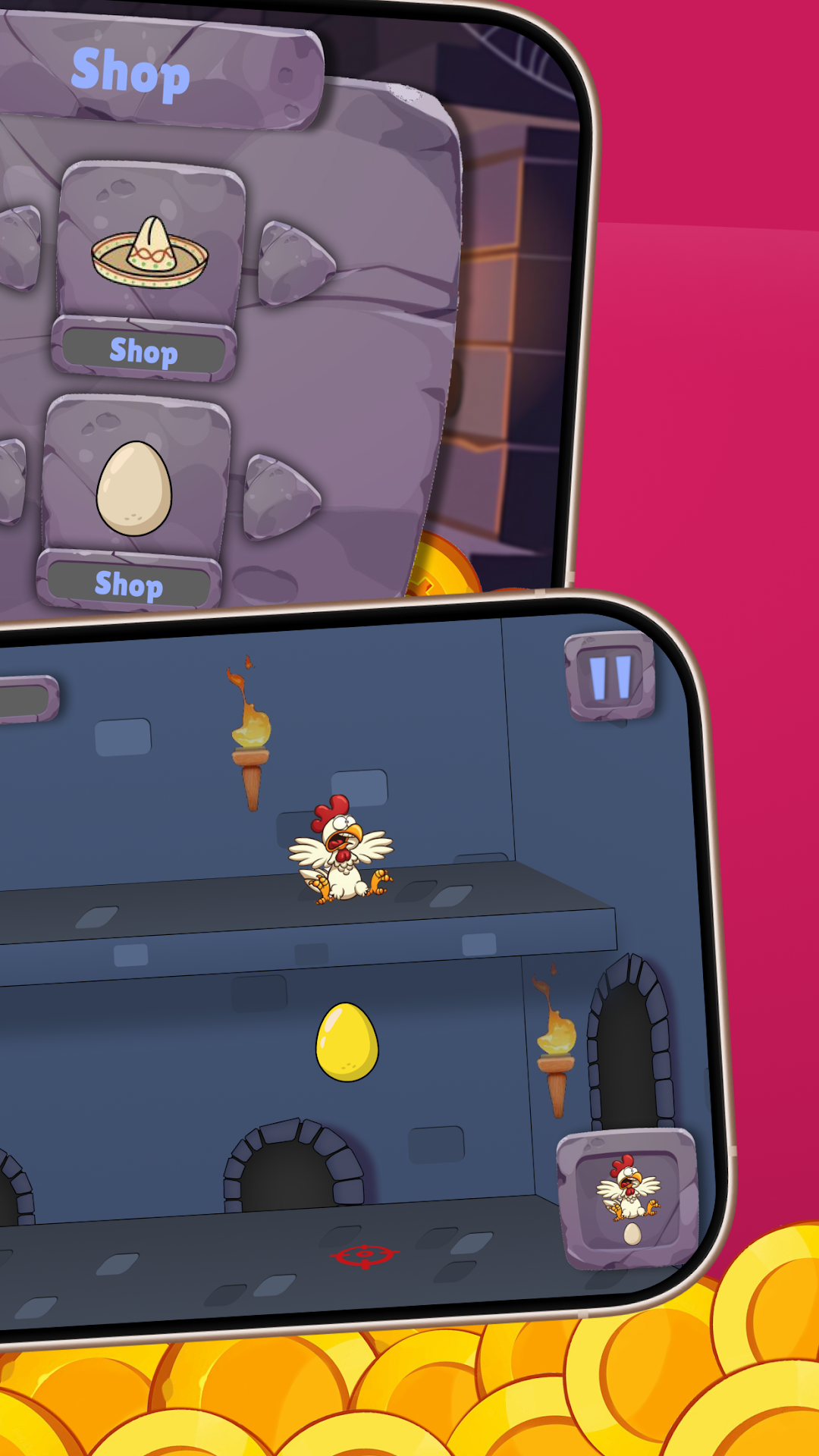
Chicken Road is a Action game developed by ReturnSky, and LDPlayer is the best platform for playing Chicken Road on PC, offering powerful features to immerse you in the game.
When playing Chicken Road on computer, you can adjust frame rate settings for smooth gameplay and stunning visuals.
LDPlayer also provides pre-configured keyboard mapping for convenient control of the entire game. Continuous optimization of keyboard mapping enhances key sensitivity and skill accuracy. Additionally, LDPlayer offers special buttons like shoot, hide mouse, and continuous key press for an enhanced gaming experience.
If you prefer using a gamepad, the automatic gamepad detection allows you to customize controls with just a few clicks, enabling you to freely maneuver your hero. Start downloading and playing Chicken Road on your computer now!
Chicken Road – The Ultimate Poultry Protector Adventure!The kingdom's treasury is under siege! A ruthless gang of thieves is dead set on stealing the king's gold, but they didn't account for one thing—you, the mightiest, egg-slinging chicken the realm has ever seen!
Defend the Kingdom in Style
Step into the feathers of a fearless chicken warrior and take on endless waves of crafty thieves. Armed with explosive eggs and quick reflexes, you must stop them in their tracks before they make off with the royal riches.
Become the Ultimate Guardian
Precision Egg Throws – Time your attacks perfectly to knock out thieves and rack up coins
Powerful Upgrades – Boost your firepower, unlock special abilities, and turn your chicken into an unstoppable force
Endless Challenge – How long can you hold out? The thieves get faster and sneakier with every wave
Unlock Legendary Skins – Dress your hero in hilarious and heroic outfits, from a knight in shining feathers to a rogue bandit chicken
Easy to Play, Hard to Master
Simple one-tap controls make it easy to jump right into the action, but staying alive demands skill and strategy. Compete for the highest score and prove you’re the greatest chicken defender in the land!
The fate of the kingdom’s fortune rests in your wings. Are you ready to cluck and conquer?
Download Chicken Road now and start your egg-splosive adventure!