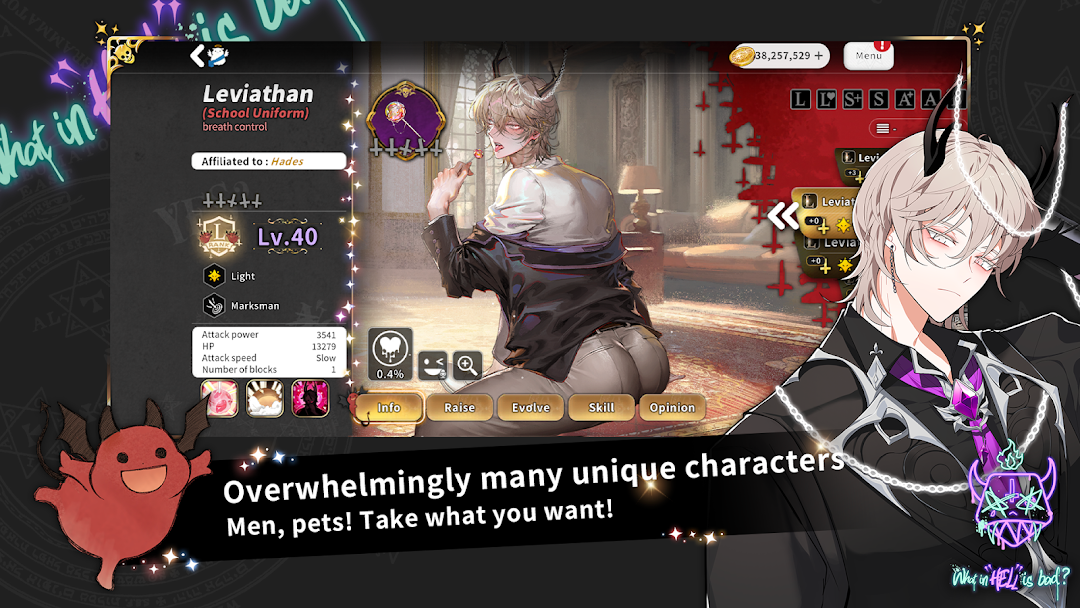
What in Hell is Bad? is a Simulation application developed by Prettybusy, but with the best Android emulator-LDPlayer, you can download and play What in Hell is Bad? on your computer.
Running What in Hell is Bad? on your computer allows you to browse clearly on a large screen, and controlling the application with a mouse and keyboard is much faster than using touchscreen, all while never having to worry about device battery issues.
With multi-instance and synchronization features, you can even run multiple applications and accounts on your PC.
And file sharing makes sharing images, videos, and files incredibly easy.
Download What in Hell is Bad? and run it on your PC. Enjoy the large screen and high-definition quality on your PC!
Touch, move, and leave traces."God disappeared one day, and all the blame is on Hell."
"God disappeared one day, and all the blame is on Solomon."
"God disappeared one day, and all the blame is on Heaven."
One day after God disappeared, Hell and Heaven, and you, Solomon's descendant were swept up by the eternal war of Armaggedon with misunderstandings against each other…!
The devils of the Seven Deadly Sins (greed, wrath, sloth, envy, gluttony, pride, lust) and the 72 devils who are their vassals but each rule over their own regions as nobles.
And the 3 Seraphim that hate them.
He who possesses you, the descendant of Solomon who was God's favorite,
Will obtain God's powers and completely end the strife between Hell and Heaven that lasted for eternity.
A tale of devils and angels built on a solid magical setting based on the Keys of Solomon!
Countless devils and demons trying to posses you, the descendant of Solomon, and become king.
The final temptation, where the fate of all universes depends on who is crowned king, begins now.
=====================
-A fully voiced main story with a super voice actor crew
-My characters that you can touch, scratch, and stroke for real
-Illustrations of world class quality
-Over 100 stories, over 100 stages
-It is not scary! Cute and adorable battle illustrations
And many more stories and devils are waiting for you.