War & Conquest: King’s Landing is a Strategy game developed by Warfactory, and LDPlayer is the best platform for playing War & Conquest: King’s Landing on Windows PC, offering powerful features for an immersive experience.
When playing War & Conquest: King’s Landing on your computer, you can enjoy long game sessions using the operation recording feature to record repetitive operations to complete the same tasks automatically. It allows you to level up faster and makes resource grinding much more efficient.
In addition, if you want to execute combo moves or the game requires repeated skill actions, the macro feature is your best helper. It enables you to complete kills with just one click!
If you want to manage multiple accounts, LDMultiplayer and Synchronizer will assist you. You can run multiple alternative accounts at the same time to assist the leveling of your main account. Download and play War & Conquest: King’s Landing on PC with LDPlayer now!
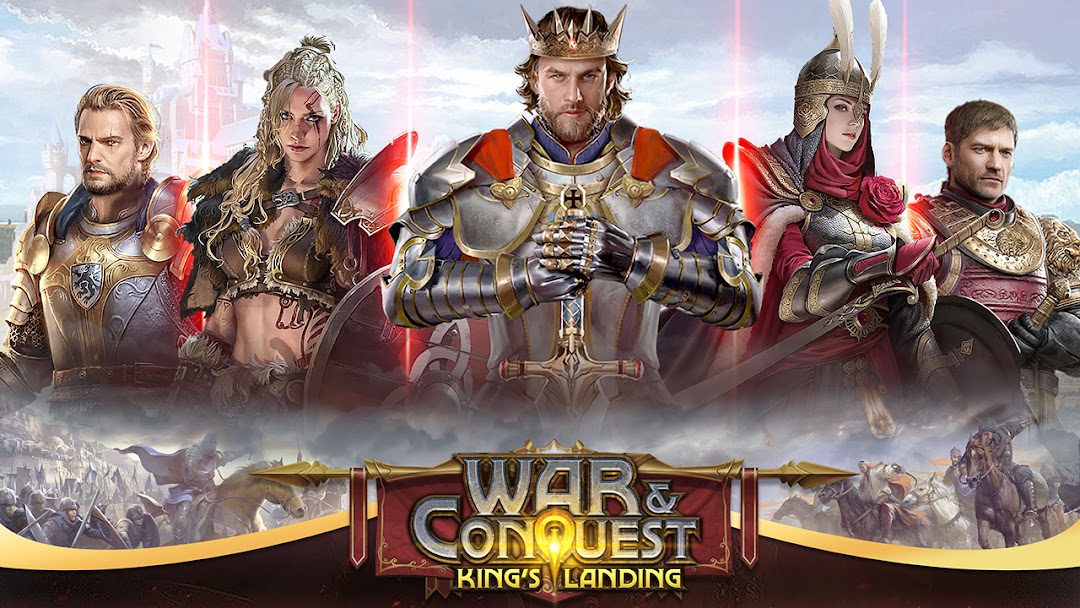
Back to The Age of EmpireWar & Conquest: King's Landing is a war-based real time strategy game. Players will lead the people against monsters on the ruins in Middle Ages and recreating the glory of the empire. Recruit heroes, train your own army, explore the dungeon for treasures, and join the alliance to participate in the glorious war. Join us now and start the war against other empires!
Game Features
Imperial War
All-out wars between empires, you will shoulder the burden of the rise and fall of the country.
Strategy Game
Train infantry, archers, and cavalry. Choose different heroes to lead the armies. Only by giving full play to their advantages can they help you keep winning battles.
Recruit Heroes
The belligerent generals are good at leading their armies, and the wise ministers can help you build your empire in their respective fields. You will be supported by heroes no matter if you are on an expedition or internal development.
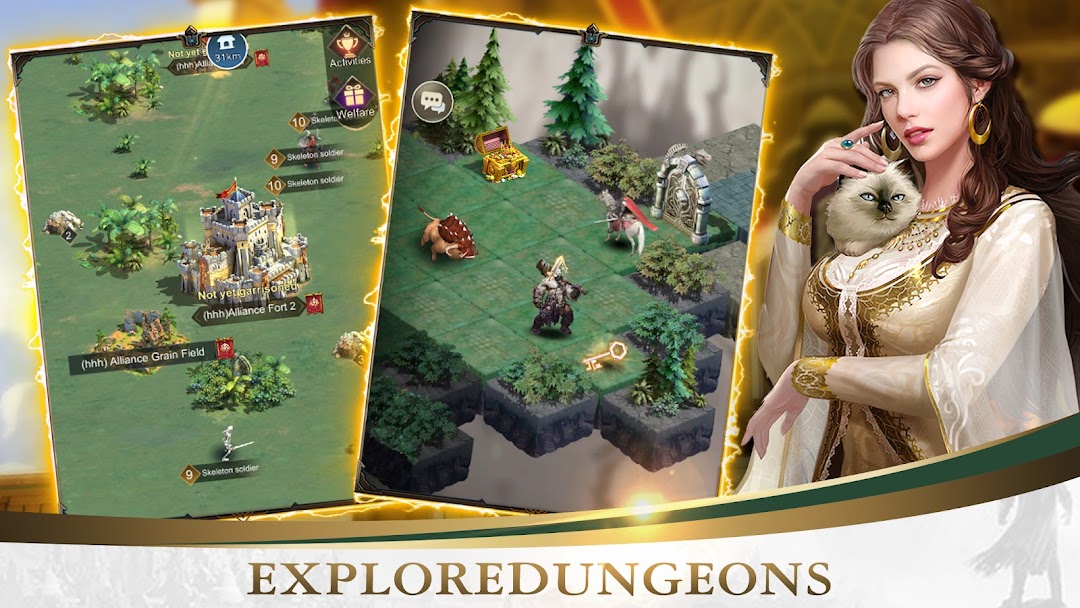
Explore Dungeons
There are many dungeons waiting for you to explore. Choose your heroes to take adventures with you. Try to defeat monsters and take all rewards in the dungeons.
Join Alliance
Alliance is always your strong backing, join the alliance to defeat enemies and rule the whole server with your allies.
Exquisite Art
The unique heroes, brilliant buildings and vast map will bring you a realistic gaming experience.
Building an Empire
In city construction, you can freely place buildings, upgrade castles, recruit heroes, train troops, and research technology to continuously develop your empire.
Facebook Page: https://www.facebook.com/WarandConquestKingsLanding