帛書奇譚 is a Role Playing game developed by Ivrigem, and LDPlayer is the best platform for playing 帛書奇譚 on Windows PC, offering powerful features for an immersive experience.
When playing 帛書奇譚 on PC, as a new player looking to start with a fresh account, the multi-instance and sync features are extremely useful for rerolls. You can use them to run multiple instances and begin the synchronization process. Bind your account until you draw the desired heroes.
In addition, operation recorder is great for games that require you to level up and complete tasks! Run the sync and record your actions, then repeat the main instance's actions in real-time. By doing so, you can run 2 or more accounts simultaneously. You can always get the heroes you want before others by faster rerolls and more efficient summoning! Start downloading and playing 帛書奇譚 on your computer now!
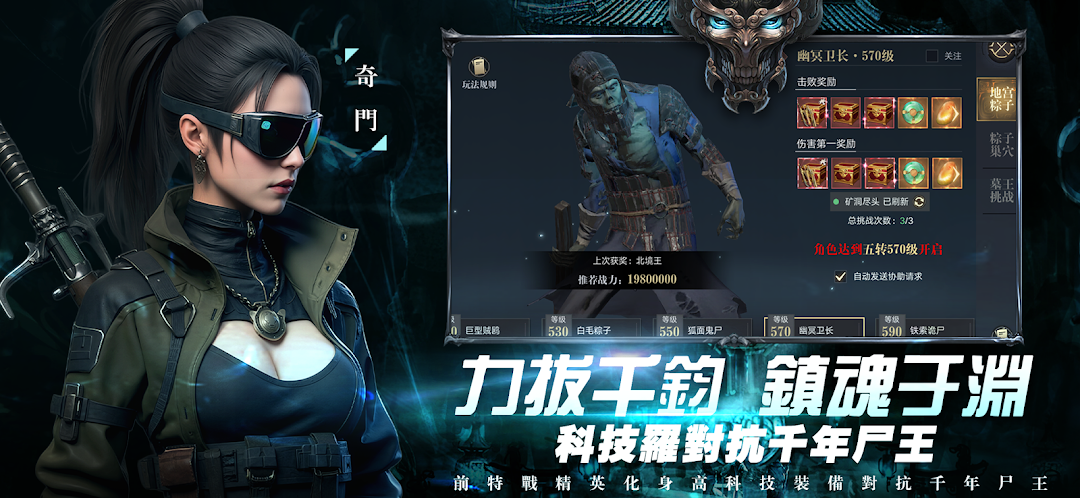
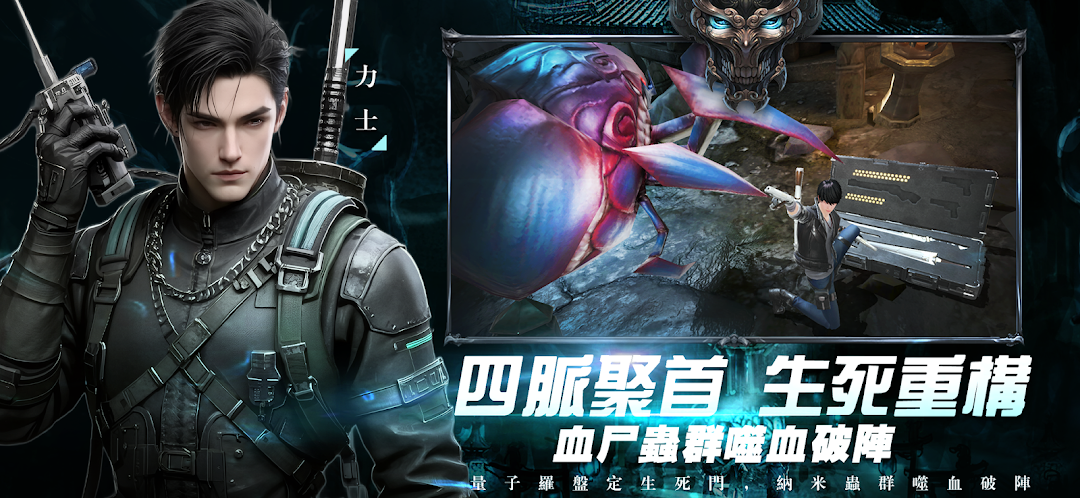
"Silk Book Qi Tan" is a large-scale 3D adventure MMORPG mobile game that integrates core gameplay such as suspense decryption, mechanism exploration, and treasure hunting in ancient tombs, taking you to experience a thrilling underground adventure!🔥 Game Features
🏮 Immersive tomb robbing plot
An original plot with a million words, revealing the shocking secrets behind ancient silk books
Multi-branch plot choices, your decisions will affect the life, death and final outcome of your teammates
Classic characters such as Zhang Qiling and Wu Xie appear. Fight side by side with them to explore the ultimate mystery.
⚒️Real Tomb Adventure
3D real-time light and shadow technology creates a strange tomb chamber, from the bronze door to the Genting Temple, restoring classic scenes
Mechanism cracking, Feng Shui compass, zombie battle, experience the original tomb robbing challenge
Dynamic trap system, every adventure is a new experience
👥Team collaboration & underground competition
4-person team mode, with professional combination (Golden Colonel, Feng Shui Master, Mountain Moving Taoist) to solve the puzzle of the ancient tomb
PVP in the ancient tomb battlefield, compete with other expedition teams for rare treasures, and the winner will take away the artifact!
Auction house system, trade precious artifacts, and become a legendary businessman in the underground world
🛠️Equipment and secret skill development
Freely match classic equipment such as black gold ancient swords, bronze bells, and gold-touching charms
Learn the secret skills - Hair Qiu Finger, Corpse Whispering Technique, and Feng Shui Kanyu to enhance your exploration ability
Refining elixirs, taming corpse pets, and improving survivability