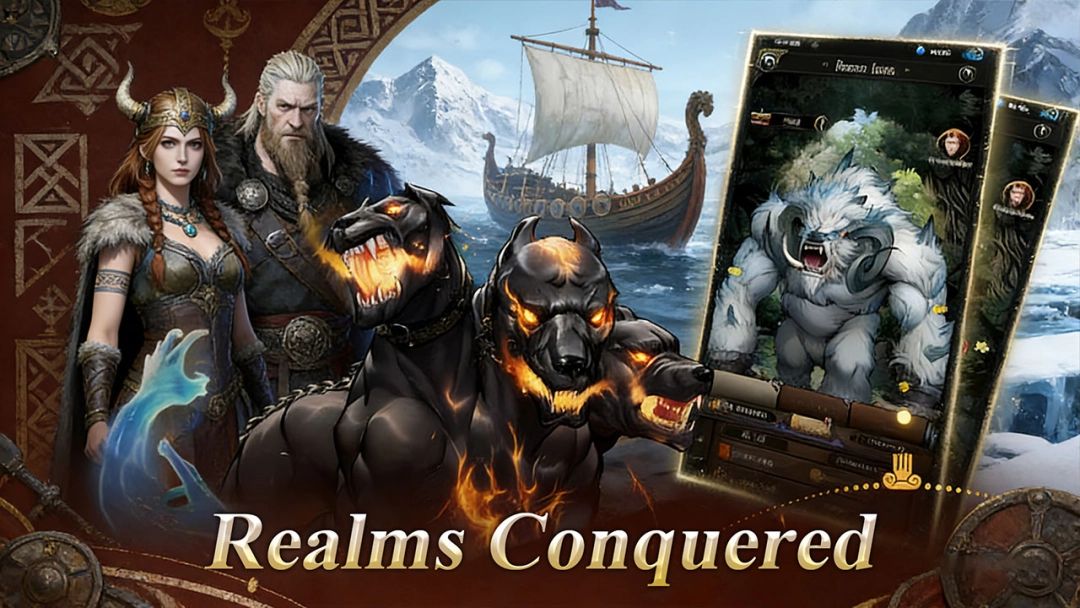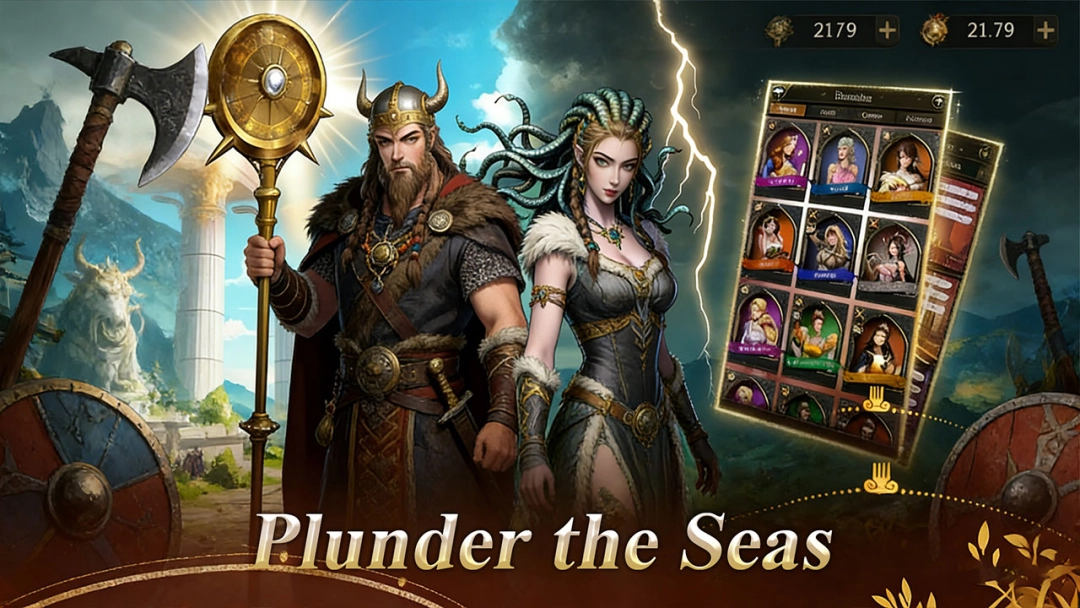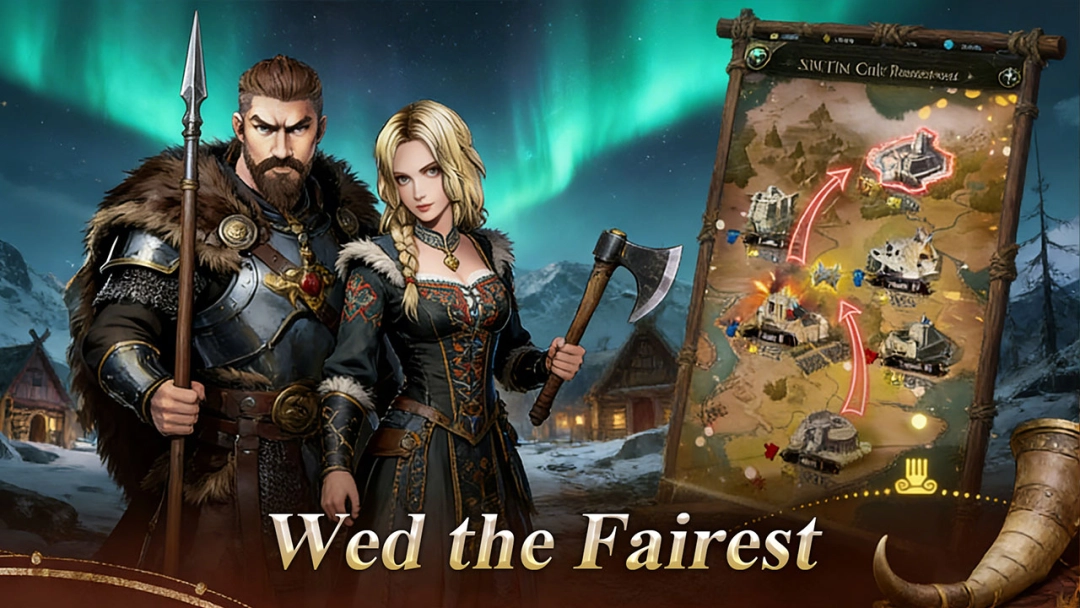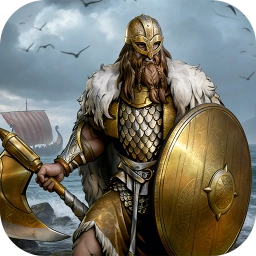


Dominion: The Iron Throne is an epic medieval strategy simulation RPG where players rise from a budding ruler to a legendary emperor. In a world shaped by political intrigue, warfare, and romance, you must construct an impenetrable stronghold, forge powerful alliances, and secure your legacy through bloodlines. Blending empire-building mechanics with deep RPG elements, Dominion: The Iron Throne challenges you to manage resources, command massive legions, and outmaneuver rivals in a battle for supreme power.
Core Gameplay & Features
-
Build Your Dynasty: Construct and fortify your castle, upgrading towers and dungeons to create a thriving heart of power. Manage resources wisely to ensure your kingdom’s prosperity.
-
Legacy & Romance: Encounter captivating beauties and forge strategic marriages. Raise heirs to strengthen your lineage, ensuring your family's rule endures for generations through a complex dynasty system.
-
Strategic Warfare: Recruit legendary heroes—from fearless knights to cunning tacticians—and lead them into battle. Command massive legions in PvE expeditions against monsters or intense PvP server wars.
-
Global Alliances: Join forces with other lords to conquer regions. Utilize diplomacy, betrayal, and cooperation to dominate the server and claim the ultimate throne.
-
Immersive Medieval World: Experience a living history with shifting day/night cycles and authentic atmosphere, where every decision writes a new page in your chronicle.
Players are drawn to Dominion: The Iron Throne for its unique mix of grand strategy and personal role-playing, allowing them to experience the life of a medieval ruler—from the battlefield to the throne room.
Play Dominion: The Iron Throne on PC with LDPlayer for Best Experience
-
Multi-Instance Manager: A crucial feature for strategy games. Run multiple accounts simultaneously to farm resources, support your main alliance, or test different dynasty strategies without needing multiple devices.
-
Stunning Visuals on Big Screen: Appreciate the intricately crafted castle details, character art, and atmospheric day/night cycles on a large PC monitor with high resolution.
-
Efficient Empire Management: Use the mouse and keyboard to navigate menus, upgrade buildings, and issue decrees much faster than tapping on a small phone screen.
-
Stable Long-Term Play: Empire building takes time. LDPlayer allows you to keep the game running in the background for hours to gather resources and train troops without draining your mobile battery or causing overheating.
Seize your destiny and rule with an iron fist—download Dominion: The Iron Throne on PC and build your legacy with LDPlayer.