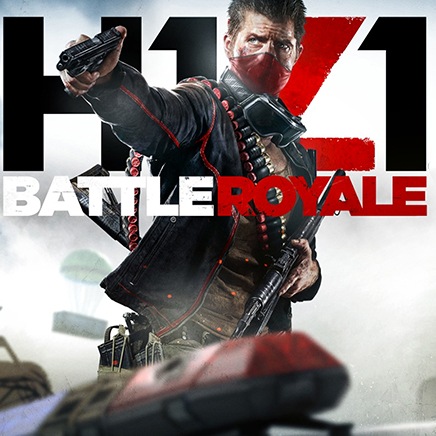
FPS Battle Royale is a Action game developed by WePak Games, and LDPlayer is the best platform for playing FPS Battle Royale on PC, offering powerful features to immerse you in the game.
When playing FPS Battle Royale on computer, you can adjust frame rate settings for smooth gameplay and stunning visuals.
LDPlayer also provides pre-configured keyboard mapping for convenient control of the entire game. Continuous optimization of keyboard mapping enhances key sensitivity and skill accuracy. Additionally, LDPlayer offers special buttons like shoot, hide mouse, and continuous key press for an enhanced gaming experience.
If you prefer using a gamepad, the automatic gamepad detection allows you to customize controls with just a few clicks, enabling you to freely maneuver your hero. Start downloading and playing FPS Battle Royale on your computer now!
Immerse Yourself in the FPS gun shooting game!Step into the action-packed world of our FPS Battle Royale , where you can experience the thrill of intense combat and tactical shooter gameplay. Whether you're a fan of FPS Strike or looking for a new challenge, our fps battle royale games offers an unrivaled FPS strike shooting experience. Engage in heart-pounding battles in our fps battle royale and fps strike shooting game mode and prove your skills in the ultimate FPS gun strike showdown.
Unleash Your Skills in "fps battle royale"
Elite ranks of Strike Ops and dominate the battlefield in fps battle royale with precision and strategy. Our Gun Offline Strike PVP Multiplayer mode lets you compete against players from around the world, making every match a test of your gun shooting fps for all prowess. Experience the realistic gun strike shooting game with realistic graphics and immersive sound effects that bring the action to life. Whether you prefer solo missions or team-based gameplay, our gun strike game offline mode has something for all.
Conquer the battlefield in FPS Online Strike
Take your skills in 3rd person shooting offline and face off against players in the FPS offline strike mode. With a variety of maps and hd gun shooter game modes, you'll never run out of ways to test your abilities. if you are a fps online strike, fps 3d gun shooting games and fps sniper shooting games offline player, you can also enjoy this fps shooting game action even without an internet connection. Master the art of the f p s shooting game and rise to the top of the leaderboards. Our tps shooting games mode is perfect for honing your skills before taking on the competition in the FPS gun strike arena.
Become the Ultimate Champion in Gun Strike Shooting Game
In the world of tps shooting games, only the best survive. With our fps battle royale mode, you can challenge anyone alike to intense shootouts in 3d sniper shooting game. The fps encounter shooting option ensures that the fps shooting action never stops, even when you're on the go. Experience the full spectrum of combat in FPS online strike mode and show the world what you're made of. Whether you're a seasoned veteran or a newcomer to FPS Strike, our fps battle royale game offers endless excitement and challenges.
Download now and become the hero in the fps battle royale games! Experience the ultimate 3d sniper shooting adventure and make your mark in the FPS strike shooting game universe. The battlefield awaits in our sniper gun shooting game offline mode—are you ready to conquer it?
Play first person shooters fps game and join battles games to win and conquer.